
A municipal GIS VM must talk to other Azure resources and eventually to users. Why is networking considered a required piece for typical VM connectivity?
Select an answer to reveal the explanation.
Short Explanation
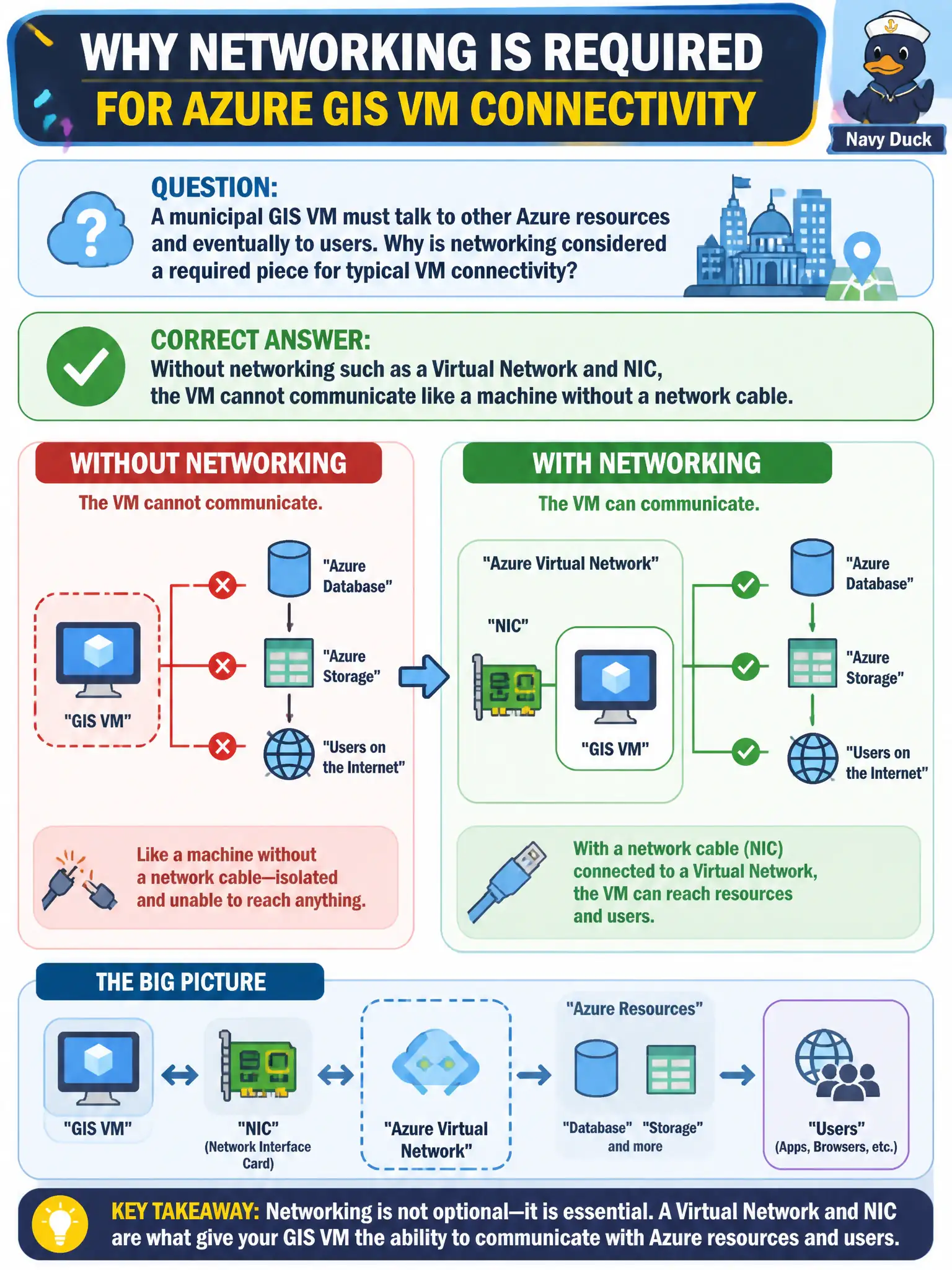
No network means no conversations — a VM without a VNet/NIC is like a radio with the antenna snapped off. Typical Azure VMs need networking so packets can move. Do not confuse governance or billing tools with connectivity.
Full Explanation
Networking is required for typical Azure VM connectivity because a virtual machine without a Virtual Network and network interface has no path for packets, analogous to a physical server with the network cable unplugged. The NIC attaches the VM to a subnet inside a VNet so it can reach other Azure resources, on-premises networks via hybrid connectivity, and users when exposure is designed that way. A municipal GIS VM that must talk to sibling services and eventually to operators therefore depends on that networking foundation. Azure Policy evaluates compliance and can deny noncompliant configurations; it is not a data-plane fabric that carries VM traffic by default. Azure Cost Management reports and budgets spend; it does not replace Virtual Networks as the communication plane. Name resolution (DNS) helps map hostnames to addresses, but DNS alone cannot replace NICs and VNets as the actual traffic path. Exam caveat: you can deliberately isolate a VM with no public endpoint, yet it still needs private networking inside Azure to be useful to other resources. Operational check: from the GIS VM’s networking blade, confirm NIC attachment, subnet placement, effective routes, and NSG rules allow the intended municipal flows before opening the map application to users.