
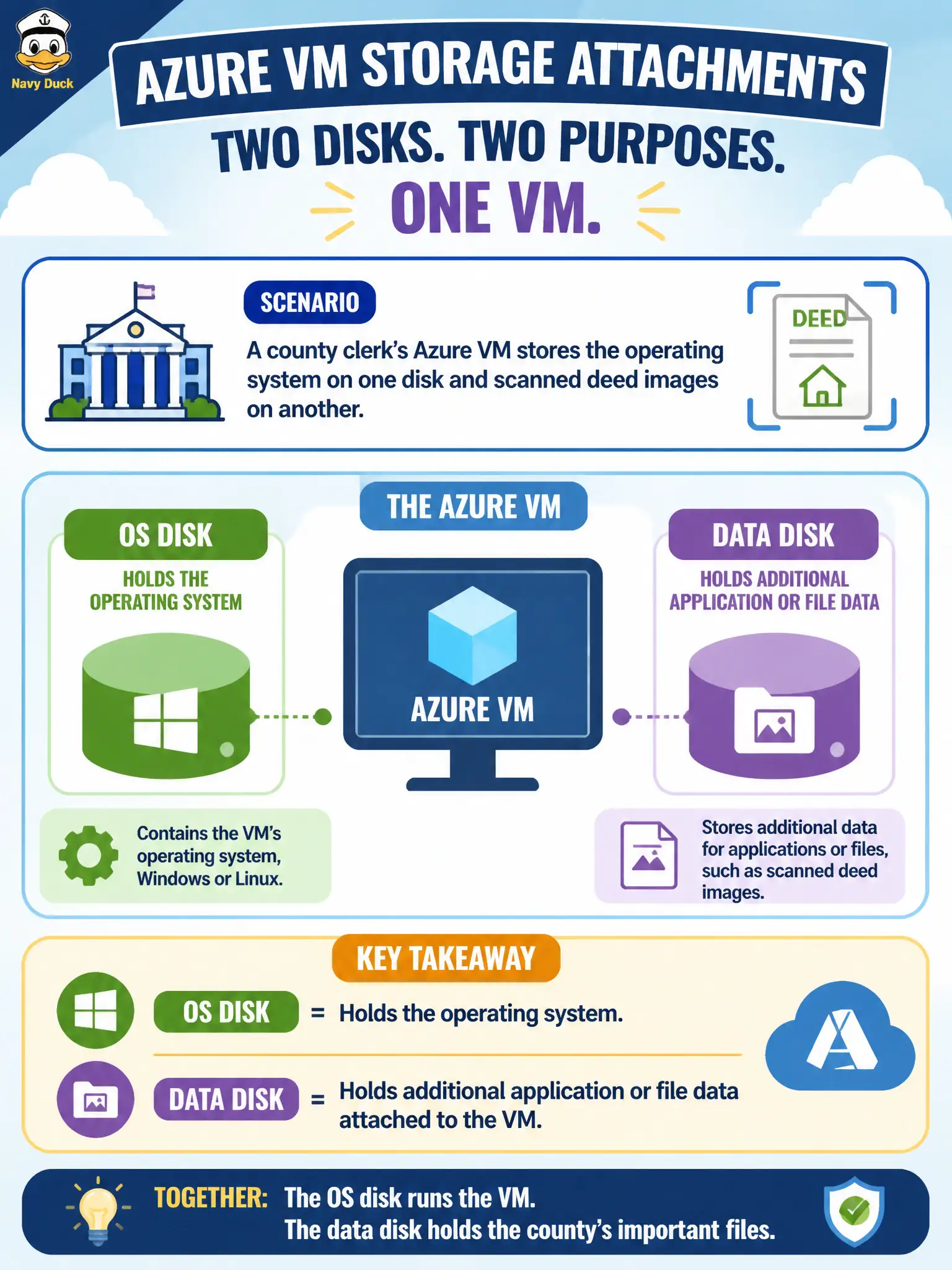
A county clerk’s Azure VM stores the operating system on one disk and scanned deed images on another. How should those storage attachments be described?
Select an answer to reveal the explanation.
Short Explanation
Picture the OS disk as the boot drive and a data disk as the extra shelf for deed scans. Same VM, different jobs for each attached disk. Queues and ExpressRoute are not those disk roles.
Full Explanation
Azure VMs distinguish OS disks from data disks by role. The OS disk contains the guest operating system and is required for the VM to boot; a data disk is an additional attached volume for application files, databases, or—in a county clerk scenario—scanned deed images that should live separately from the system volume. Keeping deeds on a data disk supports clearer capacity planning, backup scoping, and rebuilds of the OS without automatically discarding the scanned archive. Azure Files provides SMB (and NFS) file shares; it is a different storage product and does not mean VMs never use managed disks for OS or data. Data disks do not replace the OS, and Azure Queue storage is a messaging service—VMs do not boot from queues. ExpressRoute is private dedicated connectivity into Azure, not a rename of OS or data disks for billing. Exam caveat: temporary/local SSD exists for scratch space and is not durable like managed OS/data disks—do not park deed images there. Operational check: in the VM disks blade, verify the OS disk and each data disk’s size, caching, and LUN attachment, then confirm the guest OS sees the data volume mounted where the scanning application expects those deed files.