
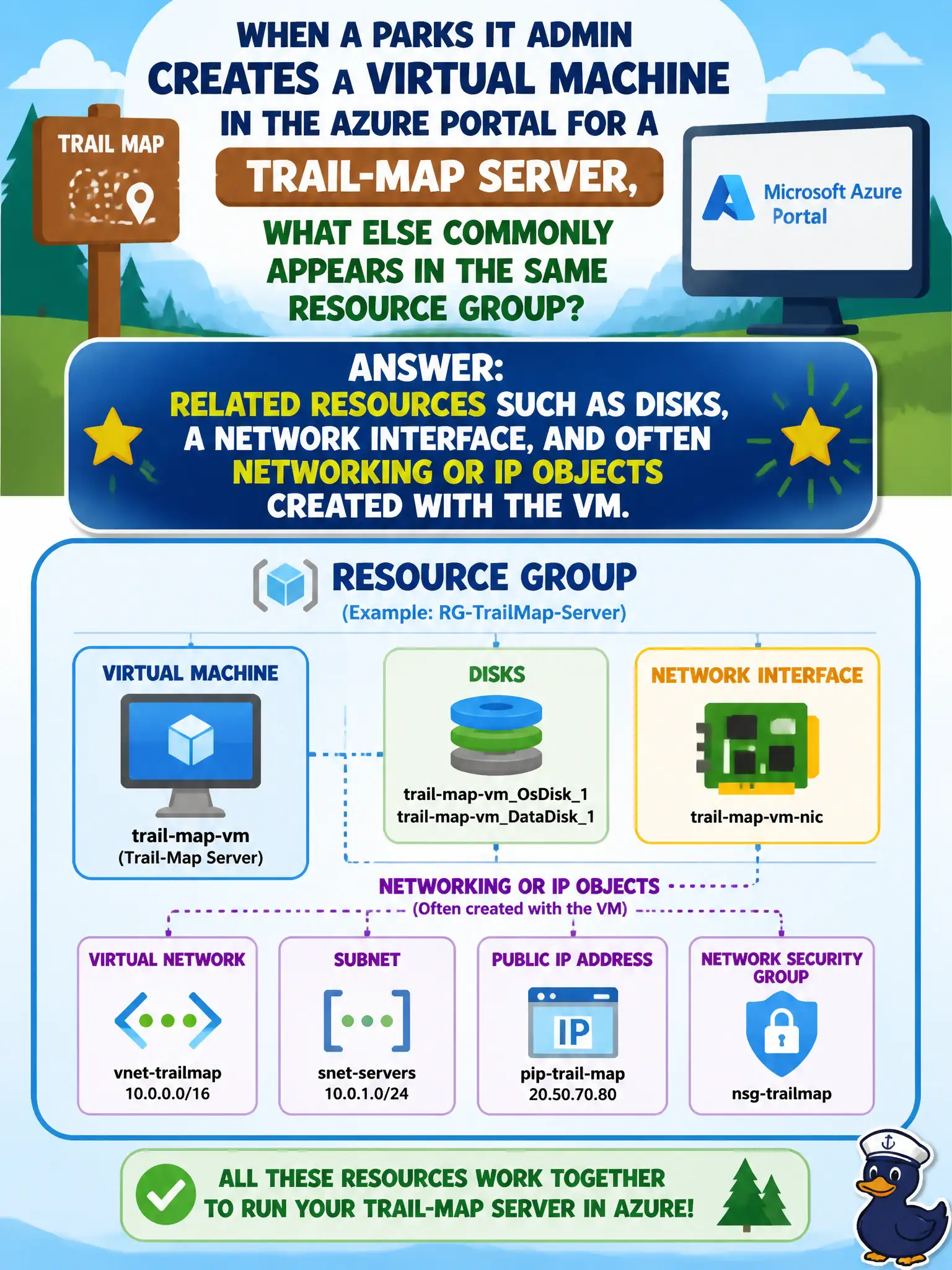
When a parks IT admin creates a virtual machine in the Azure portal for a trail-map server, what else commonly appears in the same resource group?
Select an answer to reveal the explanation.
Short Explanation
Spinning up a VM is rarely a one-resource event — Azure usually drops disks, a NIC, and related networking bits into the group too. It is like ordering a desk and getting the chair bolts in the same box. Expect companions, not a lone VM object.
Full Explanation
Creating a virtual machine in the Azure portal almost always materializes more than a single compute resource in the target resource group. Azure provisions related objects that make the VM usable: managed disks for the OS (and optional data disks), a network interface, and commonly Virtual Network or subnet associations plus IP configurations when those were selected in the wizard. A parks IT admin standing up a trail-map server should therefore expect that same companion set to appear alongside the VM, not a lone compute shell. A new management group is an organizational hierarchy construct above subscriptions; it is not created as a side effect of deploying one VM. Microsoft Purview catalogs help discover and govern data estate metadata; they do not replace disks, NICs, or public IP resources for compute. Azure Front Door is a global application delivery and edge routing service and is not automatically created for every VM. Exam caveat: exact companion resources vary with choices—existing VNet versus new, public IP versus none, availability options—but the pattern of related networking and storage objects is the describe-level takeaway. Operational check: open the resource group after portal creation and verify disk, NIC, and networking/IP objects are present and correctly linked to the trail-map VM before installing map software.