
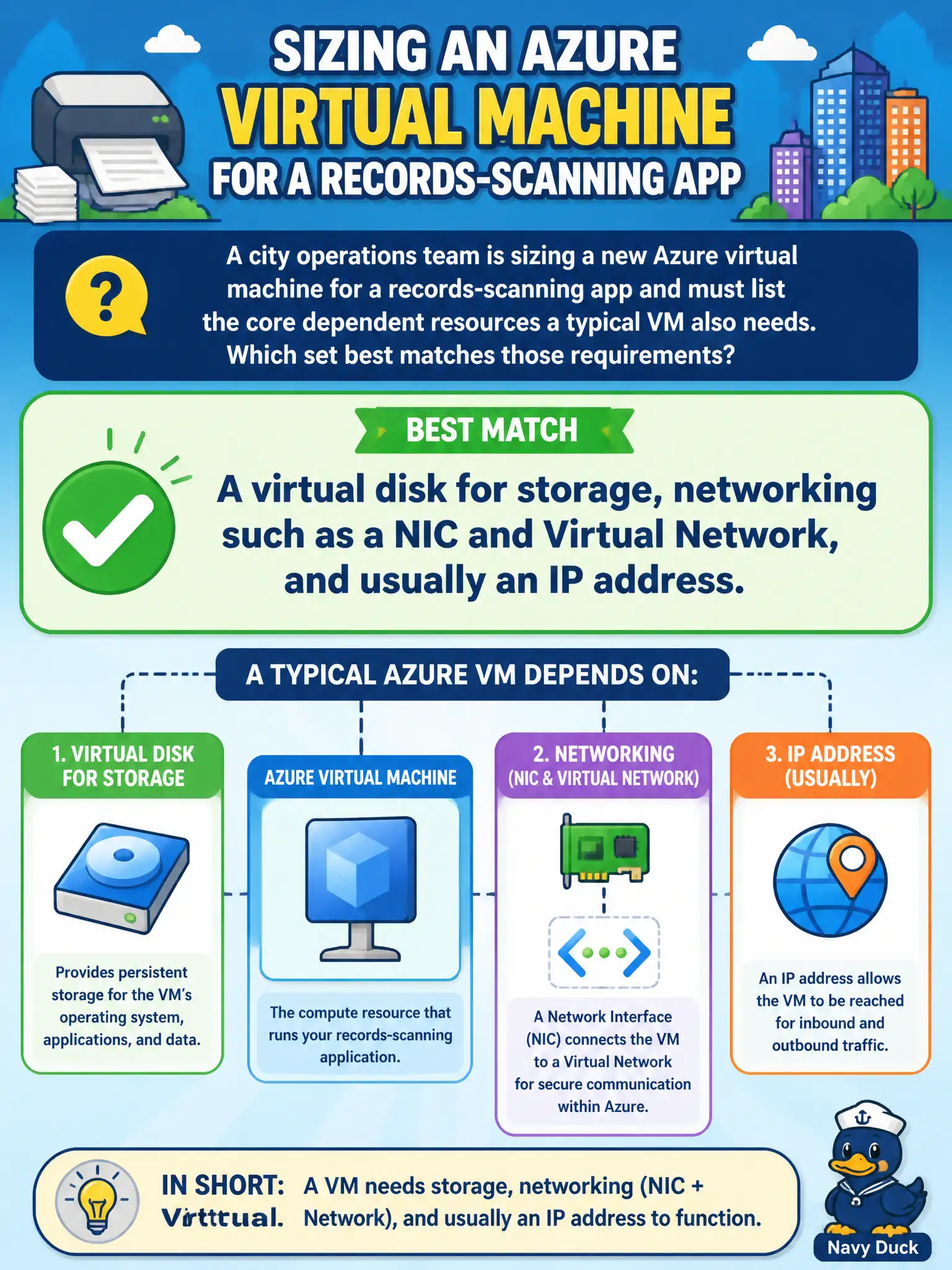
A city operations team is sizing a new Azure virtual machine for a records-scanning app and must list the core dependent resources a typical VM also needs. Which set best matches those requirements?
Select an answer to reveal the explanation.
Short Explanation
A VM is not just a CPU box — it needs a disk to hold the OS, a NIC plugged into a VNet, and usually an IP so traffic can find it. Think of a workstation: drive, network cable, and address all matter. Skip the governance-only answers here.
Full Explanation
A typical Azure virtual machine is not a standalone compute object. It depends on attached storage for the operating system and usually application data, a network interface that connects the VM into a Virtual Network, and addressing so traffic can reach it—often a private IP inside the VNet and sometimes a public IP when internet reachability is required. For a city records-scanning workload, that same dependency set still applies: the guest OS lives on a disk, the NIC places the VM on the municipal network space in Azure, and an IP identity is how peers and clients find the host. Logic Apps and Azure Policy are valuable for automation and governance, but they do not substitute for disks or networking when you stand up a VM. Conditional Access policies control sign-in conditions for identities; they never replace NICs, VNets, or virtual disks. Azure Advisor recommendations can suggest sizing and reliability improvements, yet Advisor does not provision the core VM attachment stack by itself. Exam caveat: not every deployment needs a public IP—many municipal backends stay private-only—but a disk and networking path remain foundational. Operational check: after creating the VM in the portal or via infrastructure-as-code, confirm the resource group contains the OS disk (and any data disks), the NIC, VNet/subnet association, and the expected IP configuration before declaring the scanning app ready for traffic.