
A small planning office needs one Azure-hosted machine for a lightweight GIS tool where staff will manage the operating system. Which service is the core IaaS compute option for that need?
Select an answer to reveal the explanation.
Short Explanation
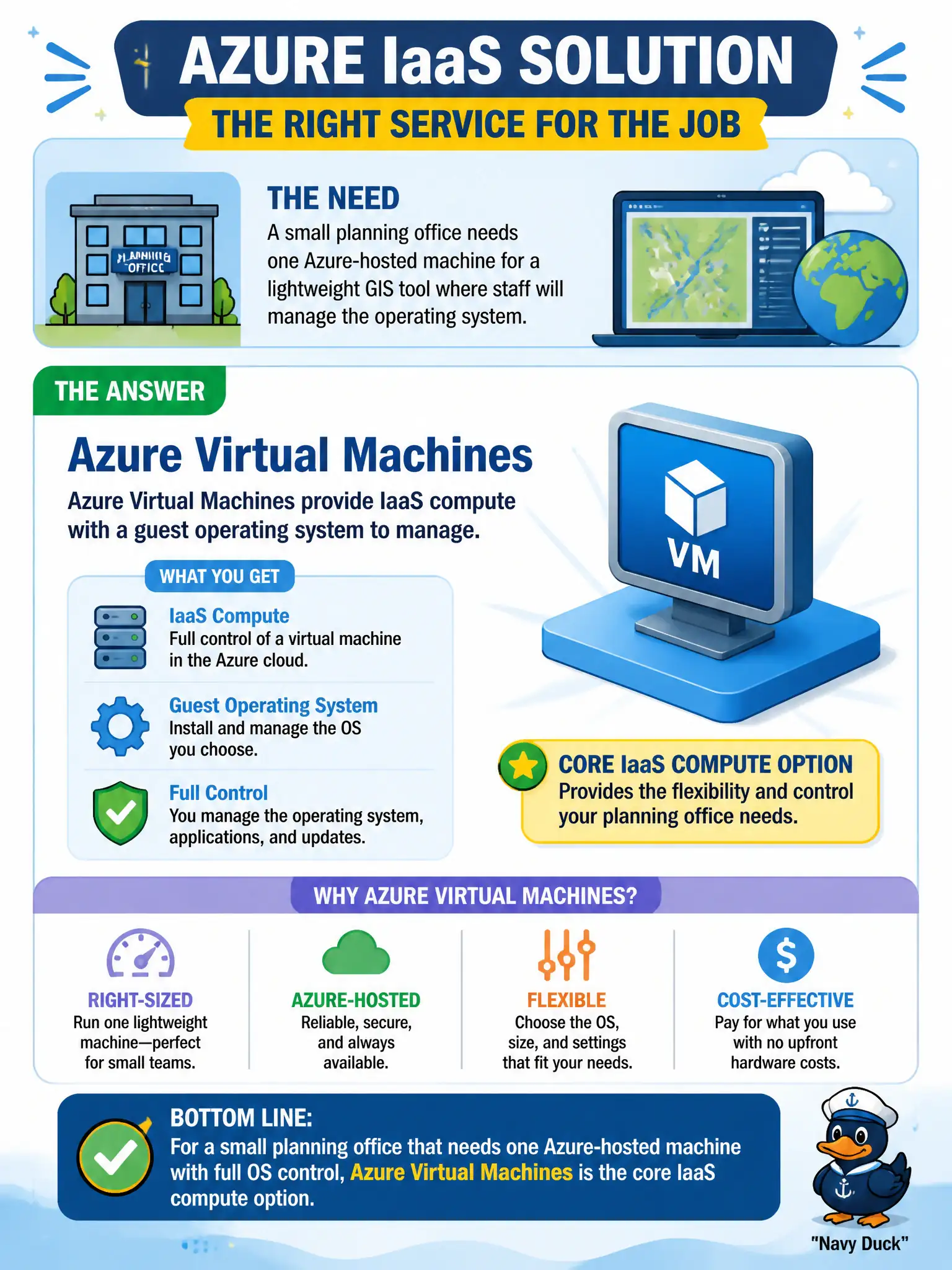
Need a real machine image in Azure and willing to manage the OS? That is an Azure Virtual Machine. It is the straightforward IaaS compute building block for a small GIS box.
Full Explanation
When a small planning office needs one Azure-hosted machine for a lightweight GIS tool and staff will manage the operating system, the core IaaS compute option is Azure Virtual Machines. VMs provide virtualized compute with a guest OS under customer control—patching, agents, and GIS-related OS configuration included—which matches the stated need for a manageable machine image in Azure.
Azure Functions alone do not provide a full persistent desktop-style OS for staff to manage; Functions are serverless and event-driven, not a substitute GIS workstation VM. Azure DNS provides name resolution; it does not replace virtual machines as compute. Microsoft 365 mailboxes are productivity SaaS mailboxes, not classified as Azure IaaS VMs, and they do not host arbitrary GIS server workloads as VM substitutes.
Exam caveat: choosing a VM implies ongoing OS management, backup, and network exposure responsibilities—IaaS flexibility comes with operations work the office must staff. Operational check: select an appropriate VM size and marketplace image, place it in the correct resource group and virtual network, enable backup, and confirm the GIS application installs and authenticates before opening any citizen-facing endpoints.