
Can a single Azure resource belong to more than one resource group at the same time?
Select an answer to reveal the explanation.
Short Explanation
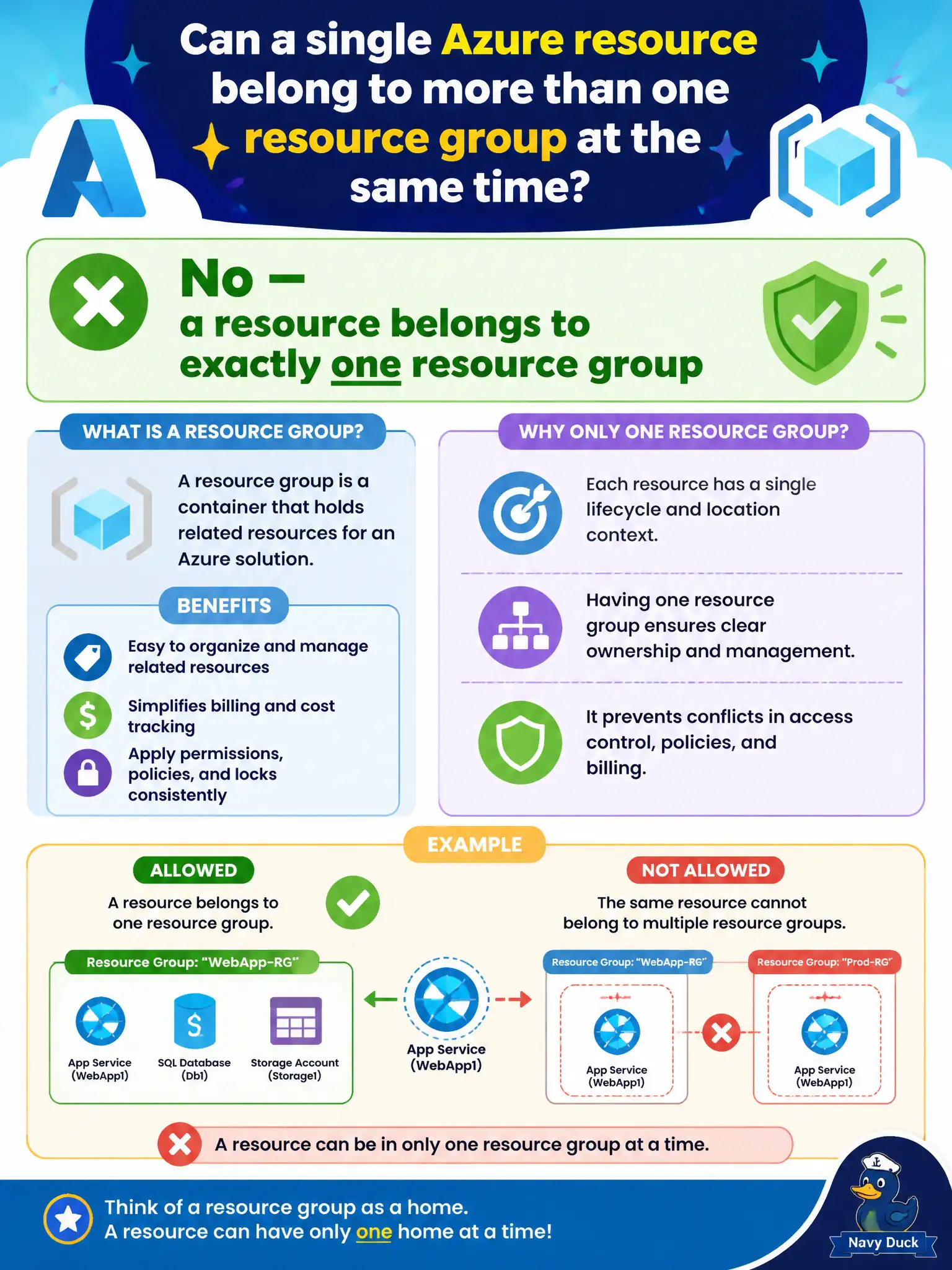
One resource, one resource group — that is the fundamentals rule of thumb. You can move it later, but it does not live in two boxes at once. Keep the membership model simple and you will not invent phantom duplicates.
Full Explanation
A single Azure resource belongs to exactly one resource group at a time. Resource group membership is singular: the resource has one parent RG for organization, RBAC scope patterns, policy assignment surfaces, and lifecycle grouping. You can move many resources between groups when planning changes, but you do not dual-home the same resource in two groups simultaneously.
Requiring every resource to appear in at least four resource groups invents a false rule and would break the lifecycle model. Allowing only virtual networks to belong to unlimited resource groups simultaneously is also incorrect—membership rules are not VNet exceptions. Claiming resources never belong to any resource group contradicts Azure Resource Manager: deployable resources are placed in a resource group within a subscription.
Exam caveat: while a resource has one RG, it can still be reached by multiple RBAC assignments at subscription, RG, or resource scope, and it can be peered or integrated with resources in other groups—networking and access should not be confused with multi-RG membership.
Operational check: if two teams both "need" the same resource visible in their catalogs, keep the resource in a single shared RG (or use role assignments and dashboards) rather than attempting impossible dual membership; verify moves in a test subscription before relocating production library resources.