
A small ferry cooperative still on Microsoft Entra security defaults wants per-group MFA exceptions for a vendor. What must the security engineer understand before creating Conditional Access policies?
Select an answer to reveal the explanation.
Short Explanation
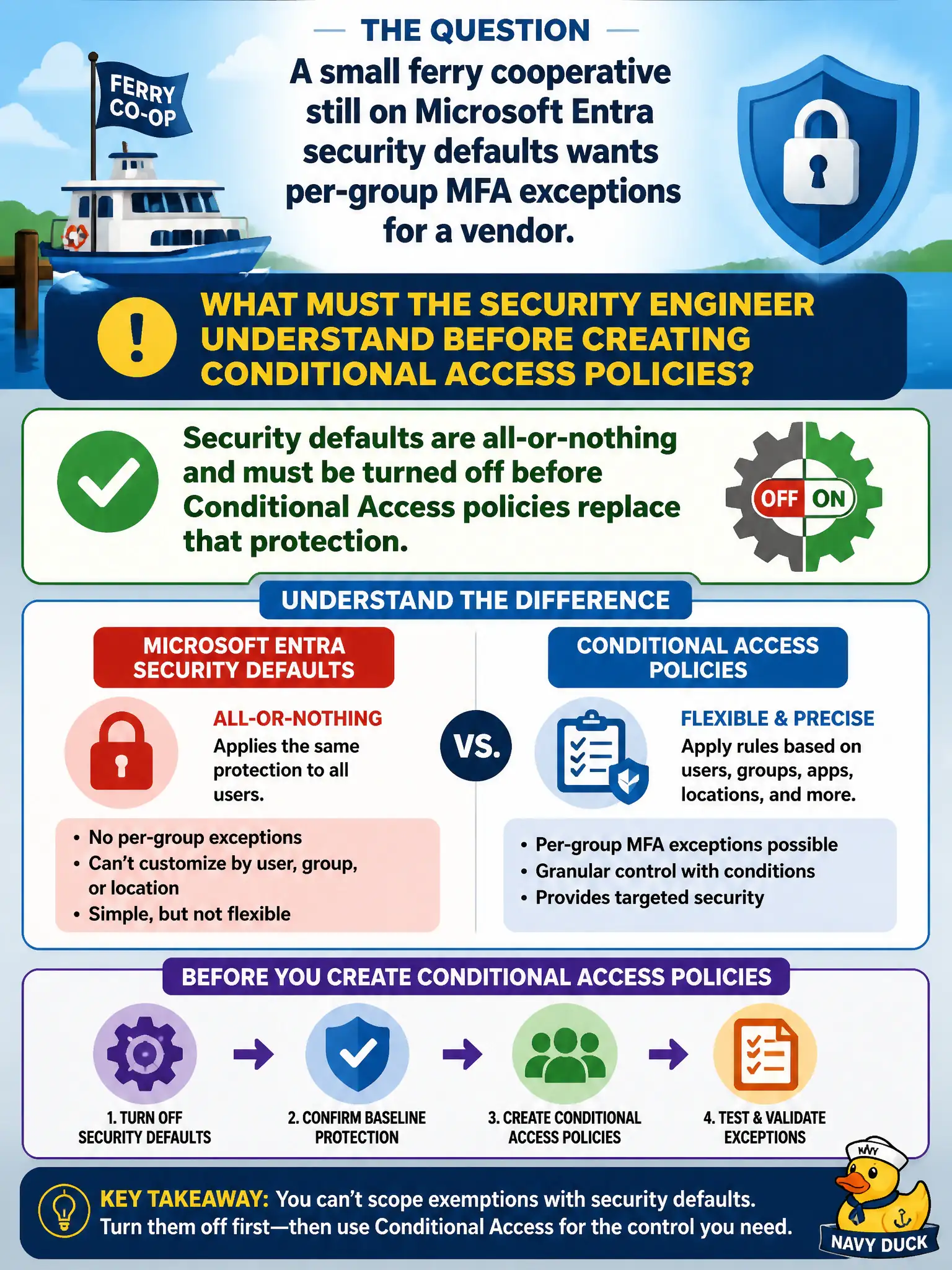
Security defaults are the one-switch floodlight—everyone gets MFA, no vendor carve-outs. Need exceptions? Flip defaults off and rebuild the protection with Conditional Access (that path needs the right Entra license).
Full Explanation
Microsoft Entra security defaults provide baseline MFA-oriented protection as an all-or-nothing package. They are not designed to combine with fine-grained Conditional Access exceptions. Before the small ferry cooperative can create Conditional Access policies with per-group MFA exceptions for a vendor, the security engineer must turn security defaults off and replace that baseline with thoughtfully designed Conditional Access policies so protection is not accidentally removed without a substitute.
Claiming security defaults and Conditional Access combine with CA overriding selected default rules fails—Microsoft treats this as a choice between security defaults and Conditional Access, not a merge-with-exceptions model. Claiming security defaults already support per-group exclusions on Entra ID Free fails; per-group Conditional Access targeting is a Conditional Access capability (generally requiring appropriate licensing), not a security-defaults feature. Claiming Conditional Access can layer on top without changing the defaults toggle is incorrect operational guidance.
Exam caveat: never disable security defaults until equivalent Conditional Access policies (including Azure management MFA) are ready to enable. Operational check: draft CA policies for Azure management and break-glass exclusions, disable security defaults, enable the CA policies immediately, then test vendor exclusion and ferry staff MFA enforcement.