
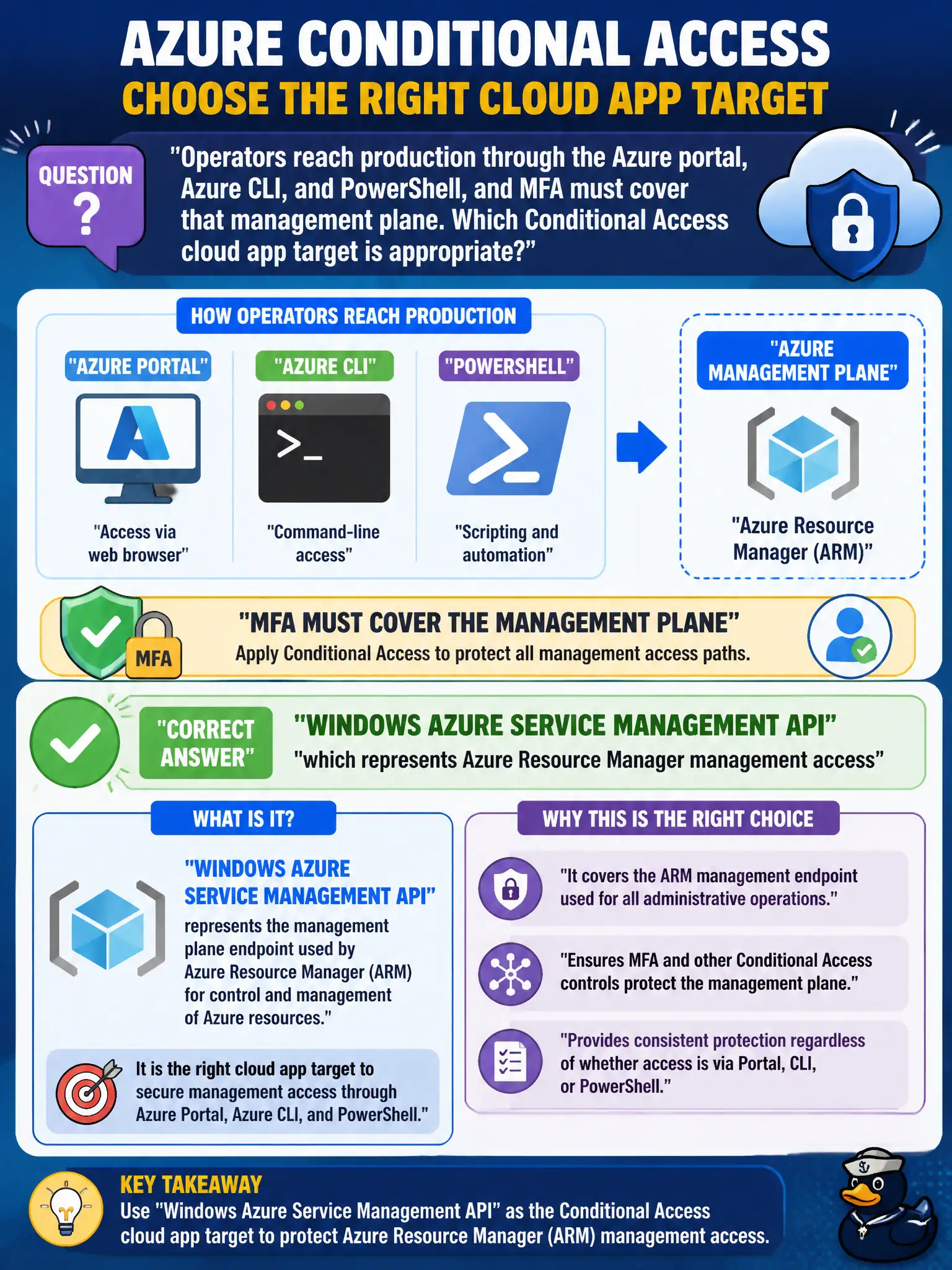
Operators reach production through the Azure portal, Azure CLI, and PowerShell, and MFA must cover that management plane. Which Conditional Access cloud app target is appropriate?
Select an answer to reveal the explanation.
Short Explanation
Aim the MFA policy at the Azure management app—Windows Azure Service Management API—not at “all of Microsoft 365.” Portal, CLI, and PowerShell talking to Azure Resource Manager show up under that management-plane target.
Full Explanation
Conditional Access policies that protect Azure resource management should include the cloud app commonly shown as Windows Azure Service Management API, which represents Azure Resource Manager management access used by the portal, Azure CLI, PowerShell, and related clients. That target is appropriate when operators reach production through those tools and MFA must cover the management plane rather than only Microsoft 365 productivity apps.
Office 365 fails by concept: covering the Microsoft 365 suite does not equate to covering Azure Resource Manager management sign-ins for subscription control. Microsoft Defender for Cloud is a security posture product, not the Conditional Access cloud-app target that enforces MFA before subscription writes. Azure AD Graph legacy is a deprecated directory API surface and is not the correct modern target for requiring MFA on Azure PowerShell/portal management of resources.
Exam caveat: pair this app target with “grant require MFA” (and exclude break-glass), and remember Microsoft may display related Microsoft Azure Management app names in some experiences—know the ARM management intent. Operational check: create a CA policy targeting Windows Azure Service Management API, include operator groups, require MFA, sign in via portal and CLI, confirm MFA challenges, and verify Office-only policies do not cover a pure Azure management test account.