
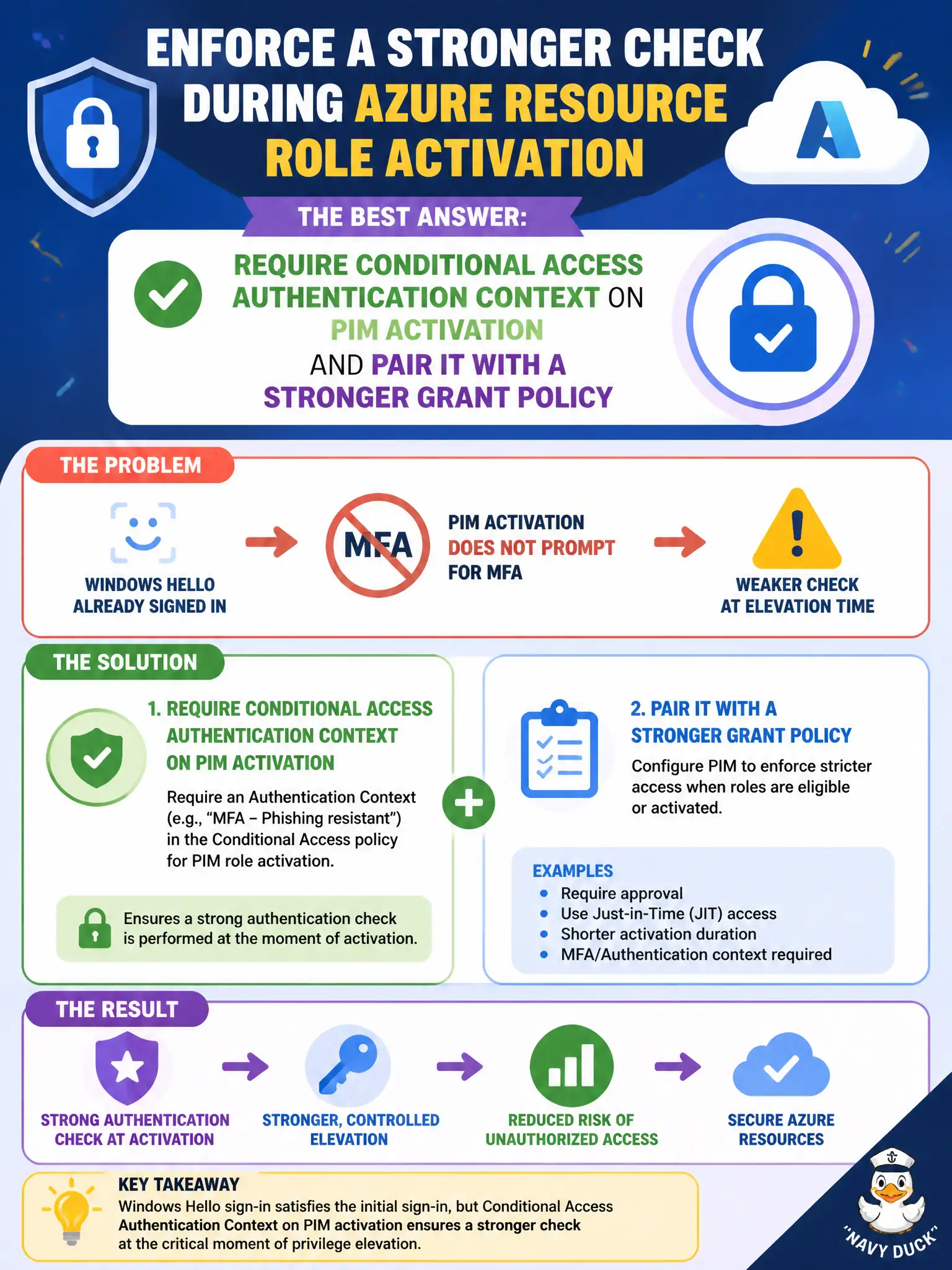
Lock operators already signed in with Windows Hello, so requiring MFA on PIM activation never prompts them. How can the engineer enforce a stronger check during Azure resource role activation?
Select an answer to reveal the explanation.
Short Explanation
If Hello already satisfied MFA at sign-in, the plain PIM MFA checkbox is a bouncer who waves through anyone already stamped. Hook activation to a Conditional Access authentication context that demands a tougher grant—like a compliant device—when they grab the Azure role.
Full Explanation
PIM can require Conditional Access authentication context on activation for Azure resource roles. When lock operators already signed in with Windows Hello, a simple “require MFA” checkbox on PIM activation may not produce an additional prompt because their session already satisfies MFA. Requiring an authentication context on PIM activation and pairing it with a Conditional Access policy that grants only stronger methods forces a step-up during Owner (or other role) activation even if the existing sign-in was MFA-strong for ordinary portal use.
Replacing PIM with ID Protection user-risk blocks fails by concept: risk blocks are not a targeted stronger activation check for Azure resource roles. Relying on Security Copilot’s Conditional Access Optimization Agent to “rewrite activation” is not the exam-correct control for step-up on PIM. Disabling Windows Hello tenant-wide is a harmful workaround that reduces phishing-resistant sign-in quality instead of using authentication context properly.
Exam caveat: authentication context is the supported pattern when baseline MFA is already satisfied and activation still needs a stronger or distinct grant. Operational check: create an authentication context, require it on the Azure resource role’s PIM activation settings, attach a Conditional Access policy that targets that context with a stronger grant, activate as an operator, and confirm the step-up challenge occurs.