
Three platform engineers still have permanent active Owner on production. Which PIM assignment setting should the security engineer change for that Azure resource role?
Select an answer to reveal the explanation.
Short Explanation
Permanent active Owner is a key glued into the lock. Flip off “allow permanent active assignment” for that Azure role so every Owner stint gets an expiration date—or sits eligible until someone activates it on purpose.
Full Explanation
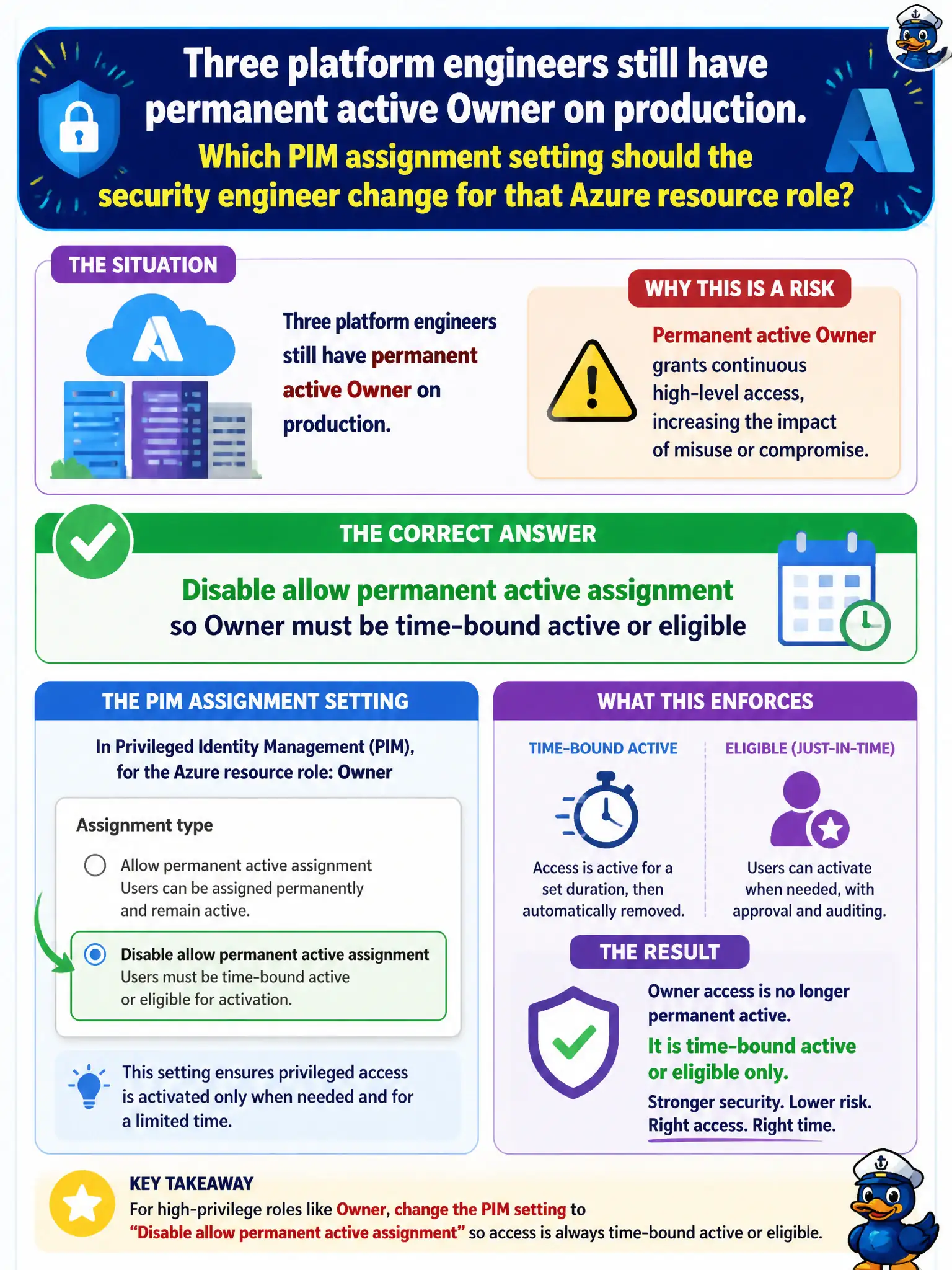
PIM assignment settings can disallow permanent active assignments so privileged Azure roles cannot sit as standing Owner forever. For three platform engineers with permanent active Owner on production, the security engineer should disable allow permanent active assignment on that Azure resource role’s PIM settings so Owner must be time-bound active or eligible (just-in-time) going forward.
Allowing permanent eligible only does not automatically convert existing active Owner to Reader; that option is misstated and does not remediate standing active Owner by itself. Requiring Privileged Role Administrator approval for every Azure resource role tenant-wide is not the precise control named for stopping permanent active Owner on this role, and Privileged Role Administrator is an Entra role governance concept that does not magically rewrite Azure resource PIM assignment flags. Security defaults do not remove permanent Azure Owner assignments overnight; security defaults enforce baseline MFA-style protection, not PIM permanent-active policy.
Exam caveat: separately review “allow permanent eligible” versus “allow permanent active”; many enterprises allow eligible standing membership but forbid permanent active. Operational check: disable permanent active for the Owner role, convert the three engineers to eligible or time-bound active, confirm new permanent active assignments are blocked, and audit remaining Owner assignments.