
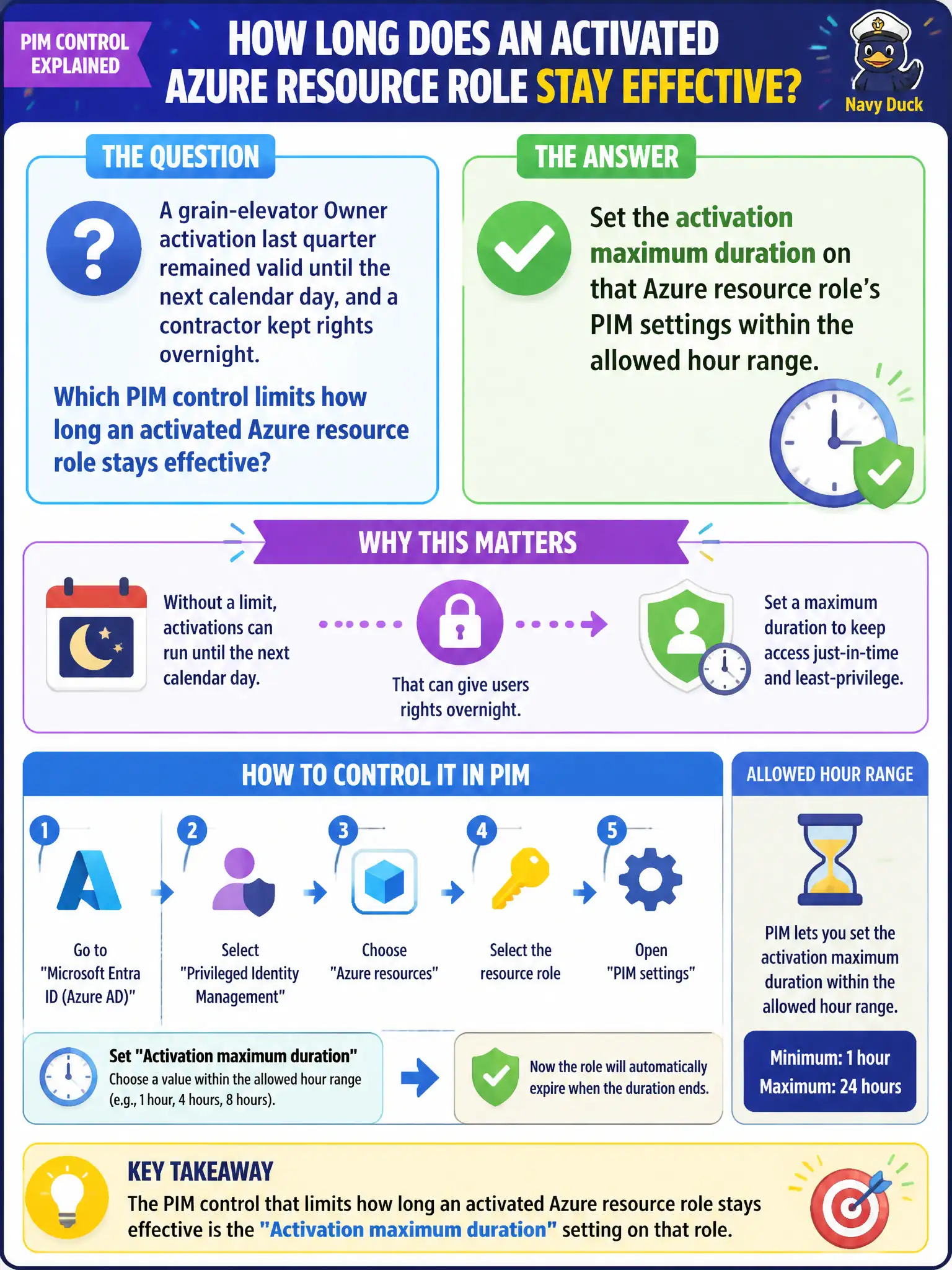
A grain-elevator Owner activation last quarter remained valid until the next calendar day, and a contractor kept rights overnight. Which PIM control limits how long an activated Azure resource role stays effective?
Select an answer to reveal the explanation.
Short Explanation
Activation maximum duration is the kitchen timer on the Owner hat—dial it to a few hours inside the 1–24 range so nobody is still wearing elevated rights at breakfast. Sign-in frequency is a different clock and is not this PIM setting.
Full Explanation
PIM role settings for Azure resources include an activation maximum duration that limits how long an activated assignment remains effective (within Microsoft’s allowed hour range). After a grain-elevator Owner activation lingered until the next calendar day, the security engineer should set that role’s activation maximum duration so a contractor cannot keep elevated rights overnight beyond the intended window.
Conditional Access sign-in frequency fails as the only duration control: sign-in frequency reauthenticates sessions; it does not define how long a PIM-activated Azure role assignment stays elevated. AssignableScopes TTL fails by concept—AssignableScopes only lists where a custom role may be assigned and has no activation TTL for PIM. Defender for Cloud secure score alerts do not revoke Owner after eight hours; secure score tracks posture recommendations, not PIM session lifetime.
Exam caveat: activation maximum duration is distinct from assignment end time (eligible/active assignment eligibility period) and from Conditional Access session controls. Operational check: set a short maximum activation duration on the Owner role, activate, confirm the portal shows the end time, wait for expiry (or end activation), and verify Owner actions then fail for that contractor.