
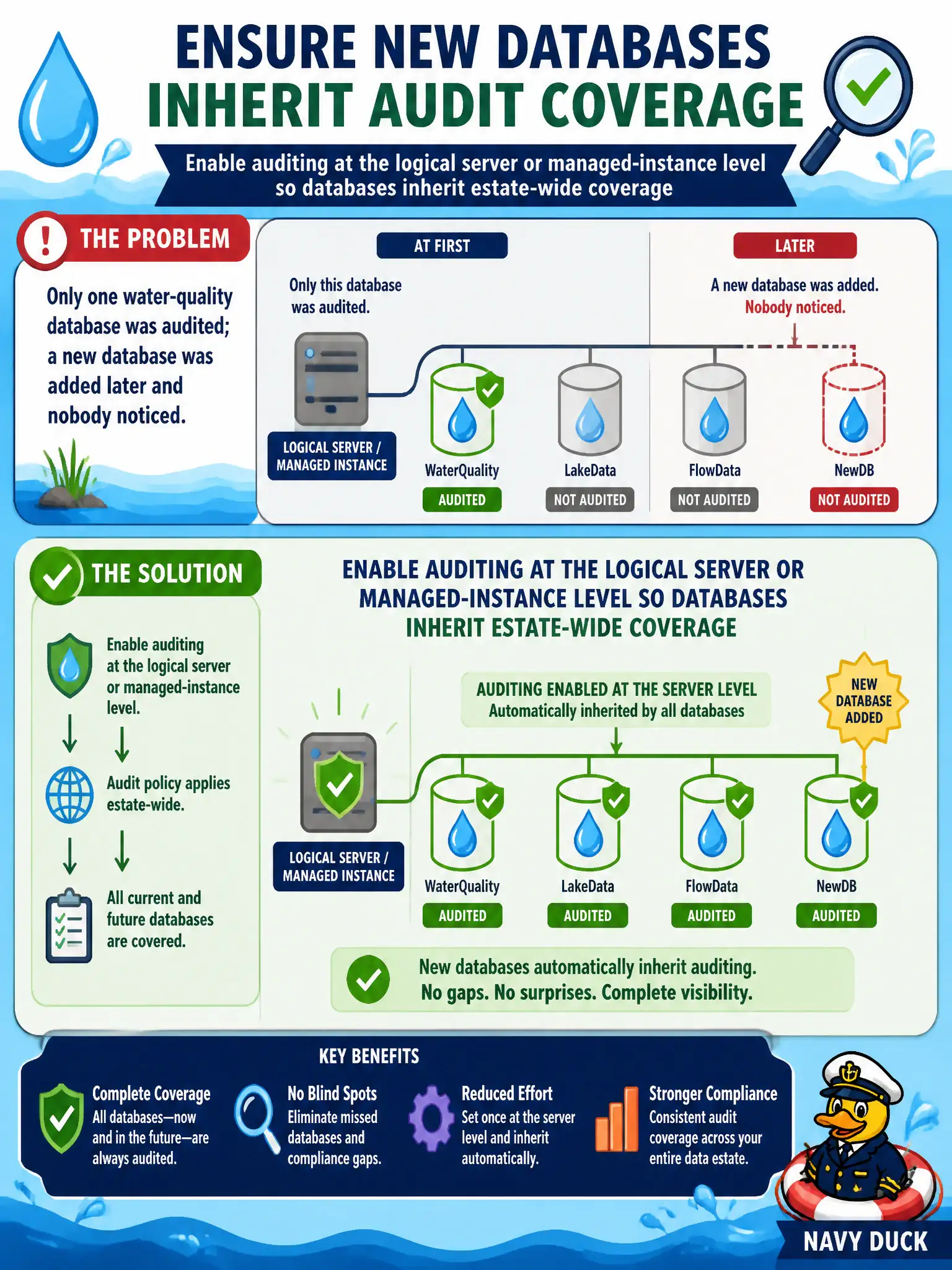
Only one water-quality database was audited; a new database was added later and nobody noticed. How do you ensure new databases inherit audit coverage?
Select an answer to reveal the explanation.
Short Explanation
Database-only audit is a sticky note on one beaker. Server-level audit is the lab rule: every new water-quality database walks in already covered.
Full Explanation
Azure SQL auditing should be enabled at the logical server or managed-instance level so new and existing databases inherit estate-wide coverage. That ensures every water-quality database the canal authority creates is audited without relying on each DBA to remember a per-database toggle. Relying on each DBA to enable auditing only on individual databases drifts quickly: new databases appear without audit until someone notices during an incident. Authoring a Microsoft Sentinel analytics rule first without configuring SQL auditing means there may be no SQL audit stream for Sentinel to analyze. Turning auditing off everywhere to reduce log volume before onboarding Sentinel removes the telemetry security operations needs for failed logins and data-access investigations. Exam caveat: server policy applies broadly, but you can still add database auditing for extra detail—do not disable server auditing just because one database has its own audit; also choose a durable destination such as Storage, Log Analytics, or Event Hubs. Operational check: enable server auditing to a Log Analytics workspace, create a new empty database, confirm audit events appear for a failed login test, and review retention plus RBAC on the destination so only security operations can read the municipal audit trail.