
The lock-lab API still embeds a SQL username and password for Azure SQL. How should the app authenticate instead?
Select an answer to reveal the explanation.
Short Explanation
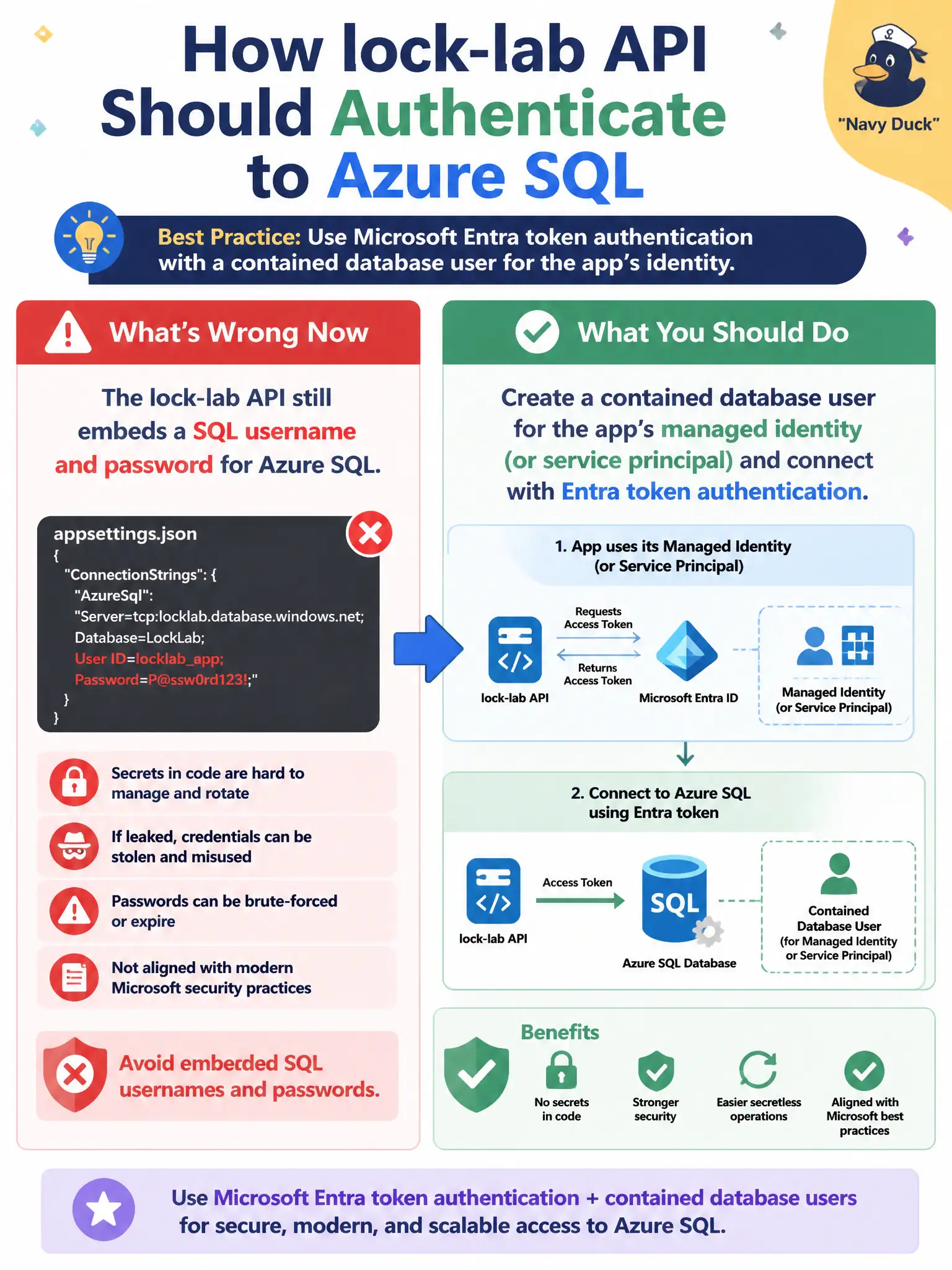
Apps shouldn’t carry SQL passwords in their pockets. Give the API’s managed identity a contained user, let it grab an Entra token, and leave the password era behind.
Full Explanation
Application workloads should authenticate to Azure SQL with Microsoft Entra tokens using the app’s managed identity or service principal. Create a contained database user (or MI login) for that identity and grant only the permissions the API needs, then configure the connection to obtain an Entra access token instead of embedding a SQL password. That removes password rotation choreography from source control and app settings for the canal telemetry API. Keeping the SQL password in source control is an anti-pattern even with quarterly rotation. Storing the password in Key Vault while continuing password-based SQL auth is a common interim step, but it is not the preferred long-term design when managed identity is available—the exam expects you to prefer identity over secret. Disabling Entra authentication forces password logins and moves you backward. Exam caveat: the app must request the correct Azure SQL database token audience, and firewall/private-endpoint rules still apply—identity does not replace network controls. Operational check: assign the managed identity to the app, create the contained user, deploy without SQL passwords in config, verify successful queries, and revoke the identity’s SQL user in a drill to confirm the API fails closed.