
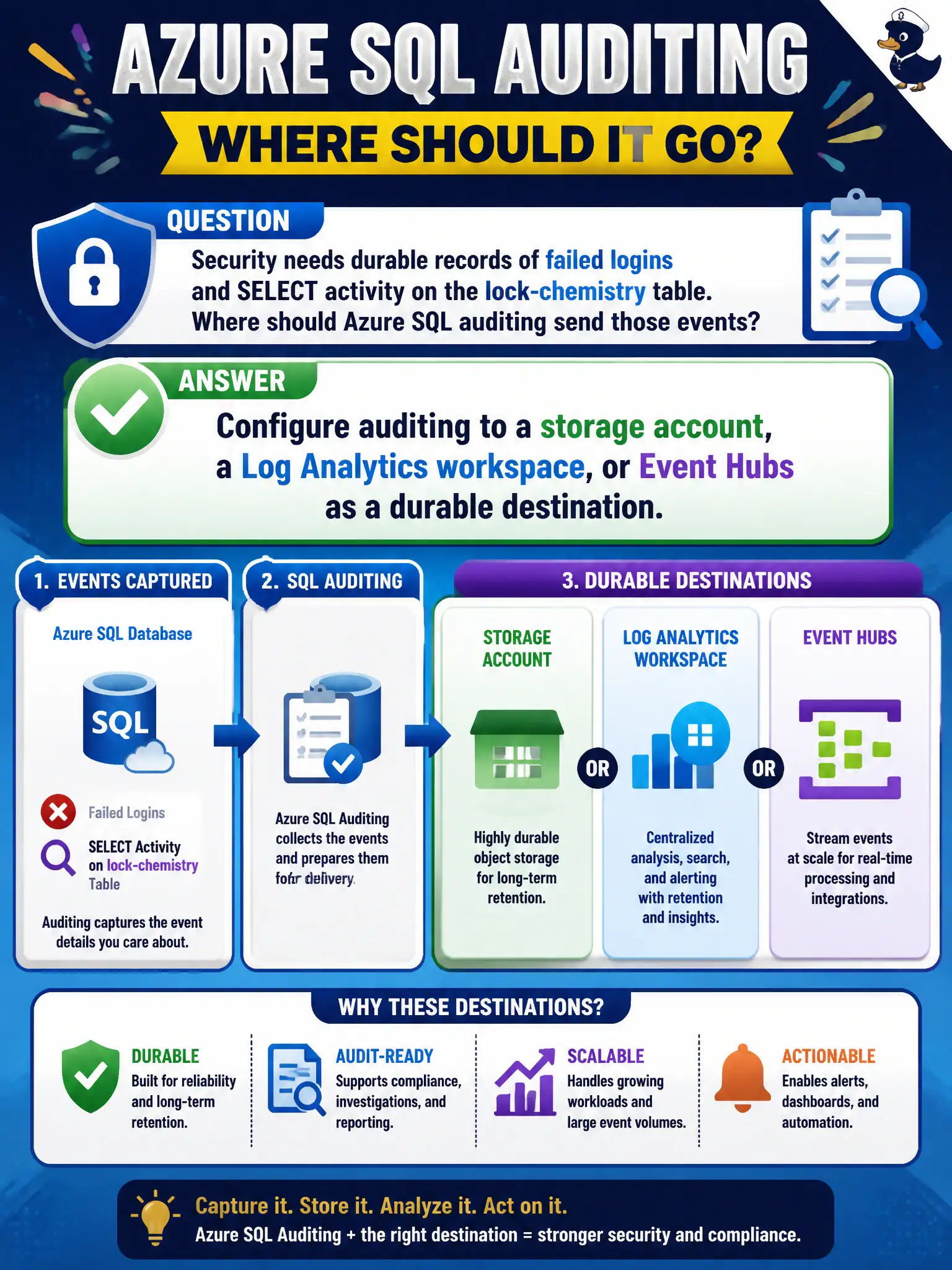
Security needs durable records of failed logins and SELECT activity on the lock-chemistry table. Where should Azure SQL auditing send those events?
Select an answer to reveal the explanation.
Short Explanation
“We glanced at the portal” is not an audit trail. Point SQL auditing at Storage, Log Analytics, or Event Hubs so failed logins and table access land somewhere you can actually keep.
Full Explanation
SQL auditing must write to a durable, queryable destination: a storage account, a Log Analytics workspace, or Azure Event Hubs (often as a bridge to SIEM). Those targets retain failed logins, permission changes, and data-access events for the canal authority’s compliance window. Watching the Azure portal Activity log during business hours is not SQL auditing—Activity log covers control-plane operations on the resource, not the depth of SQL audit events, and it is not a continuous evidence store for table access. Spreadsheets emailed from a contractor laptop fail chain-of-custody, integrity, and retention requirements. Microsoft Defender for SQL threat alerts are valuable detections but do not replace an audit trail that records who did what; alerts and auditing solve different problems. Exam caveat: pick the destination that matches how you investigate—Log Analytics for Kusto queries and Sentinel, Storage for long-term archive, Event Hubs for streaming egress—and protect that destination with locked RBAC and immutability where required. Operational check: configure auditing to Log Analytics, generate a failed login and a permission grant, confirm records land with expected action names, and verify retention settings meet the municipality’s policy before declaring the control complete.