
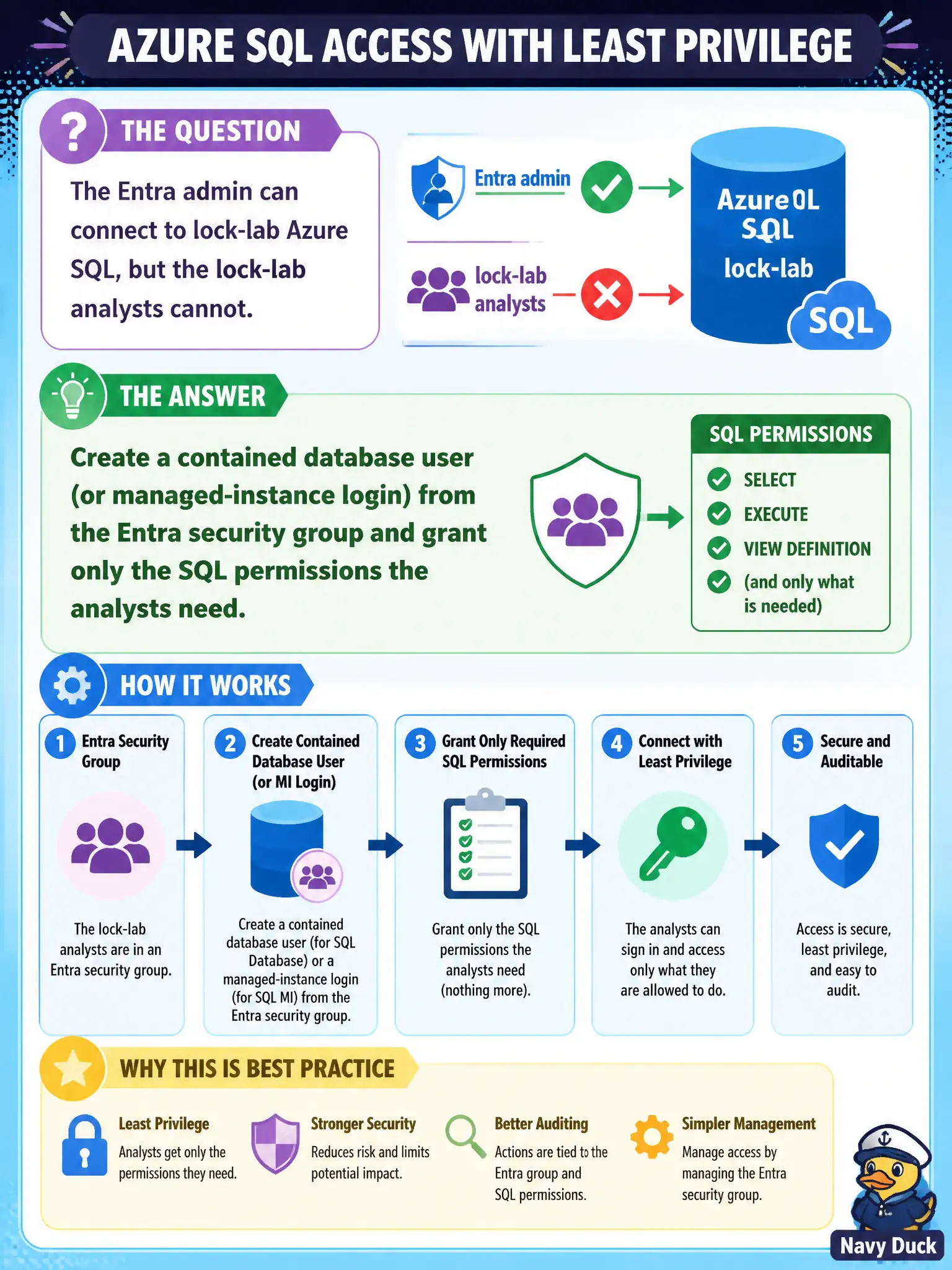
The Entra admin can connect to lock-lab Azure SQL, but the lock-lab analysts cannot. What should you create so the analysts’ Entra security group can sign in with least privilege?
Select an answer to reveal the explanation.
Short Explanation
The Entra admin unlocked the building; the analysts still need badges. Map their Entra security group to a contained database user (or MI login) and hand out only the SQL rights they actually use.
Full Explanation
After an Entra administrator exists on the logical server or managed instance, analysts still need database principals. Create a contained database user (Azure SQL Database) or an appropriate managed-instance login mapped from the Entra security group that represents the water-quality analysts, then grant only the SQL permissions those analysts need (commonly db_datareader plus narrowly scoped procedures—not db_owner). That maps directory group membership to least-privilege SQL access without sharing passwords. Adding every analyst to Entra Global Administrator is a catastrophic privilege escalation and is not how SQL Entra users are authorized. Sharing the SQL server admin password in chat recreates shared credentials and bypasses Entra group lifecycle. Dynamic data masking can reduce exposure of sensitive columns but does not create logins or replace authentication and authorization. Exam caveat: group-based contained users mean access follows Entra group membership—remove users from the group to revoke SQL access, and be aware of token group claim limits for very large groups. Operational check: add a test account to the analysts group, connect with Entra auth, verify SELECT works and DDL fails, remove the account from the group, wait for token refresh, and confirm access is denied.