
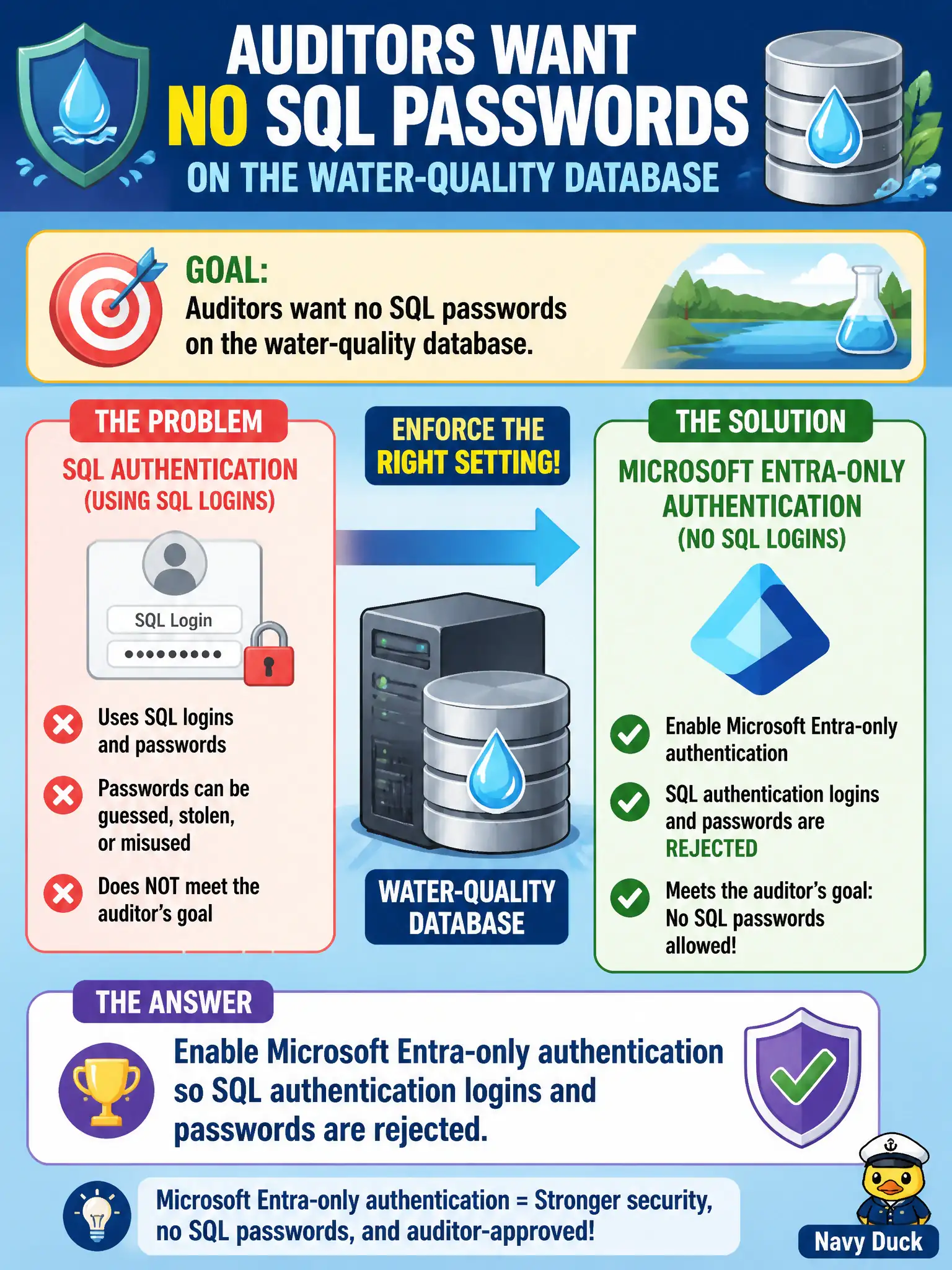
Auditors want no SQL passwords on the water-quality database. Which server authentication setting enforces that goal?
Select an answer to reveal the explanation.
Short Explanation
Entra-only means the front door only takes Entra tickets—SQL’s old username/password keys bounce. Apps need tokens or managed identities, not a password taped under the keyboard.
Full Explanation
Microsoft Entra-only authentication on Azure SQL rejects SQL authentication logins and passwords at the server or managed instance. After you enable it, applications and operators must connect with Entra tokens (interactive, service principal, or managed identity)—the old SQL username/password front door no longer works. That is the control when the canal authority’s goal is to eliminate password-based SQL auth rather than merely store passwords better. Keeping mixed SQL and Entra authentication forever leaves password spray, leaked connection strings, and shared SQL logins in play. Storing the SQL admin password in Key Vault improves secret handling but continues SQL authentication as the design; it is not Entra-only. Disabling TDE has nothing to do with authentication and weakens at-rest protection. Exam caveat: enable Entra-only only after every app, job, and admin tool has a working Entra path—otherwise you lock out legacy clients mid-cutover; also remember that some features or tooling still expect careful token configuration. Operational check: inventory connection strings, convert each workload to managed identity or service principal, validate connections with Entra auth in a staging server, then enable Entra-only and attempt a SQL-password login to confirm rejection while Entra logins still succeed.