
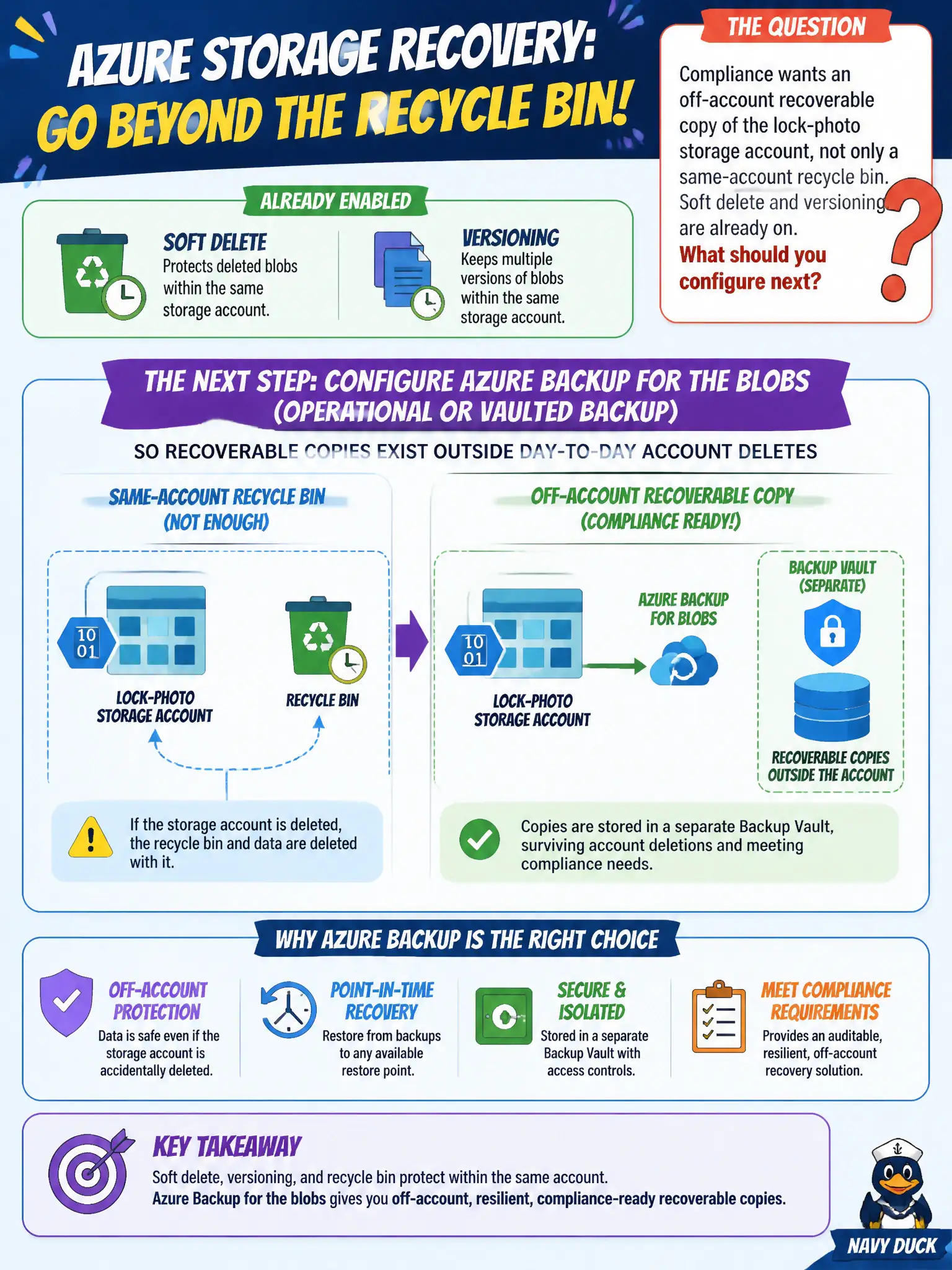
Compliance wants an off-account recoverable copy of the lock-photo storage account, not only a same-account recycle bin. Soft delete and versioning are already on. What should you configure next?
Select an answer to reveal the explanation.
Short Explanation
Soft delete is the account’s own recycle bin—handy, but still sitting in the same house. Azure Backup parks a recoverable copy somewhere else so a bad delete or ransomware day doesn’t wipe the only copy of the lock photos.
Full Explanation
Azure Backup for blobs (operational backup and/or vaulted backup, depending on account capabilities) places recoverable copies under Backup management so day-to-day deletes, ransomware-style mass deletion, or mistaken lifecycle rules do not leave the canal authority with only live objects in the production account. That separation is the point of an off-account or Backup-managed recovery path for audit and disaster scenarios. Soft delete alone keeps deleted blobs in the same storage account for a retention window; it is valuable, but it is still inside the blast radius of a compromised account key, overly broad RBAC, or a bad automation that also clears soft-deleted data. Exporting containers to a ZIP on a help-desk laptop is not a governed backup: chain of custody, encryption at rest, access logging, and restore testing are unmanaged, and laptops are easy to lose or infect. Disabling versioning to “simplify” backup removes a first-line recovery aid for overwrite and delete scenarios and fights the Backup design rather than helping it. Exam caveat: soft delete, versioning, and Azure Backup complement each other—Backup does not make soft delete useless, and soft delete does not replace Backup for durable, policy-driven recovery. Operational check: confirm the backup vault or operational backup is protecting the camera containers, run a test restore of a known blob into a quarantine prefix, and verify restore timestamps and RBAC on the Backup resource so only authorized waterways staff can initiate restores.