
An operator deleted the wrong lock-photo blob and needs a retention window to undelete it. Which protection should the security engineer enable?
Select an answer to reveal the explanation.
Short Explanation
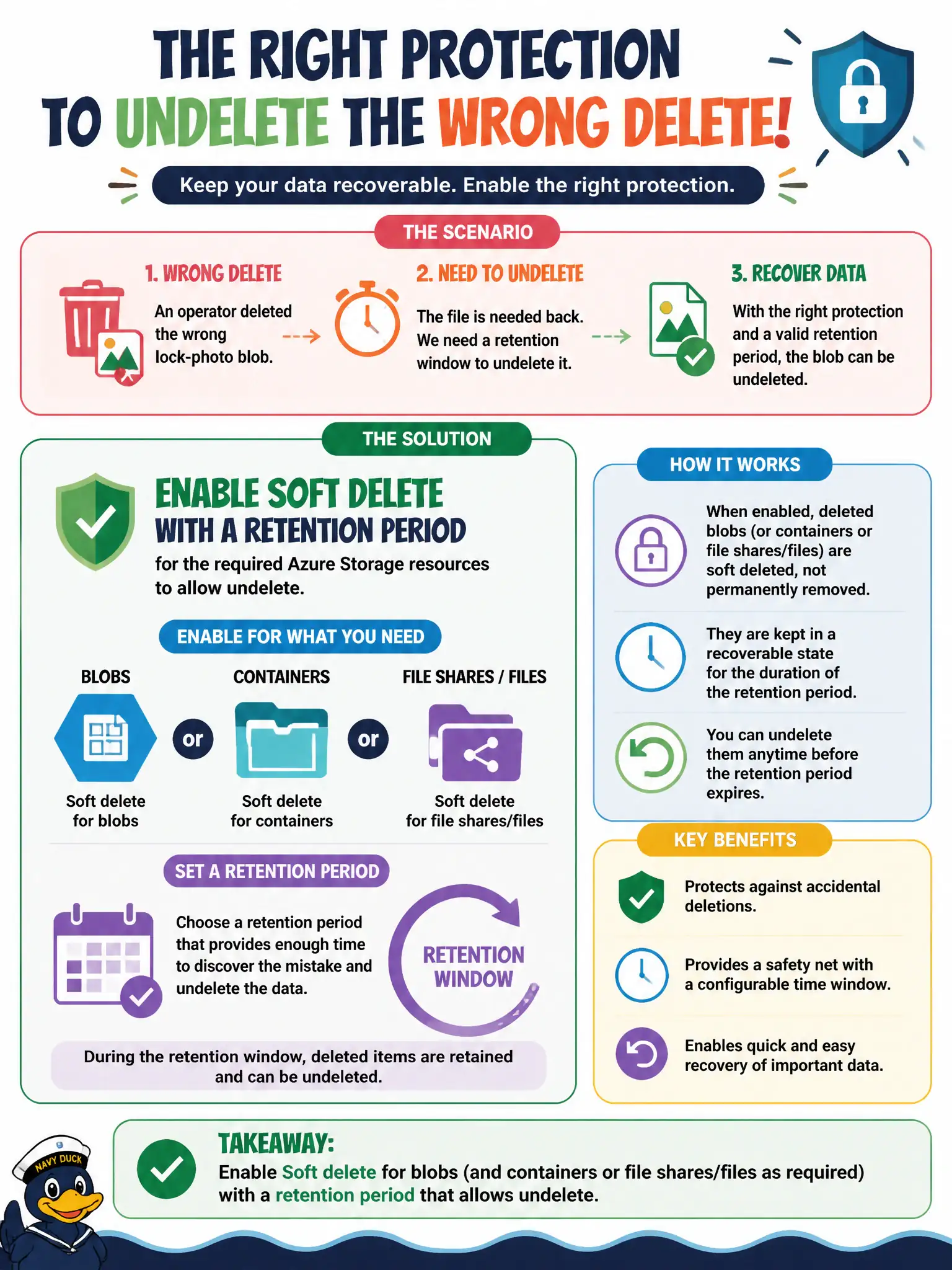
Soft delete is the recycling bin on the lock-photo shelf—keep a retention window and you can pull the blob back. It’s not WORM and it’s not the same as Backup.
Full Explanation
An operator who deleted the wrong lock-photo blob and needs a retention window to undelete it needs soft delete for blobs (and containers or file shares or files as required) with a retention period that allows undelete. Soft delete retains deleted objects for the configured window so civic photo archives can recover from accidents. It is a recycling-bin control for deletion—not WORM immutability and not identical to Azure Backup vaults.
Enabling a locked time-based immutability policy for seven years so deletes become permanent immediately fails by concept: immutability prevents deletion during the retention interval; it does not create an undelete recycling window and is the wrong tool for accidental-delete recovery. Using blob versioning only because soft delete never recovers a deleted blob fails because soft delete is specifically designed to allow undelete of deleted blobs within retention; versioning primarily addresses overwrite history. Treating Azure Backup vault immutable storage as the only way to recover an accidental blob delete fails because soft delete is the first-line storage feature for this scenario, while Backup is a separate recovery mechanism.
Exam caveat: soft delete is not versioning, time-based immutability, or Backup; match the control to accidental delete versus overwrite versus WORM retention. Operational check: enable blob soft delete (and container soft delete if needed) with a retention period that matches municipal recovery SLAs, delete a test lock-photo blob, undelete within the window, and document the recovery steps for night-shift operators.