
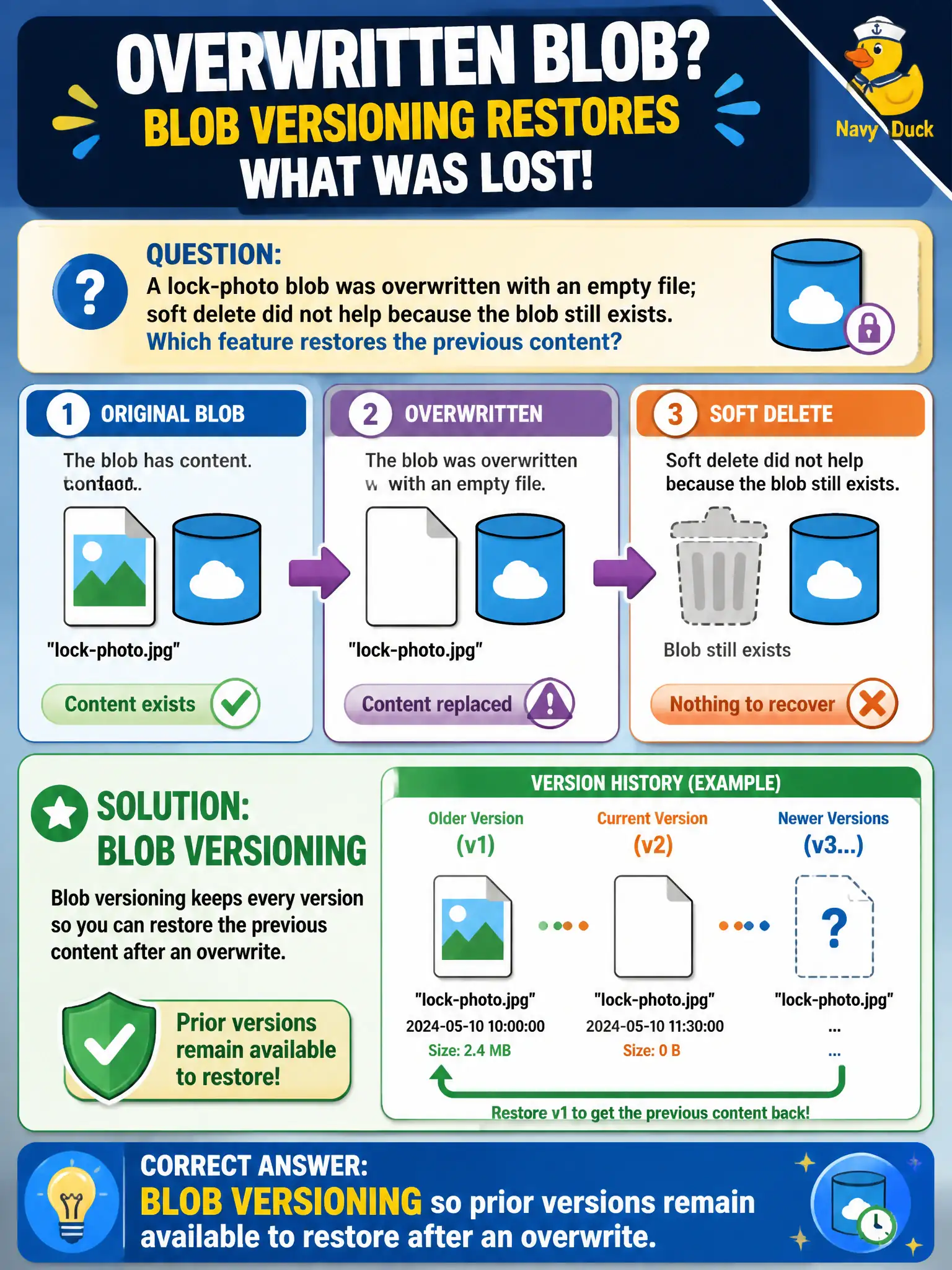
A lock-photo blob was overwritten with an empty file; soft delete did not help because the blob still exists. Which feature restores the previous content?
Select an answer to reveal the explanation.
Short Explanation
Soft delete saves you from the trash can; versioning saves you from the bad overwrite. Turn on blob versioning and pull the earlier take of that lock photo.
Full Explanation
When a lock-photo blob was overwritten with an empty file and soft delete did not help because the blob still exists, enable blob versioning so prior versions remain available to restore after an overwrite. Versioning retains previous content when a blob is modified while the current object continues to exist—exactly the bad-overwrite case soft delete does not cover. For canal photo archives, versioning is the shelf of earlier takes; soft delete is the trash can.
Relying on soft delete alone because overwrites are treated as deletes automatically fails by concept: soft delete primarily protects against deletion, not in-place overwrite of a still-existing blob. Using SQL Database point-in-time restore on the storage account fails because SQL PITR is unrelated to Azure Blob Storage recovery. Expecting a legal hold immutability policy to rewrite the empty blob back to the last good bytes fails because legal hold constrains alteration and deletion; it does not reconstruct prior content the way versioning does.
Exam caveat: overwrite recovery uses blob versioning; delete recovery uses soft delete; compliance WORM uses immutability policies—do not interchange them on the exam. Operational check: enable blob versioning on the lock-photo account or container scope as supported, overwrite a test blob, restore the prior version, confirm soft delete alone would not have helped, and update the municipal recovery runbook with version restore steps.