
High-severity Microsoft Sentinel incidents for lock-lab must tag the resource owner and run an isolate-virtual-machine Logic App. What should the Azure security engineer create?
Select an answer to reveal the explanation.
Short Explanation
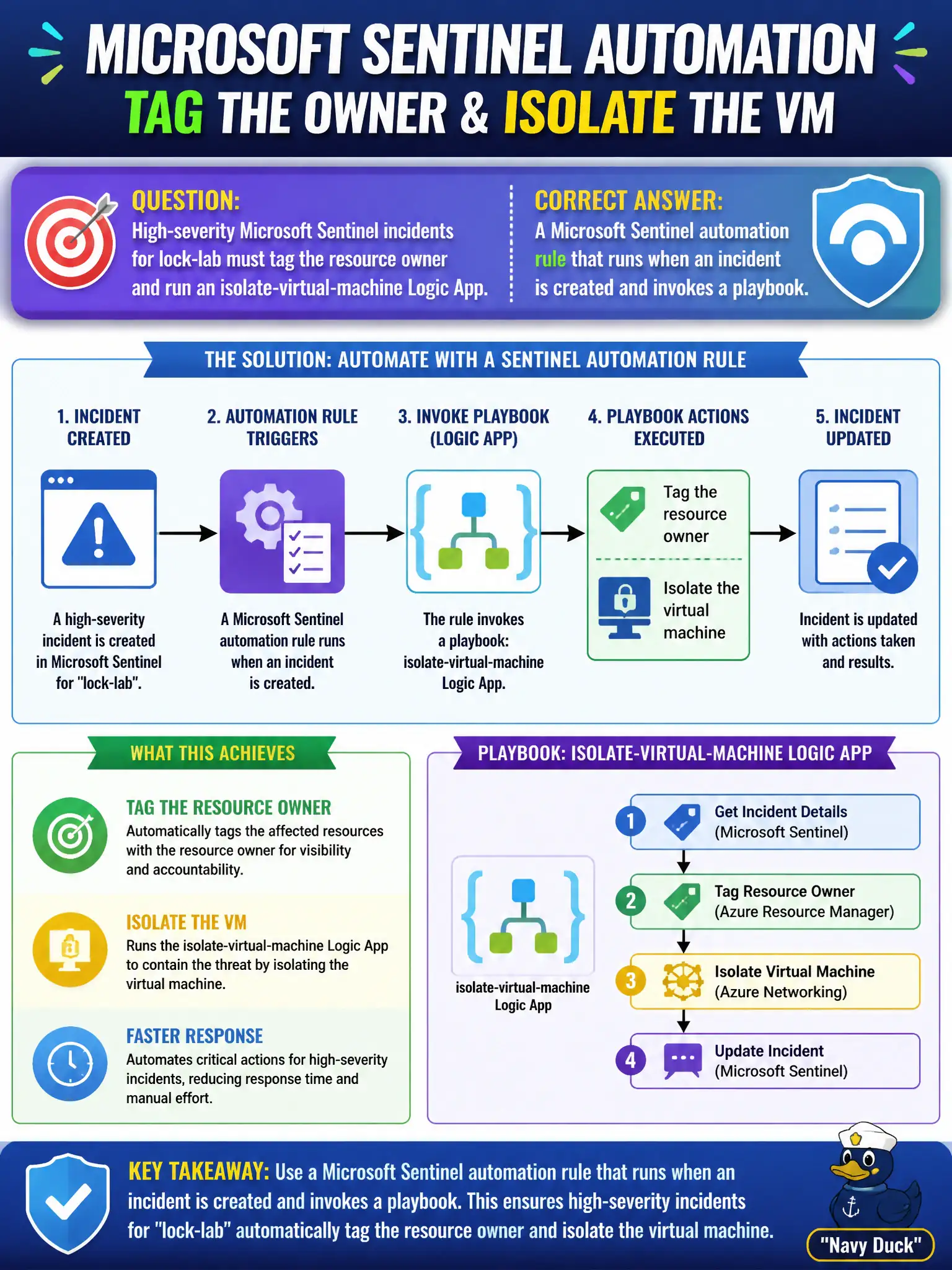
Automation rule is the conductor; the playbook is the Logic App band. When a High incident lands, the rule fires and kicks the isolate-VM playbook—that’s the Sentinel automation pairing.
Full Explanation
Microsoft Sentinel pairs automation rules with playbooks implemented as Logic Apps. To tag the resource owner and run an isolate-virtual-machine Logic App when High-severity lock-lab incidents appear, create a Microsoft Sentinel automation rule that runs when an incident is created and invokes that playbook under the right severity and product filters.
Configuring only a Defender for Cloud workflow automation and no Sentinel automation misses incident-time actions inside Sentinel after alerts have become incidents. A hunting notebook that manually emails owners without an automation rule is not automated incident response and will not scale for High severity. An Azure Policy deny effect that replaces Sentinel playbooks for VM isolation is preventative policy design, not playbook-based isolation after an incident is created.
Exam caveat: the automation rule decides when to run; the playbook’s managed identity still needs Azure RBAC on the VM or resource group or isolate actions return HTTP 403 at runtime. Operational check: create an automation rule for High incidents that runs the isolate-VM playbook, trigger a test High incident in lock-lab, and verify owner tagging plus successful playbook run history.