
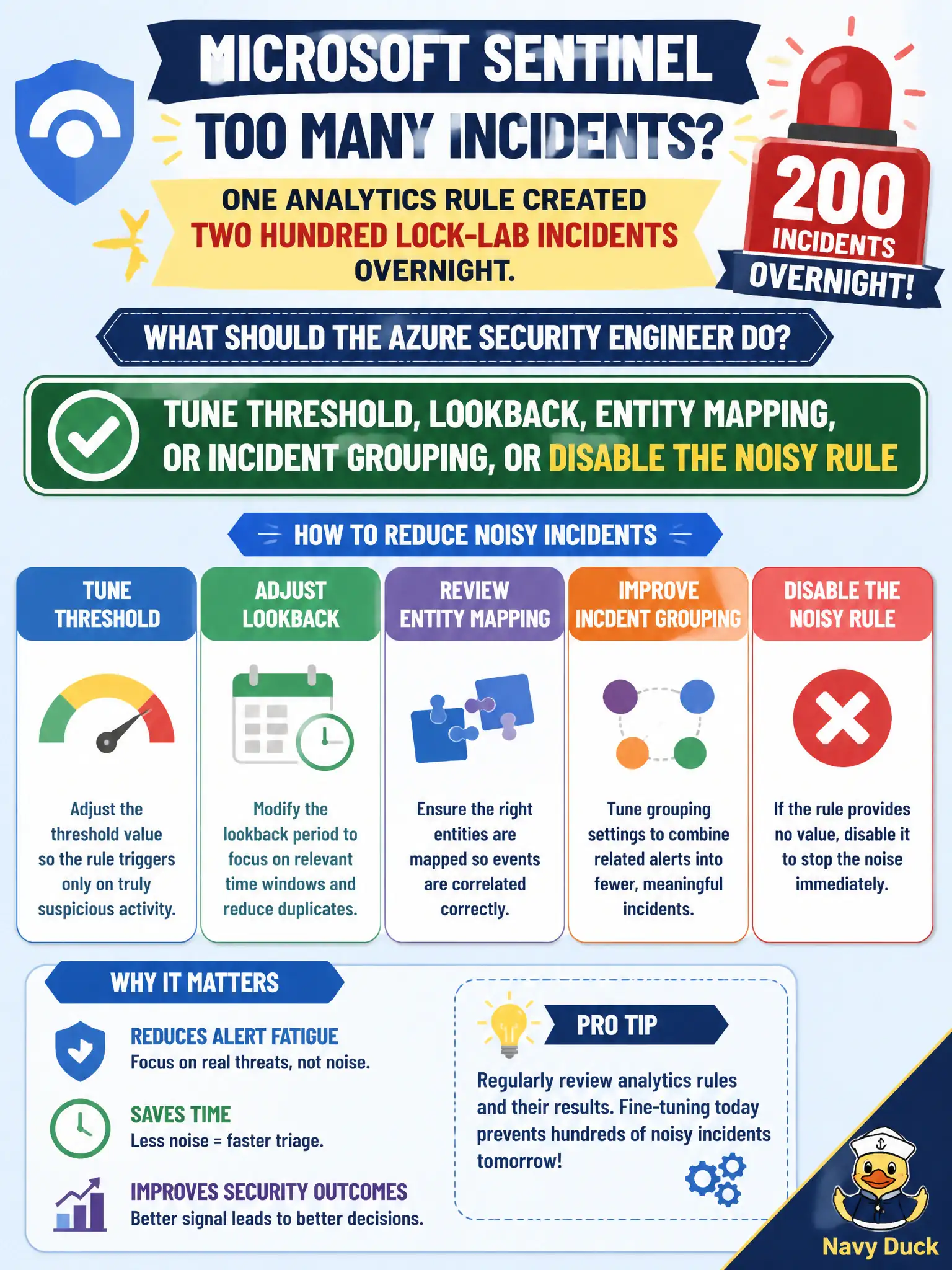
One Microsoft Sentinel analytics rule created two hundred lock-lab incidents overnight. What should the Azure security engineer do?
Select an answer to reveal the explanation.
Short Explanation
Two hundred incidents by sunrise means the rule’s too chatty. Dial threshold, lookback, entity mapping, or grouping—or park the rule—before you try inventing a new query language.
Full Explanation
A Microsoft Sentinel analytics rule that created two hundred lock-lab incidents overnight is too noisy and needs tuning, not mythology. Adjust threshold, lookback, entity mapping, or incident grouping—or disable the noisy rule temporarily—so detections stay actionable instead of flooding the queue and training analysts to ignore High severity.
Inventing a new KQL dialect and republishing every Content Hub rule in the workspace is unrelated theater that does not fix the one chatty rule. Enabling Microsoft Sentinel UEBA notebooks as the only allowed response to noise does not tune threshold, lookback, or grouping on the offending scheduled rule. Handing the rule exclusively to Security Copilot and forbidding any manual analytics configuration blocks the standard edits the exam expects you to know.
Exam caveat: grouping by entities can collapse duplicates without hiding distinct compromised resources—tune carefully so true positives across different lock-lab assets still surface as separate or clearly related incidents. Operational check: open the noisy rule’s edit blade, tighten threshold or lookback and enable incident grouping where appropriate, or disable it briefly, then confirm overnight volume for that rule drops while a sample true positive still creates an incident.