
An analyst’s on-demand hunting query found repeatable unusual Key Vault access from a new ASN against lock-lab vaults. What should the Azure security engineer do so the pattern pages the SOC going forward?
Select an answer to reveal the explanation.
Short Explanation
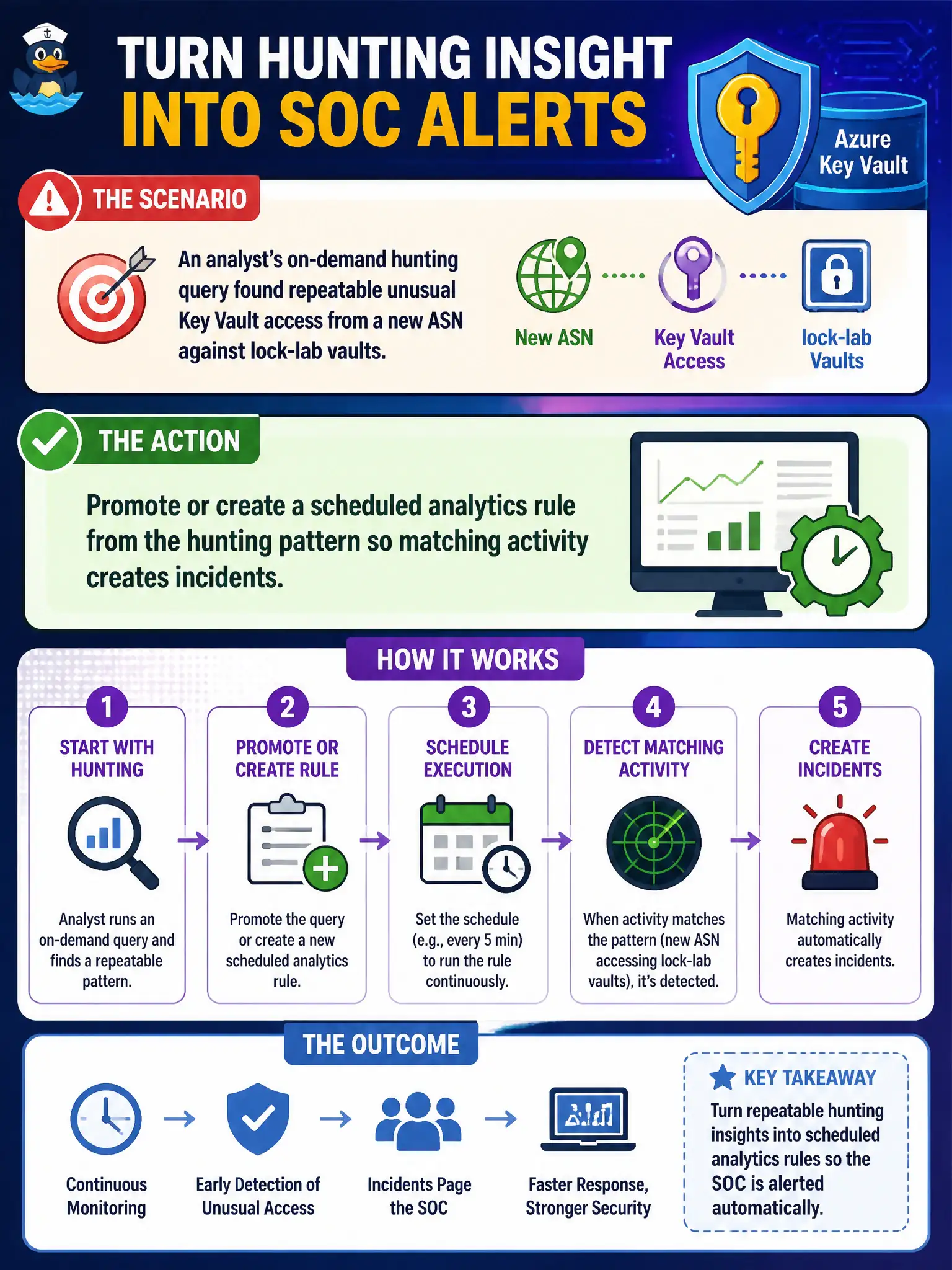
A hunting query is a flashlight, not a pager. Promote that Key Vault ASN pattern into a scheduled analytics rule so Sentinel starts filing incidents when it shows up again.
Full Explanation
Hunting finds repeatable patterns; scheduled analytics rules page the SOC. After an on-demand hunt shows unusual Key Vault access from a new ASN against lock-lab vaults, promote or create a scheduled analytics rule from that hunting pattern so matching activity creates incidents going forward instead of living only as a flashlight query analysts must remember to run.
Leaving the pattern as a hunting query only fails because hunting queries do not automatically create High incidents or assign owners. Moving the hunt into Security Copilot and disabling Microsoft Sentinel analytics removes the scheduled detection engine that should own this pattern. Deleting the Key Vault diagnostic settings so future hunts stay quiet silences telemetry and breaks both hunting and analytics for vault access.
Exam caveat: map entities such as Key Vault, source IP or ASN, and caller identity in the new rule so incidents are actionable and automation can enrich or assign the SOC queue. Operational check: convert the hunting KQL into a scheduled analytics rule, map Key Vault and source IP entities, enable it, replay or wait for matching ASN access, and confirm a Sentinel incident is created for the canal SOC.