
A Microsoft Sentinel analytics rule is enabled but never fires for lock-lab activity that should match. What should the Azure security engineer check next?
Select an answer to reveal the explanation.
Short Explanation
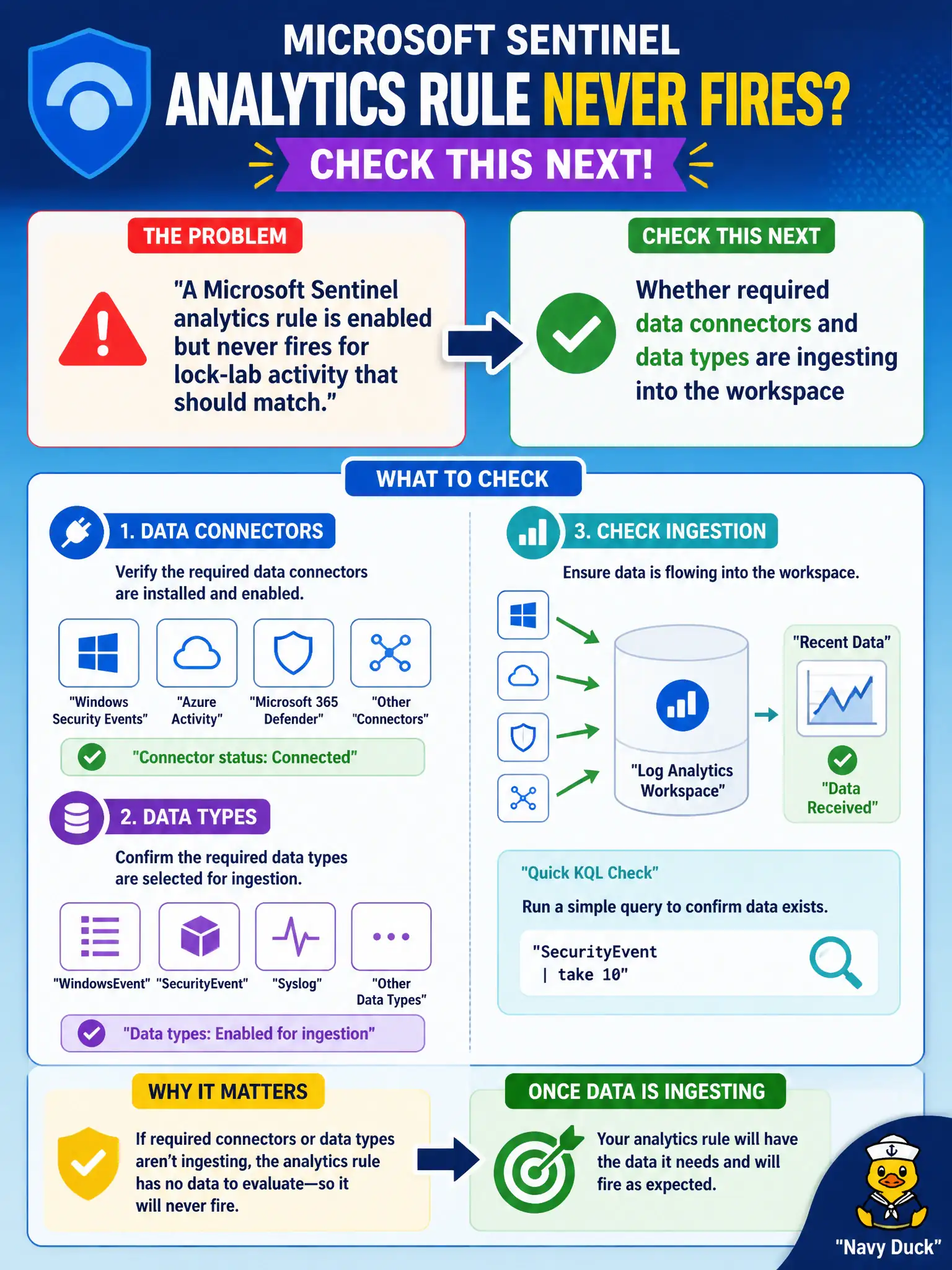
An enabled rule with an empty pipe never rings. Confirm the required connectors and data types are actually landing in the workspace—no ingest, no incidents.
Full Explanation
An enabled Microsoft Sentinel analytics rule evaluates only data that exists in the Log Analytics workspace. When the rule never fires for lock-lab activity that should match, the next check is whether the required data connectors and data types are actually ingesting; an empty pipeline produces no incidents regardless of how confidently the rule toggle is set to on.
Whether Security Copilot rewrote the rule into a hunting notebook is a distraction from ingestion health and connector status. Severity set to Informational can change urgency presentation but does not by itself explain zero matches when the required tables are missing. Azure Policy deleting the analytics rule template gallery is not a typical root cause and does not replace verifying connectors and data types.
Exam caveat: also confirm the rule’s query tables and time window match the ingested data types—wrong table names or lookbacks look like “rule never fires” even when some other tables have data. Operational check: open the rule’s data sources, verify each required connector is connected, run a simple workspace query for those tables over the lookback window, then re-test with known lock-lab activity that should satisfy the rule logic.