
The SOC wants detections for suspicious resource deployments on lock-lab subscriptions. What should the Azure security engineer do in Microsoft Sentinel?
Select an answer to reveal the explanation.
Short Explanation
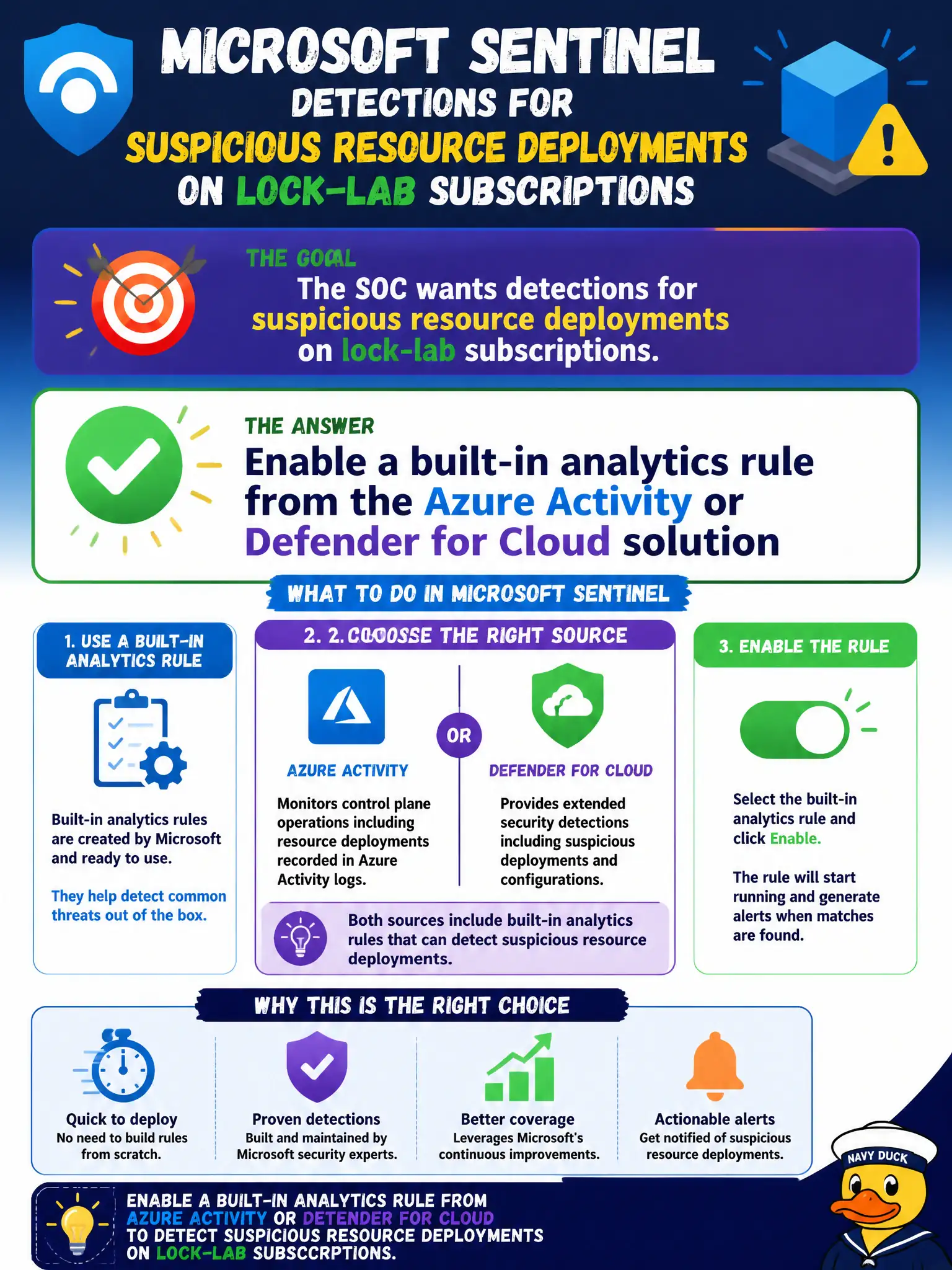
You don’t need a KQL novel for day-one detections. Flip on a built-in analytics rule from the Azure Activity or Defender for Cloud content—scheduled or NRT—and let Sentinel create the incidents.
Full Explanation
Suspicious resource deployments on lock-lab subscriptions are a classic Azure Activity and Defender for Cloud content scenario in Microsoft Sentinel. Enable a built-in analytics rule from the Azure Activity or Defender for Cloud solution so Sentinel evaluates deployments on a schedule or near-real-time path and creates incidents without requiring a custom KQL masterpiece on day one.
Authoring a multi-page custom query before enabling any built-in rule delays coverage the Content Hub already provides for common deployment abuse patterns. Disabling Azure Activity ingestion so scheduled rules never evaluate deployments removes the data those rules need and guarantees silence. Replacing analytics rules with Security Copilot chat prompts for each deployment is not scheduled detection and will not reliably create owned incidents for the SOC.
Exam caveat: built-in rules still require the matching connector and data types to be ingesting—enable the rule and the Activity or Defender data path together or the rule stays quiet. Operational check: enable an Azure Activity or Defender for Cloud built-in rule for suspicious deployments, confirm Activity or related data is present, perform a test deployment in lock-lab, and verify a Sentinel incident is created.