
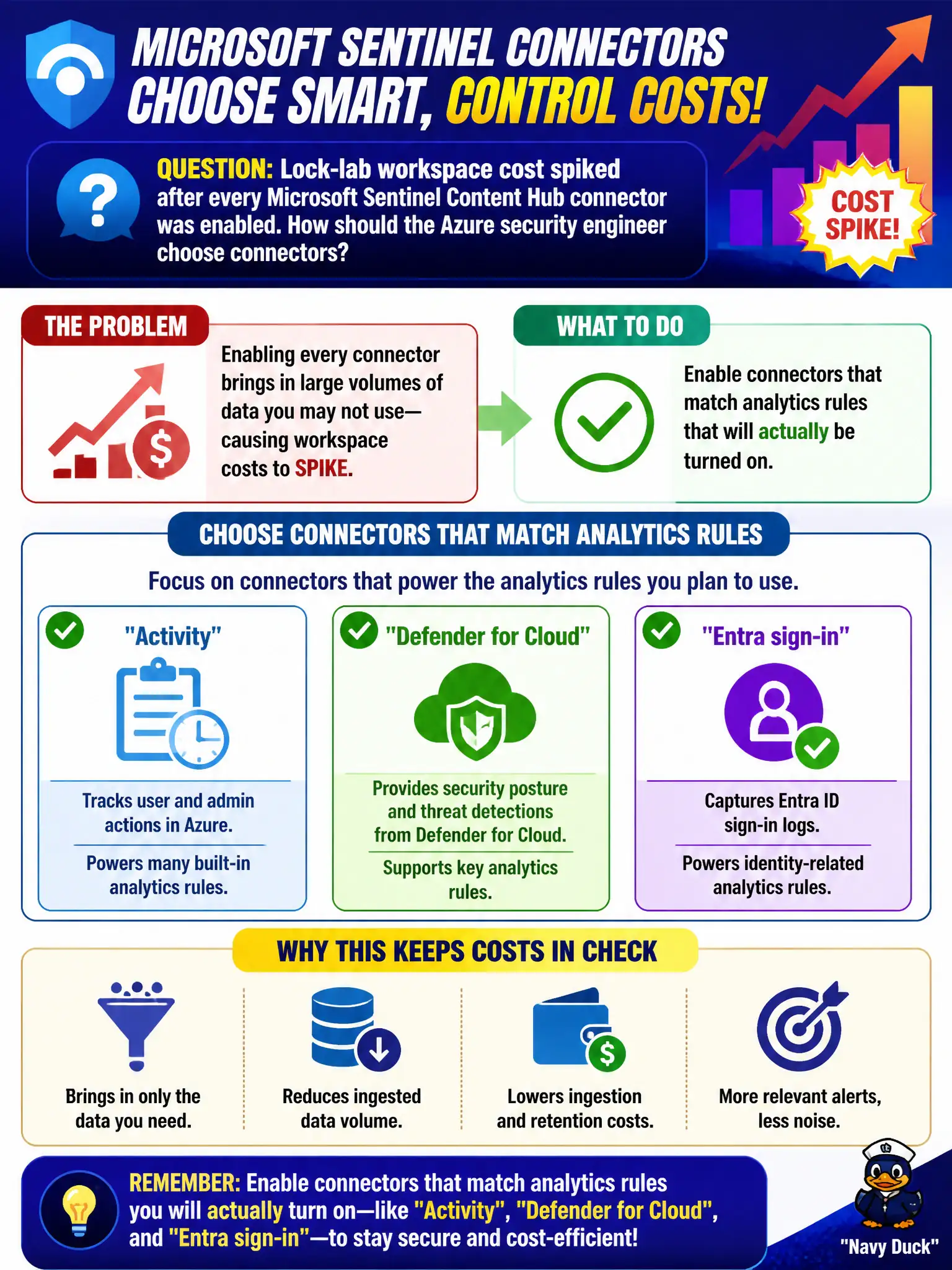
Lock-lab workspace cost spiked after every Microsoft Sentinel Content Hub connector was enabled. How should the Azure security engineer choose connectors?
Select an answer to reveal the explanation.
Short Explanation
Connecting everything is how the bill bites. Turn on the connectors that back the analytics you’ll actually enable—Activity, Defender for Cloud, Entra sign-in—and leave the rest off.
Full Explanation
Content Hub connectors drive Microsoft Sentinel ingestion cost, so connector choice is a security and FinOps decision. Enable connectors that match analytics rules you will actually turn on—such as Azure Activity, Microsoft Defender for Cloud, and Entra sign-in—so the lock-lab workspace pays for tables that detections use rather than for unused connector sprawl after a connect-everything pass.
Enabling every available connector so future unknown detections never miss a table is how workspace cost spikes overnight without proportional detection value. Disabling Microsoft Sentinel and relying only on Defender for Cloud Secure Score abandons SIEM detections and incident workflows entirely. Keeping all connectors on but setting retention to zero days for every table breaks investigation, hunting, and compliance review and is not a sane substitute for selective enablement.
Exam caveat: cost tuning later includes table-level retention and analytics noise reduction, but connector selection is the first lever when everything was enabled at once. Operational check: list enabled connectors versus enabled analytics rules, disable connectors with no matching rules, and confirm daily ingestion volume drops without losing Activity, Defender for Cloud, or Entra sign-in coverage the SOC still needs.