
The Microsoft Entra ID connector in Microsoft Sentinel stays disconnected for the lock-lab tenant. What should the Azure security engineer verify first?
Select an answer to reveal the explanation.
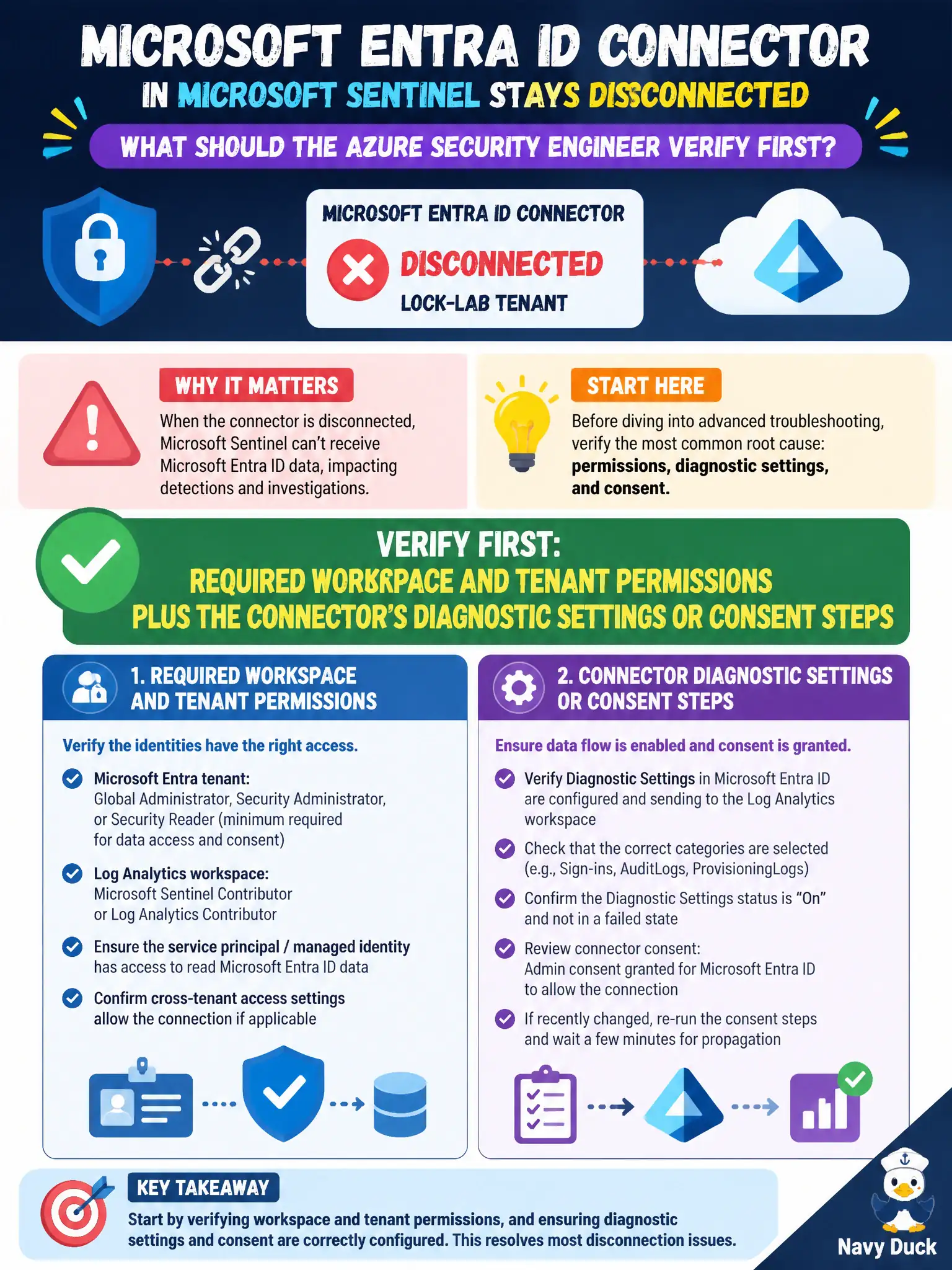
Short Explanation
A red Entra connector is usually rights or unfinished setup—not a poetry slam in KQL. Grant the workspace and tenant permissions, finish diagnostic settings or consent, and get that connector green.
Full Explanation
A disconnected Microsoft Entra ID connector in Microsoft Sentinel is usually a permissions or unfinished setup problem, not a query-language problem. Verify required workspace and tenant permissions plus the connector’s diagnostic settings or consent steps so Entra sign-in and related identity telemetry can flow into the lock-lab Sentinel workspace.
Rewriting a custom KQL parser before any permissions are granted optimizes queries against tables that are not ingesting yet and will not turn the connector green. Replacing the Entra connector with Microsoft Defender for Cloud Apps only swaps identity sign-in ingestion for CASB signals and does not fix the Entra connector. Deleting the Log Analytics workspace to force connector recreation destroys the SOC’s data store instead of fixing consent, diagnostic settings, and rights.
Exam caveat: some Entra and Sentinel connector paths need directory roles plus Log Analytics workspace permissions—missing either side keeps the connector disconnected. Operational check: confirm the deploying identity has the needed Entra and workspace rights, complete diagnostic settings or consent for the connector, then validate SigninLogs or the connector’s stated tables are populating for the lock-lab tenant.