
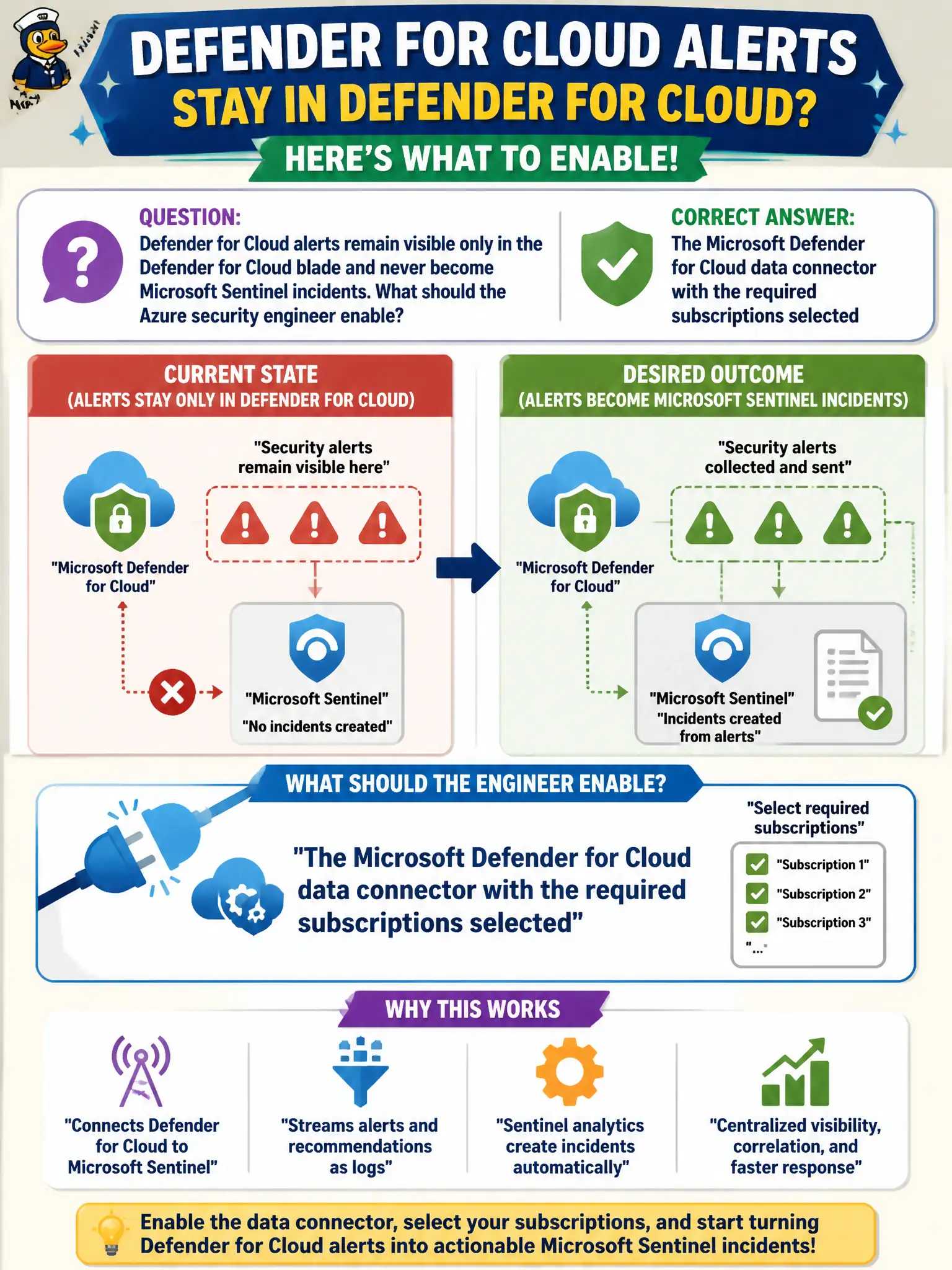
Defender for Cloud alerts remain visible only in the Defender for Cloud blade and never become Microsoft Sentinel incidents. What should the Azure security engineer enable?
Select an answer to reveal the explanation.
Short Explanation
If alerts are stuck in Defender for Cloud, open Sentinel and flip on the Microsoft Defender for Cloud data connector. Tick the right subscriptions so those alerts can become incidents. That connector is the bridge—not XDR rename games.
Full Explanation
Defender for Cloud alerts become Microsoft Sentinel incidents only when the Microsoft Defender for Cloud data connector is enabled and the required subscriptions are selected. Without that bridge, alerts remain visible in the Defender for Cloud blade and never promote into Sentinel incidents the canal SOC can assign, enrich, or automate against.
Treating Microsoft Defender XDR as the only allowed Sentinel data connector mislabels branding and skips the Defender for Cloud connector this scenario needs for Azure resource alerts. Enabling Microsoft 365 Defender without listing any Azure subscriptions does not select the subscriptions that generate the lock-lab alerts. A Security Copilot plugin that replaces Sentinel data connectors invents a substitute for connector-based ingestion and incident creation.
Exam caveat: subscription selection on the connector matters—tenant-wide assumptions fail when lock-lab alerts live in subscriptions that were never ticked on the connector blade. Operational check: in Sentinel Content Hub, enable the Microsoft Defender for Cloud connector, select the lock-lab subscriptions, and verify a new Defender for Cloud alert creates a corresponding Sentinel incident for the SOC.