
The canal authority is standing up a greenfield Microsoft Sentinel SOC. In which order should the Azure security engineer enable data ingestion?
Select an answer to reveal the explanation.
Short Explanation
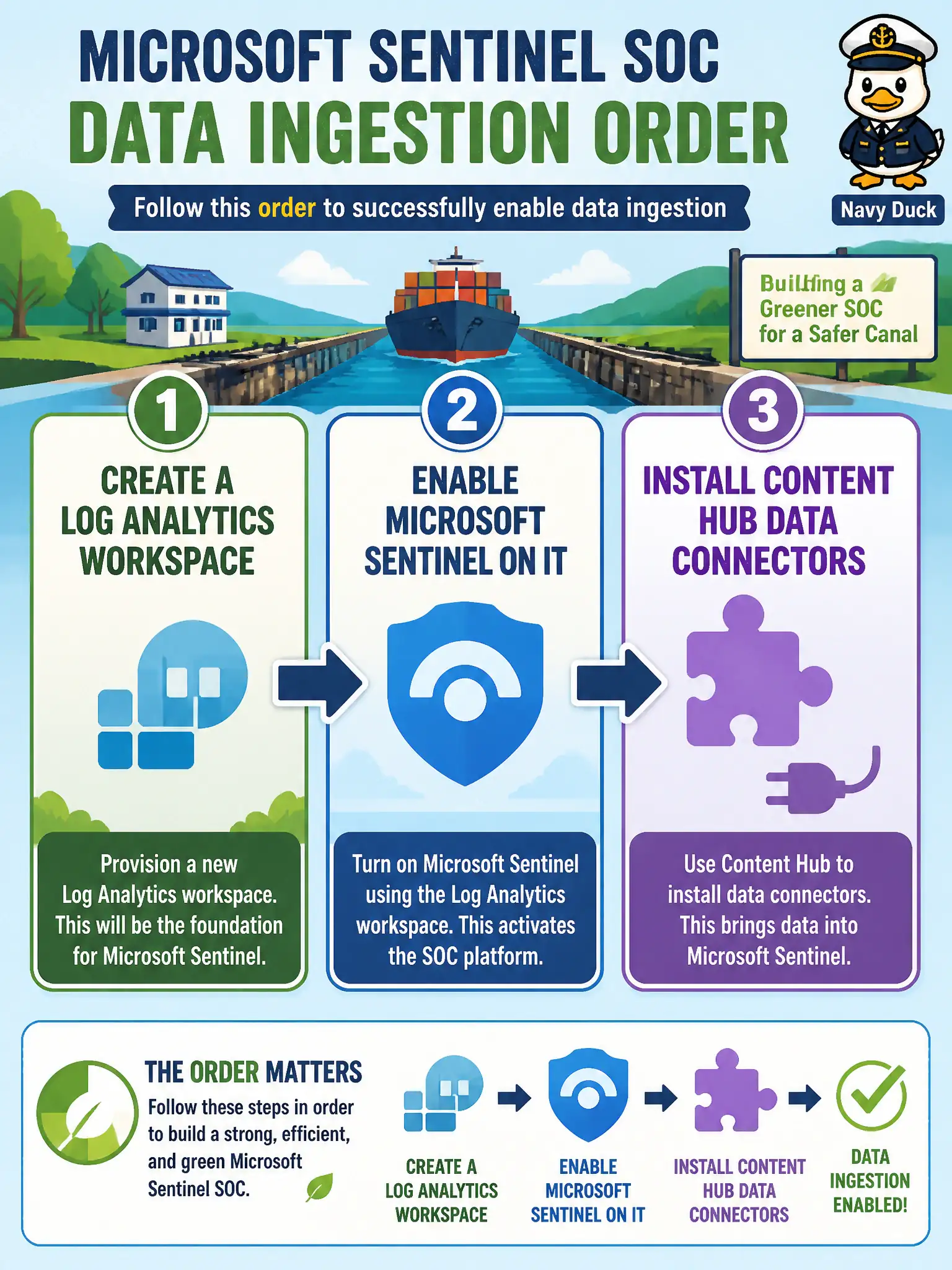
Don’t hang connectors in mid-air. Spin up the Log Analytics workspace, turn on Microsoft Sentinel, then pull the Content Hub connectors—Activity, Defender for Cloud, Entra—the order that actually sticks.
Full Explanation
Greenfield Microsoft Sentinel enablement follows a fixed dependency order the exam likes to test: create a Log Analytics workspace, enable Microsoft Sentinel on that workspace, then install Content Hub data connectors. Connectors, analytics rules, and parsers have nowhere durable to land until the workspace exists and Sentinel is enabled on it for the canal SOC.
Installing every Content Hub connector first and creating a workspace only if connectors fail reverses the dependency and leaves connectors without a destination. Enabling Microsoft Sentinel without a Log Analytics workspace is not a supported standalone path for this skill. Authoring custom KQL parsers before any workspace, Sentinel enablement, or connector exists optimizes parsing before any security data can ingest.
Exam caveat: after enablement, still choose connectors deliberately—Azure Activity, Defender for Cloud, and Entra sign-in are common day-one choices rather than enabling the entire Content Hub and spiking cost. Operational check: create the canal SOC workspace, enable Sentinel on it, install the planned Content Hub connectors, and confirm each connector shows connected with data arriving before you enable analytics rules.