
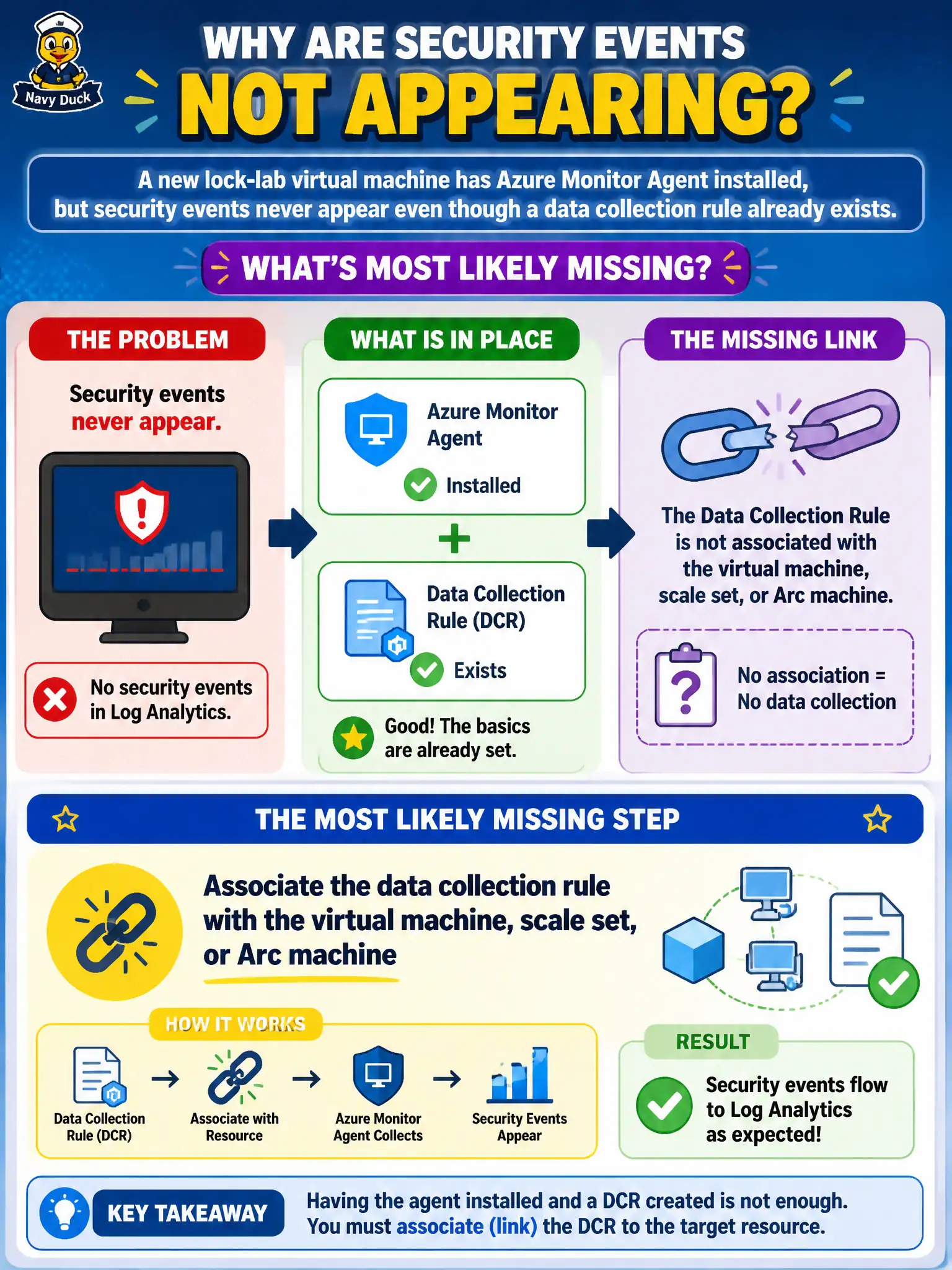
A new lock-lab virtual machine has Azure Monitor Agent installed, but security events never appear even though a data collection rule already exists. What is the most likely missing step?
Select an answer to reveal the explanation.
Short Explanation
A lonely DCR is just paperwork. Associate it to the VM—or scale set or Arc machine—or nothing gets collected, agent or not.
Full Explanation
Azure Monitor Agent collects only what an associated data collection rule tells it to send to Log Analytics. When AMA is installed on a new lock-lab virtual machine but security events never appear despite an existing DCR, the most likely missing step is associating that DCR with the virtual machine, scale set, or Arc-enabled machine so the rule actually applies to the host and collection begins.
Rewriting the DCR as an Azure Resource Manager template without any workspace destination breaks delivery even if association later exists, because collected data has nowhere to go. Deleting Azure Monitor Agent to reinstall the retired MMA agent abandons the supported agent model instead of fixing association. Converting the DCR into a Microsoft Defender for Cloud recommendation only changes the artifact type and does not collect host security events into the workspace.
Exam caveat: association targets include Azure Arc machines as well as Azure VMs and scale sets—Arc hosts need the same DCR association pattern before events flow. Operational check: open the DCR’s resources list, add the lock-lab VM or Arc machine, wait for the association to apply, then confirm Security events appear in the Log Analytics workspace for that machine.