
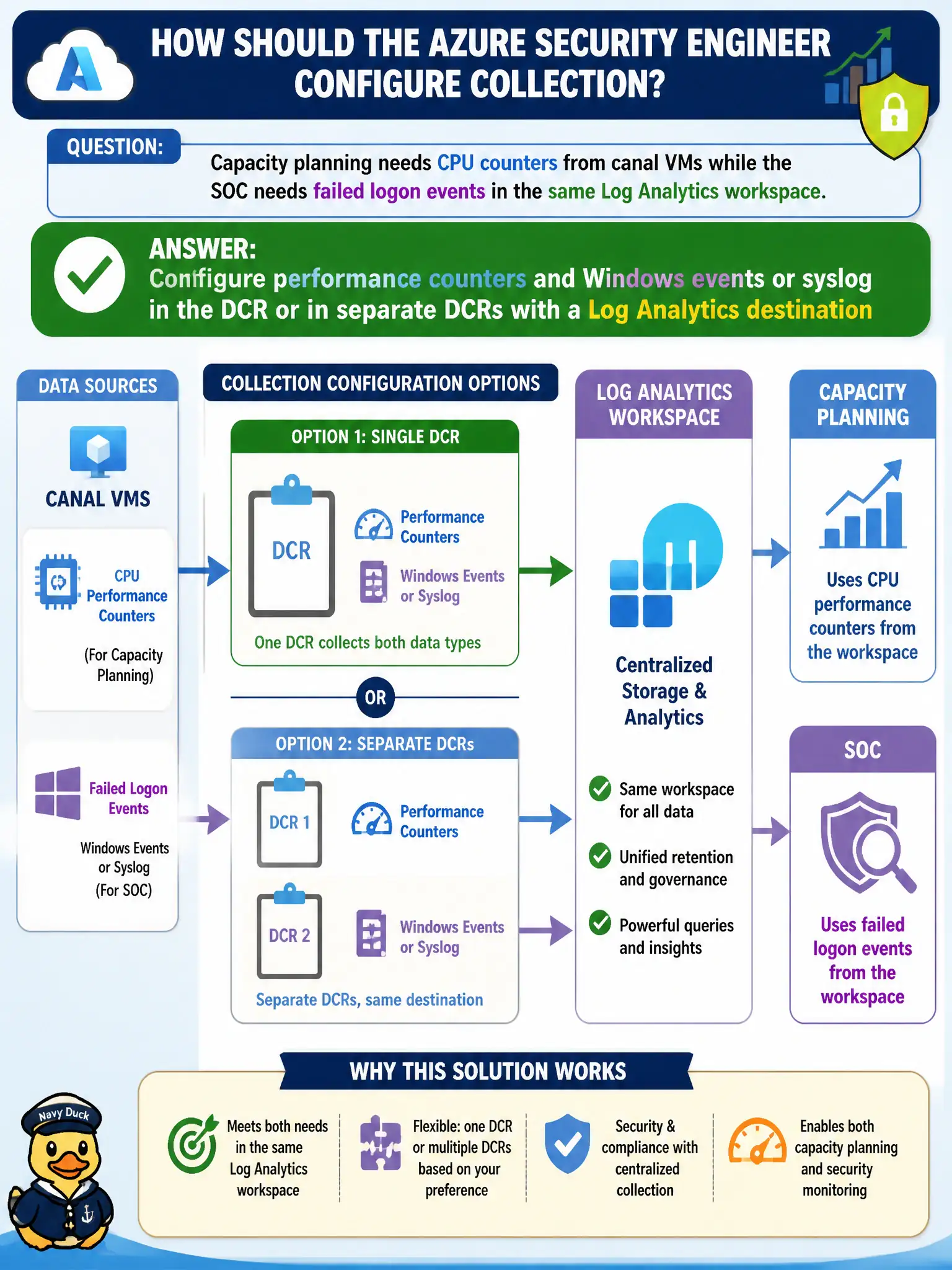
Capacity planning needs CPU counters from canal VMs while the SOC needs failed logon events in the same Log Analytics workspace. How should the Azure security engineer configure collection?
Select an answer to reveal the explanation.
Short Explanation
CPU counters and failed logons are different streams—don’t pretend Activity logs cover both. Put performance counters and Windows events or syslog in your DCR (or split DCRs) and send them to Log Analytics.
Full Explanation
CPU performance counters and failed logon security events are different data types that both can land in the same Log Analytics workspace. Configure performance counters plus Windows events or syslog in a data collection rule—or in separate DCRs with clearer ownership—with a Log Analytics destination so capacity planning and the canal SOC each get the streams they need.
Collecting only Azure Activity logs fails because Activity covers control-plane operations, not guest CPU counters or host failed logons inside the VM. Using Network Watcher connection troubleshoot as the sole source answers neither continuous performance counter collection nor ongoing security-event ingestion. Enabling a Microsoft Sentinel UEBA notebook instead of any data collection rule substitutes analytics features for the collection configuration that must exist before UEBA or scheduled rules have useful host data.
Exam caveat: one DCR can carry multiple streams, or you can split performance and security DCRs—both are valid if destinations and VM associations are correct. Operational check: verify the DCR or DCRs list the required performance counters and Security or syslog events, confirm association to canal VMs, and query the workspace for recent counter samples and failed-logon records.