
Security needs Windows Security events and syslog from lock-lab virtual machines in a Log Analytics workspace. What should the Azure security engineer create for Azure Monitor Agent?
Select an answer to reveal the explanation.
Short Explanation
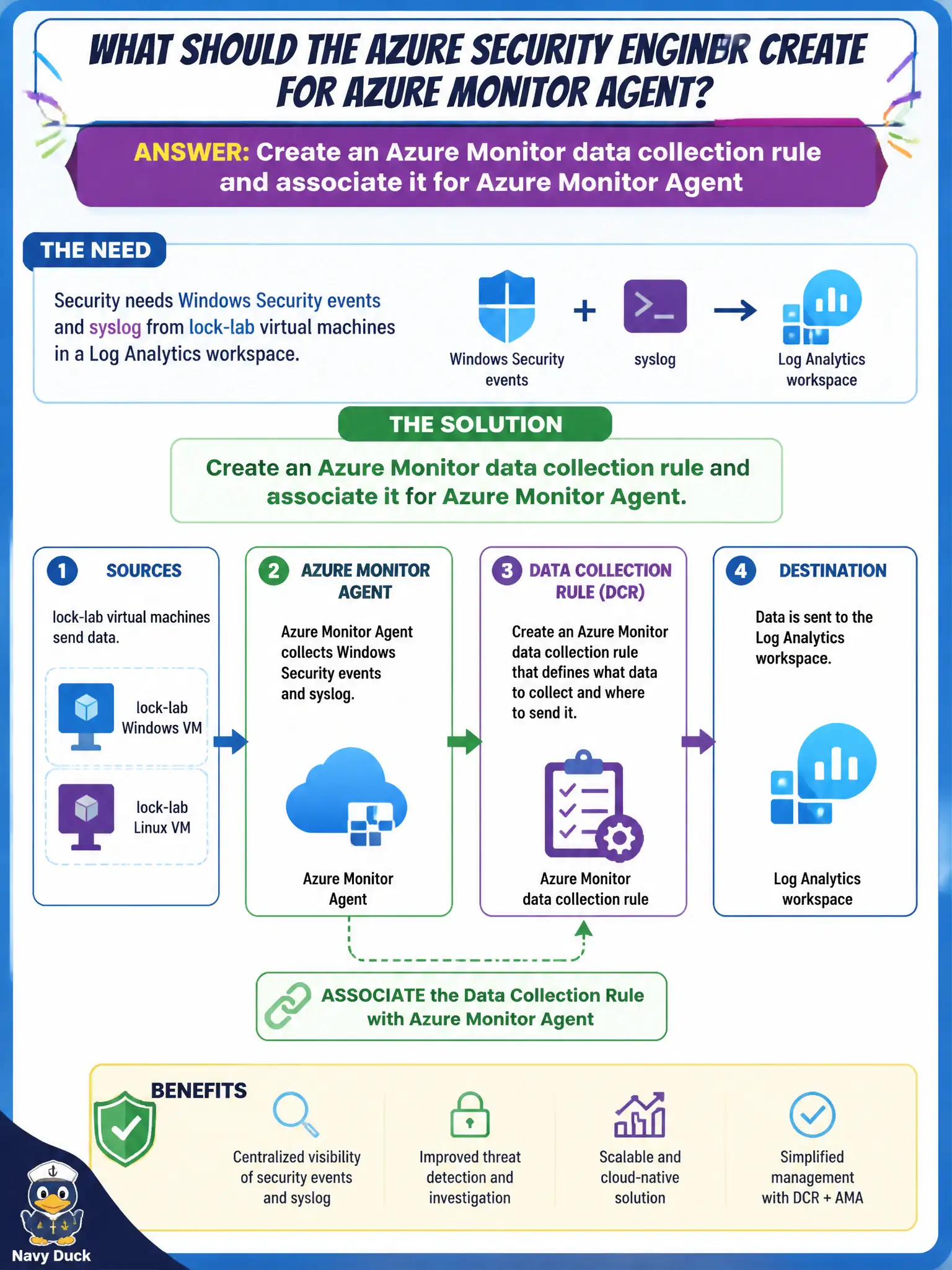
Forget the old MMA nostalgia tour. Stand up an Azure Monitor data collection rule for Azure Monitor Agent, point it at those Security events and syslog, and associate it so the workspace actually gets the goods.
Full Explanation
Host security telemetry into a Log Analytics workspace for Azure Monitor Agent is configured with data collection rules, not legacy agent nostalgia. The engineer should create an Azure Monitor data collection rule that gathers Windows Security events and syslog, associate it to the lock-lab virtual machines, and send those streams to the workspace so SOC queries and Sentinel rules have host data to evaluate.
Reinstalling the retired Log Analytics / MMA agent as the primary collection design rejects the current AMA plus DCR model the exam expects for new deployments. Enabling only Network Watcher NSG flow logs captures network flows, not guest Security events or syslog from the OS. Turning on Microsoft Defender for Cloud Apps session control on each virtual machine applies CASB session policy and does nothing to configure AMA event collection into Log Analytics.
Exam caveat: installing Azure Monitor Agent without creating and associating a data collection rule still yields an empty SecurityEvent and syslog pipeline even though the agent extension looks healthy. Operational check: create or update a DCR for Security events and syslog with the Log Analytics workspace as destination, associate it to the lock-lab VMs, and confirm events arrive in the expected workspace tables.