
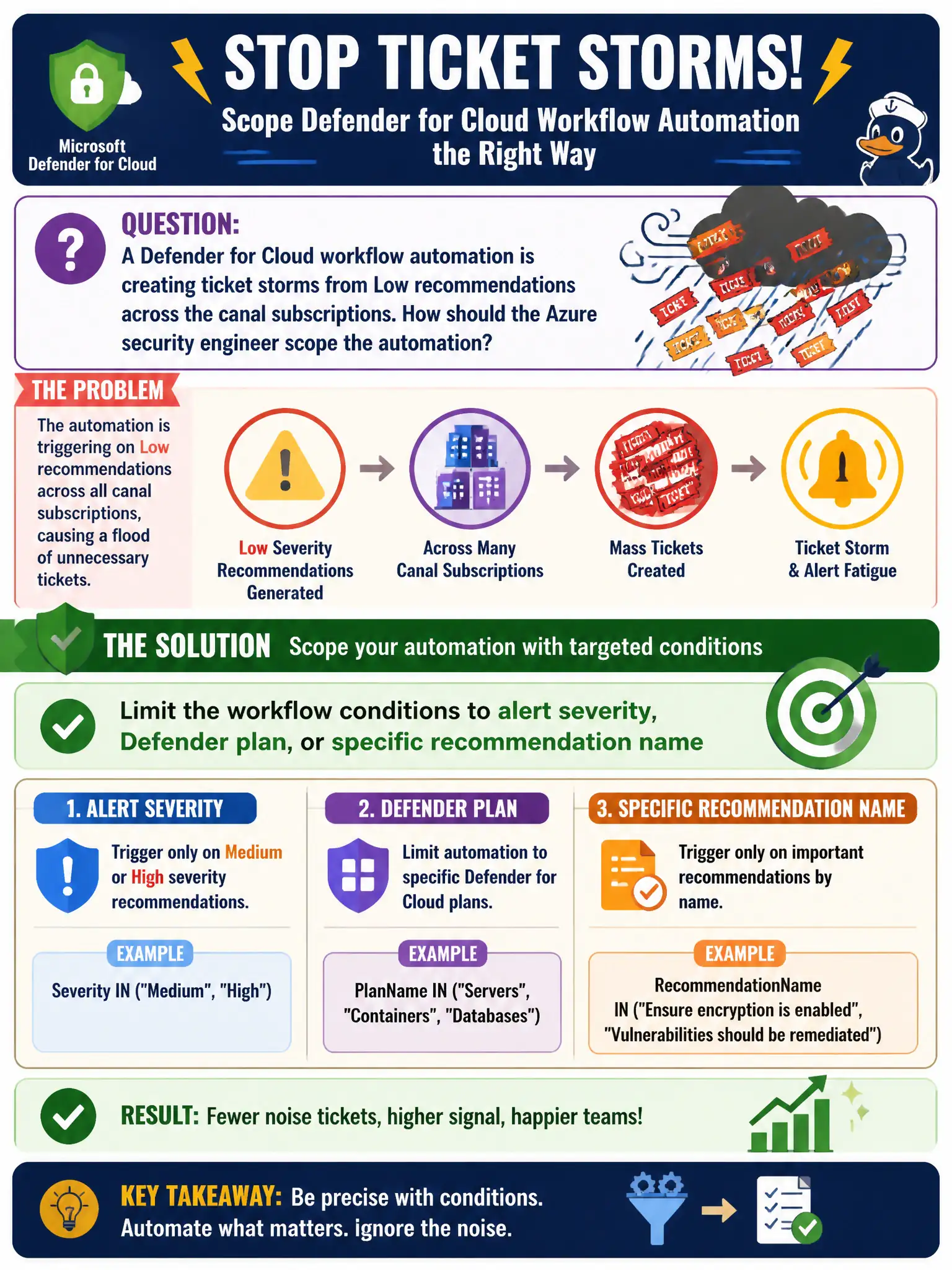
A Defender for Cloud workflow automation is creating ticket storms from Low recommendations across the canal subscriptions. How should the Azure security engineer scope the automation?
Select an answer to reveal the explanation.
Short Explanation
If Low recommendations are flooding the help desk, tighten the trigger. Scope the workflow to High severity, the right Defender plan, or a named recommendation so automation stays useful.
Full Explanation
Workflow automation is only useful when its trigger conditions match the signals you intend to act on. To stop ticket storms from Low recommendations across canal subscriptions, limit the Defender for Cloud workflow conditions to alert severity, Defender plan, or a specific recommendation name so Low posture noise does not open help-desk tickets while High alerts still automate correctly.
Triggering on every recommendation and every Informational alert in all subscriptions maximizes noise and recreates the storm you are trying to stop. Disabling Microsoft Defender for Cloud entirely until the Logic App queue drains removes protection and detection instead of fixing scope. Running the Logic App on a fixed timer with no alert or recommendation filter decouples automation from Defender signals and produces irrelevant or empty runs.
Exam caveat: the same Logic App can usually be reused; the fix is almost always the Defender for Cloud workflow condition filter, not rewriting the entire app. Operational check: edit the automation’s conditions to High severity or the named recommendation you care about, disable overly broad triggers, and confirm Low recommendation events no longer create canal help-desk tickets while a High test alert still fires the workflow.