
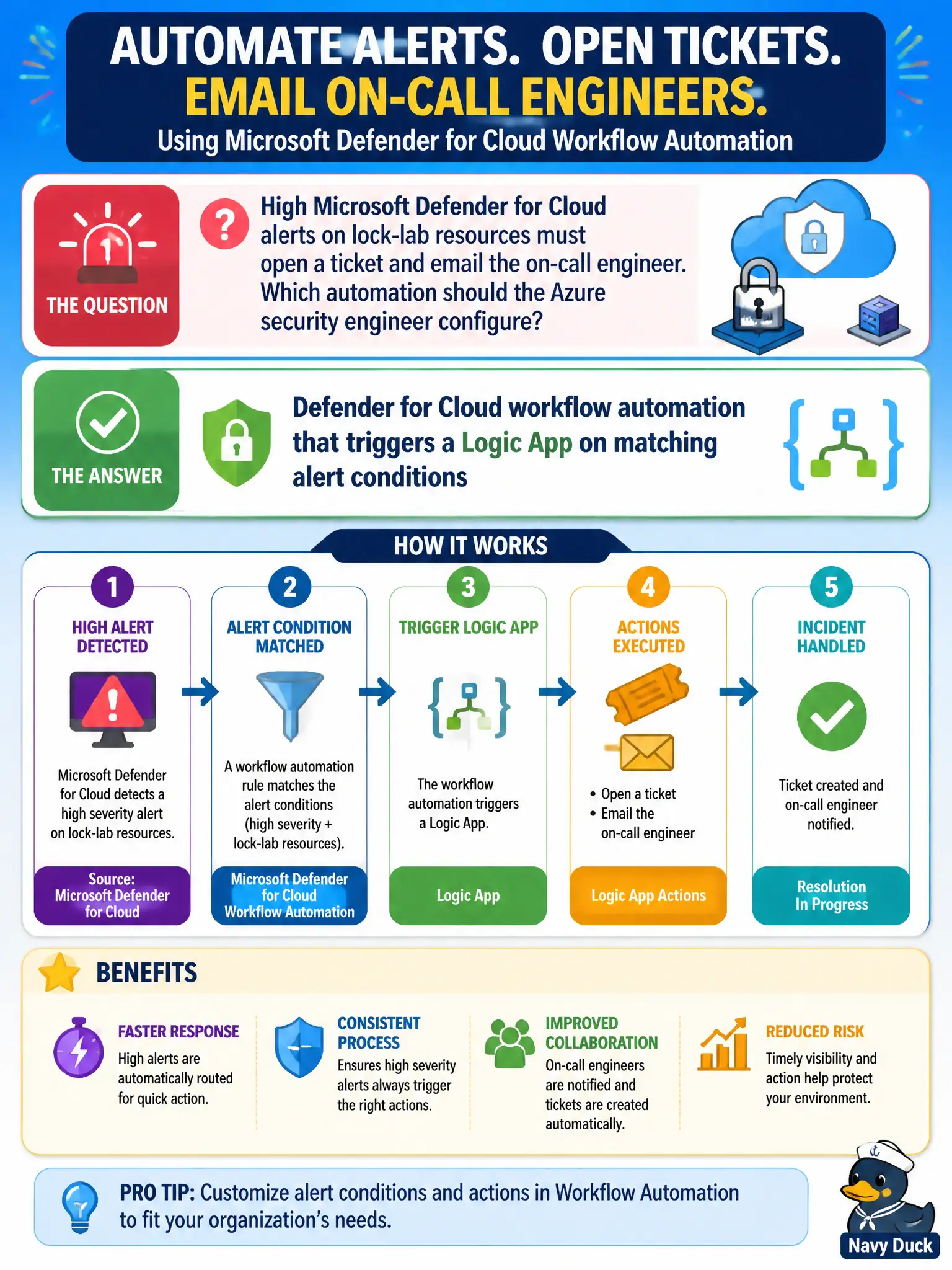
High Microsoft Defender for Cloud alerts on lock-lab resources must open a ticket and email the on-call engineer. Which automation should the Azure security engineer configure?
Select an answer to reveal the explanation.
Short Explanation
Want tickets and on-call pings without babysitting the blade? Wire Defender for Cloud workflow automation to a Logic App that fires on those High alert conditions—that’s the in-product automation path.
Full Explanation
Microsoft Defender for Cloud workflow automation is the in-product way to react when alert conditions match. For High alerts on lock-lab resources that must open a ticket and email the on-call engineer, configure workflow automation that triggers a Logic App on those alert conditions so notification and ticketing run without someone babysitting the alerts blade all day.
A Security Copilot agent that replaces Logic Apps for every High alert is not the documented Defender for Cloud workflow automation control the exam emphasizes for ticketing and email. An Azure Policy initiative that deletes resources whenever any alert appears is destructive policy misuse and is not alert-driven ITSM automation. A Microsoft Sentinel hunting notebook scheduled only for Low recommendations addresses a different product and the wrong severity and signal type for this High-alert requirement.
Exam caveat: workflow automation can target alerts or recommendations—scope carefully by severity and name or Low recommendation noise will create ticket storms across canal subscriptions. Operational check: create a workflow automation scoped to High alerts on lock-lab subscriptions, point it at a Logic App that creates a ticket and emails on-call, then fire a test High alert and verify both actions complete in run history.