
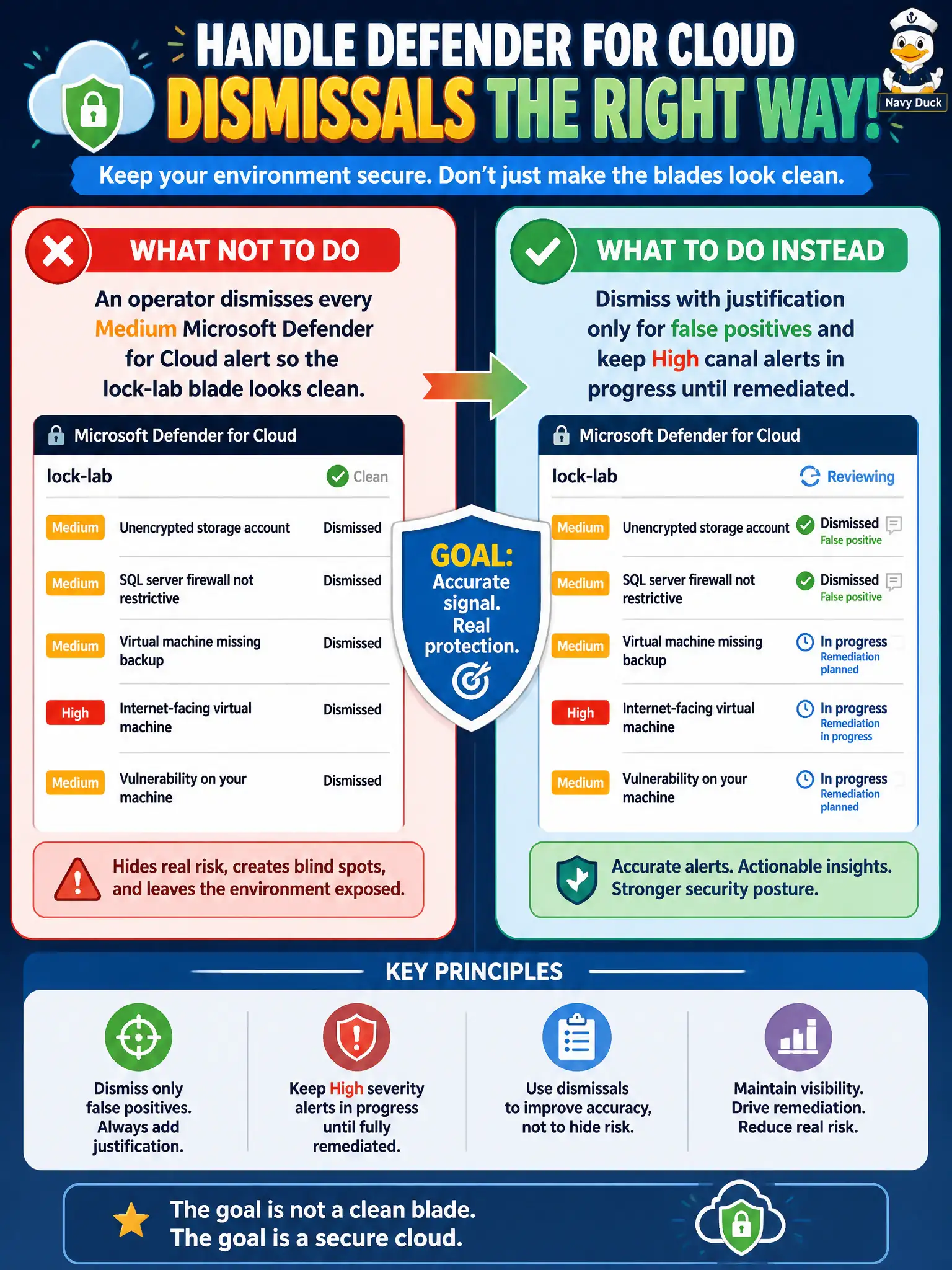
An operator dismisses every Medium Microsoft Defender for Cloud alert so the lock-lab blade looks clean. How should the Azure security engineer handle dismissals instead?
Select an answer to reveal the explanation.
Short Explanation
A clean blade isn’t the same as a safe lab. Dismiss only the false positives with a real reason, and keep those High canal alerts cooking until somebody actually fixes them.
Full Explanation
Alert dismissal in Microsoft Defender for Cloud is a justified exception path, not a cleanup chore to make the lock-lab blade look empty. The engineer should dismiss with justification only for false positives and keep High canal alerts in progress until they are remediated so severity, ownership, and status still reflect real risk instead of cosmetic quiet.
Dismissing all Medium and High alerts weekly so Secure Score stays artificially high is gaming the blade and abandons active High work the SOC still owes. Converting every Medium alert into a recommendation and ignoring High severity invents a reclassification that is not how alert management works and leaves the highest-priority queue untouched. Exporting alerts to CSV and deleting them from Defender for Cloud without review removes operational signal without triage, reason codes, or owners.
Exam caveat: a clean alerts blade after mass dismissal is not equivalent to a remediated environment—auditors and the exam both expect recorded reasons and open High items until fixed. Operational check: review recent dismissals for missing justifications, reopen any High lock-lab alerts that were cleared without remediation, and assign owners with in-progress status until the underlying issues are closed.