
The canal SOC will respond from Microsoft Sentinel rather than living in the Microsoft Defender for Cloud alerts blade. What should the Azure security engineer configure?
Select an answer to reveal the explanation.
Short Explanation
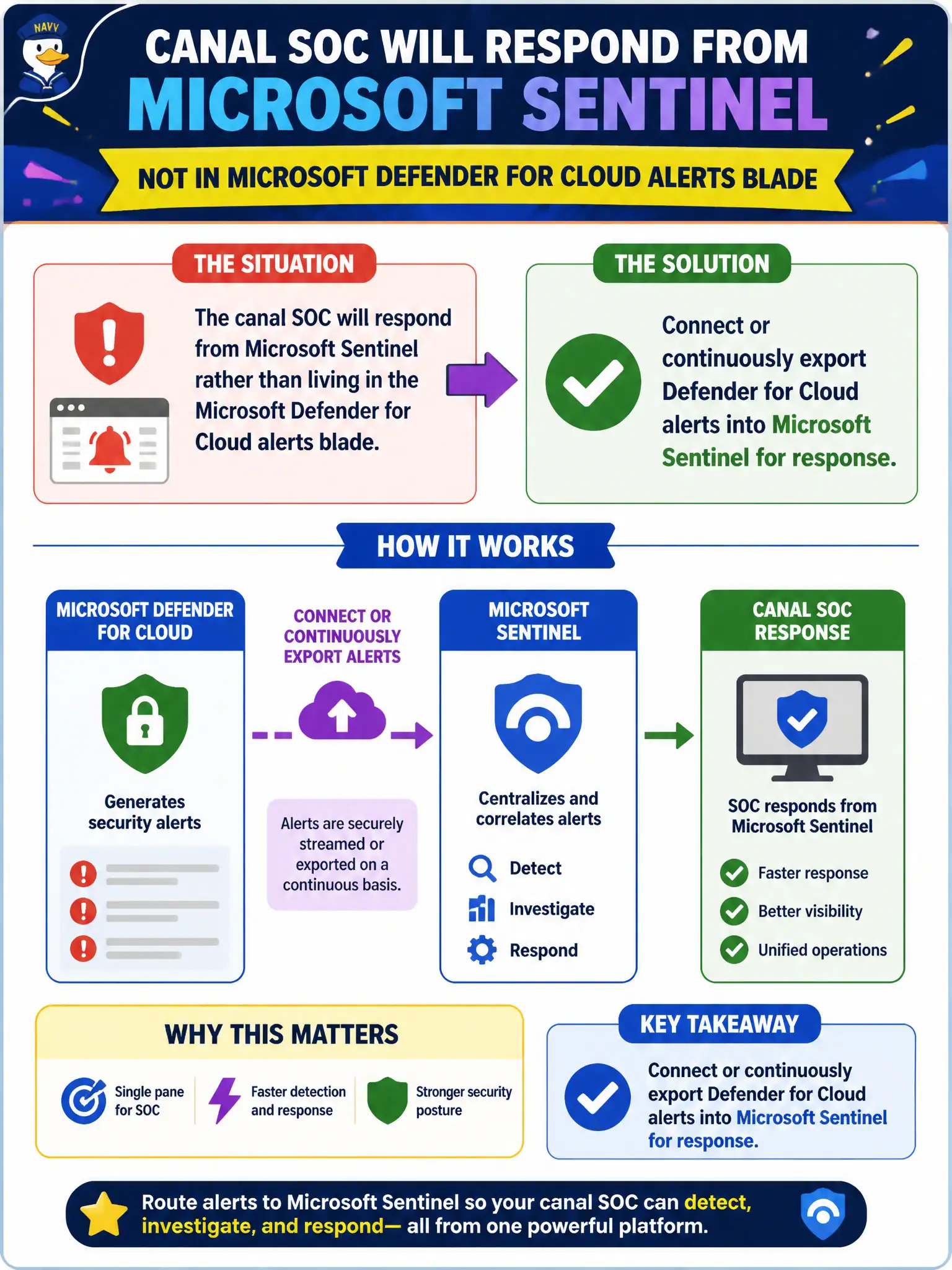
If the SOC lives in Sentinel, don’t strand the alerts in the Defender for Cloud blade. Pipe those Defender for Cloud alerts into Sentinel—connector or continuous export—so response happens where the analysts actually sit.
Full Explanation
When the canal SOC responds in Microsoft Sentinel, Defender for Cloud alerts must be available in that workspace. The engineer should connect or continuously export Defender for Cloud alerts into Microsoft Sentinel so analysts can triage, enrich, and incident-respond where they already work instead of living only in the Defender for Cloud alerts blade.
Disabling all Defender for Cloud alerts so only Azure Activity logs reach the SOC throws away malware and threat detections that Activity control-plane logs do not replace. Replacing Sentinel with Microsoft Defender for Cloud Apps for alert triage swaps the SIEM for a CASB and breaks the stated SOC workflow. Moving every storage account into a new subscription that has no Defender plans reduces coverage and creates blind spots instead of integrating the alerts the SOC needs.
Exam caveat: continuous export and the Defender for Cloud data connector are related integration patterns—choose the path that matches how your workspace promotes alerts into incidents, and select the correct subscriptions. Operational check: enable the Microsoft Defender for Cloud connector or continuous export for the lock-lab subscriptions, generate a test High alert, and confirm it appears as a Sentinel incident for the SOC queue.