
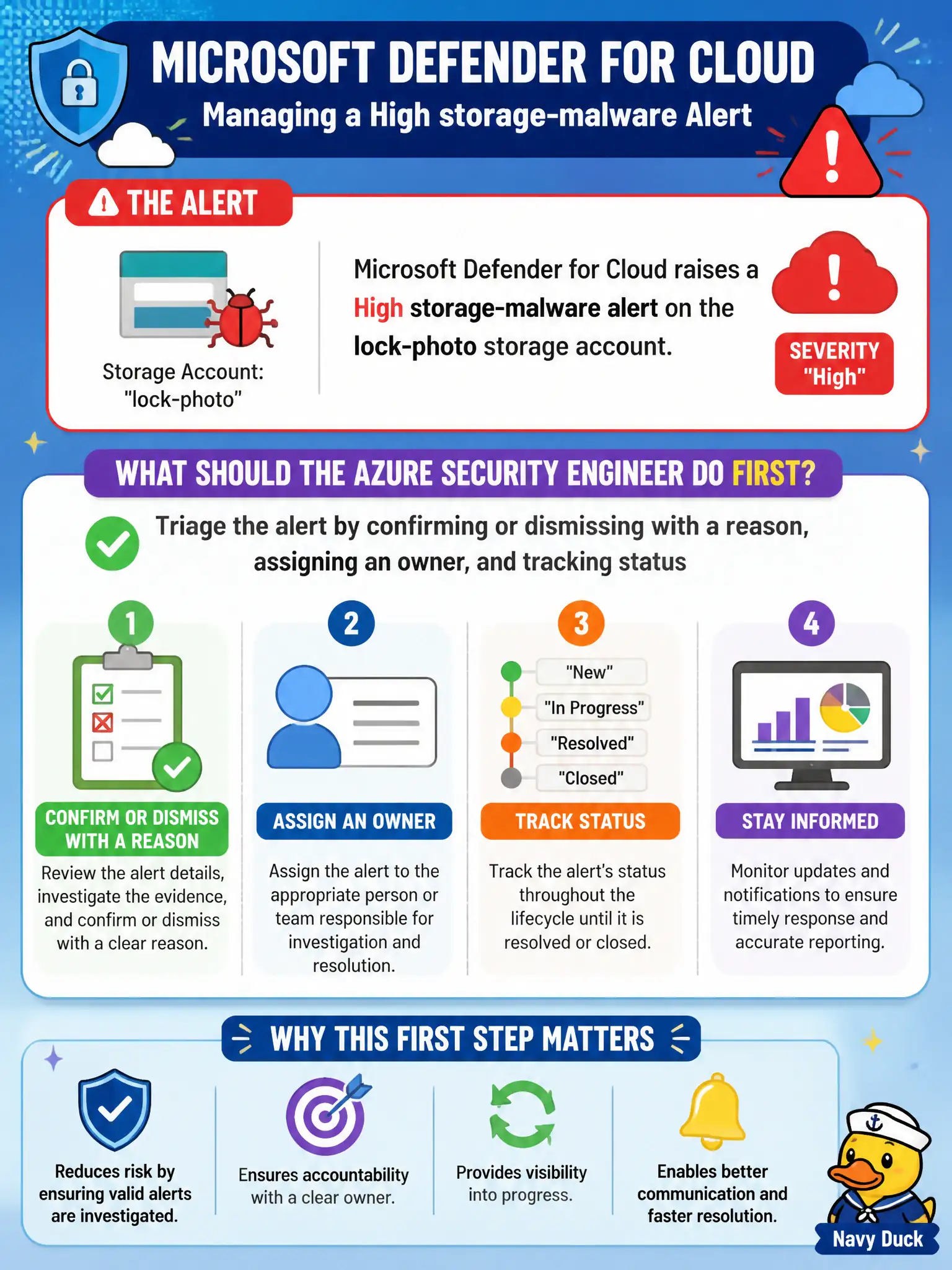
Microsoft Defender for Cloud raises a High storage-malware alert on the lock-photo storage account. What should the Azure security engineer do first as part of managing the alert?
Select an answer to reveal the explanation.
Short Explanation
Don’t yank the storage account on the first beep. Triage the High alert—confirm or dismiss with a reason, park an owner on it, and track status—then remediate with eyes open.
Full Explanation
Managing a High Microsoft Defender for Cloud alert starts with disciplined triage: confirm or dismiss with a reason, assign an owner, and track status so the lock-photo storage malware finding is owned and progressing. That workflow keeps investigation and remediation auditable before anyone changes or deletes the storage account, and it is the alert-management skill AZ-500 expects for Defender for Cloud.
Deleting the storage account immediately without recording status or ownership destroys forensic evidence and skips confirm/dismiss/owner tracking entirely. Opening a Security Copilot notebook while skipping Defender for Cloud alert management substitutes an assistive workspace for the required triage path on the alerts blade. Lowering every High alert to Informational overnight to massage Secure Score hides true severity instead of remediating and violates honest alert handling for canal resources.
Exam caveat: dismissal is valid for false positives when you record justification; it is not a shortcut to clear High canal alerts that still need containment and cleanup. Operational check: open the High storage-malware alert, set an owner and status, document confirm or dismiss with a reason, then proceed to isolate or remediate the lock-photo account with that audit trail intact.