
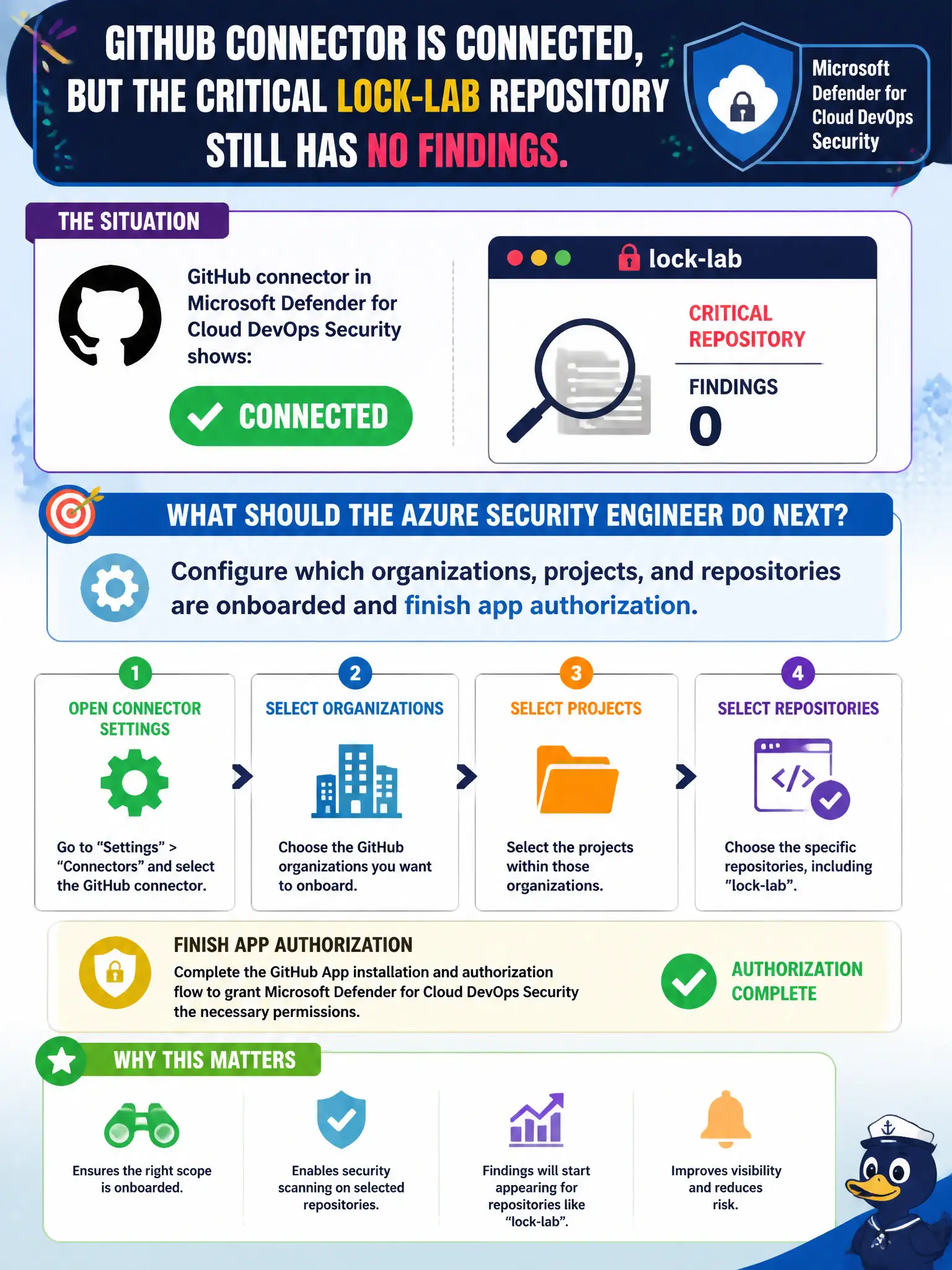
The GitHub connector in Microsoft Defender for Cloud DevOps Security shows Connected, but the critical lock-lab repository still has no findings. What should the Azure security engineer do next?
Select an answer to reveal the explanation.
Short Explanation
“Connected” isn’t the finish line. Open the DevOps Security settings, pick the orgs and repos that matter—including that lock-lab repo—and finish the app authorization so findings actually show up.
Full Explanation
A Connected GitHub connector only means the integration exists; it does not automatically onboard every organization, project, and repository. When the critical lock-lab repository still has no findings, the next step is to configure which organizations, projects, and repositories are included and finish app authorization so Defender for Cloud DevOps Security can scan and annotate that repo.
Marking the connector healthy and waiting for Secure Score to invent the missing repository confuses Secure Score aggregation with per-repo onboarding—score will not create findings for repos that were never selected. Deleting and recreating the entire Microsoft Defender for Cloud workspace is a destructive reset that does not fix incomplete connector scope. Switching the team to Bitbucket to chase a different first-class connector abandons a supported GitHub path and ignores Bitbucket’s weaker standing on the outline.
Exam caveat: authorization and org/repo selection are separate from the Connected status badge; either gap yields an empty findings blade. Operational check: open DevOps Security connector settings, confirm the lock-lab organization and repository are explicitly onboarded, complete any pending GitHub app authorization, then re-check that recommendations appear for that repo.