
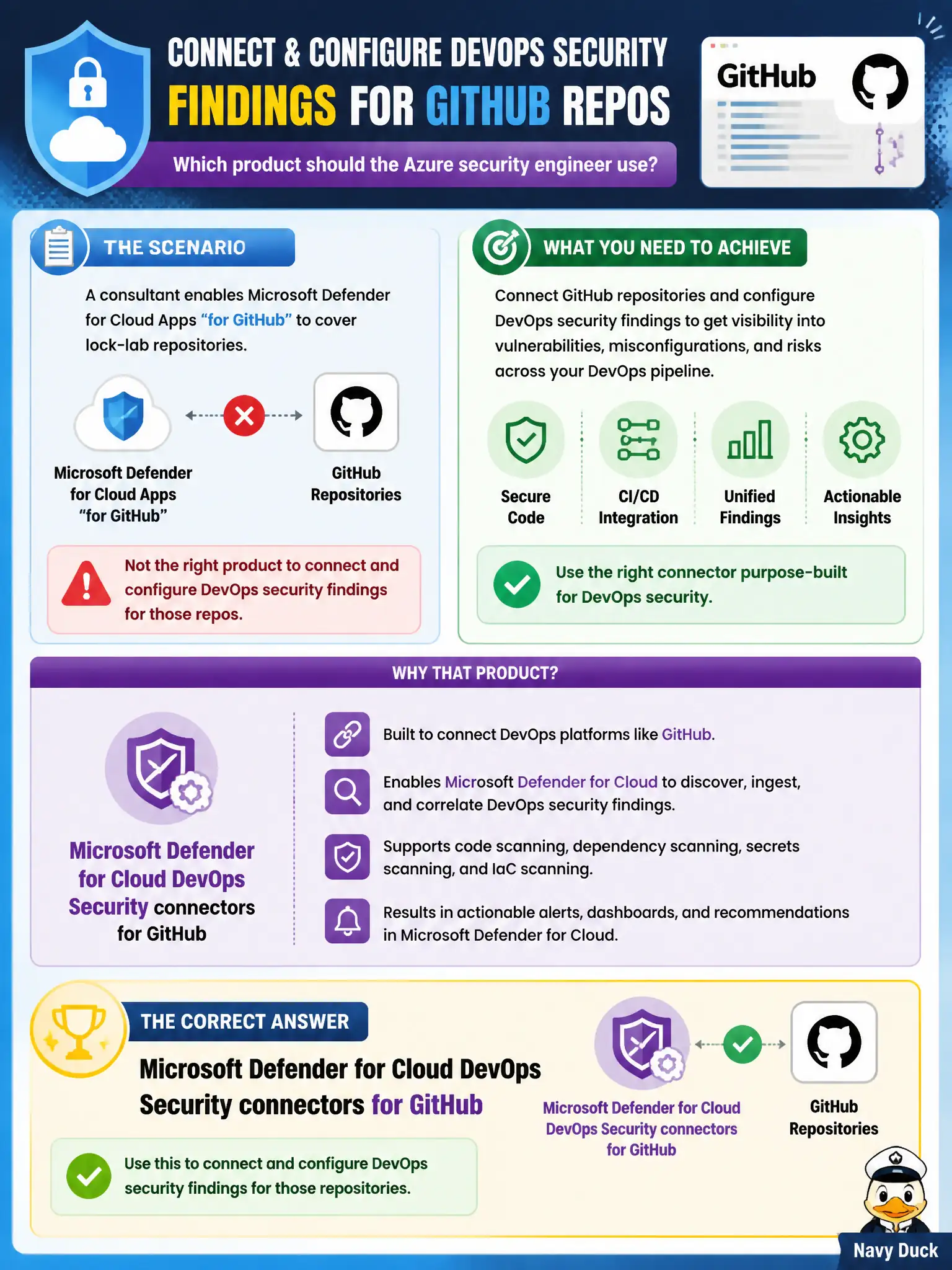
A consultant enables Microsoft Defender for Cloud Apps “for GitHub” to cover lock-lab repositories. Which product should the Azure security engineer use instead to connect and configure DevOps security findings for those repos?
Select an answer to reveal the explanation.
Short Explanation
Cloud Apps is the wrong door for this AZ-500 bullet. Walk into Microsoft Defender for Cloud DevOps Security, hook up the GitHub connector, and get the repo findings there.
Full Explanation
Connecting and configuring DevOps security findings for lock-lab GitHub repositories is a Microsoft Defender for Cloud DevOps Security job. The engineer should use the DevOps Security GitHub connector so infrastructure-as-code and repository posture findings—and pull-request annotations when available—appear in Defender for Cloud, not in a CASB or DLP product selected by name coincidence.
Microsoft Defender XDR with a Security Copilot agent for GitHub blurs XDR investigation/assist features with the DevOps Security connector path the AZ-500 outline calls out. Microsoft Defender for Cloud Apps Conditional Access App Control addresses session and access control for cloud apps; it does not replace DevOps Security connectors for repo findings. Microsoft Purview Data Loss Prevention aimed at GitHub.com targets data-exfiltration patterns, not Defender for Cloud DevOps Security recommendation and PR annotation workflows.
Exam caveat: enabling “Defender for Cloud Apps for GitHub” is a common product mix-up—Cloud Apps and DevOps Security share a cloud-security umbrella but different connectors and outcomes. Operational check: connect the GitHub organization in Defender for Cloud DevOps Security, confirm the lock-lab repositories are selected, and verify findings appear for a known insecure IaC sample before relying on the connector in CI.