
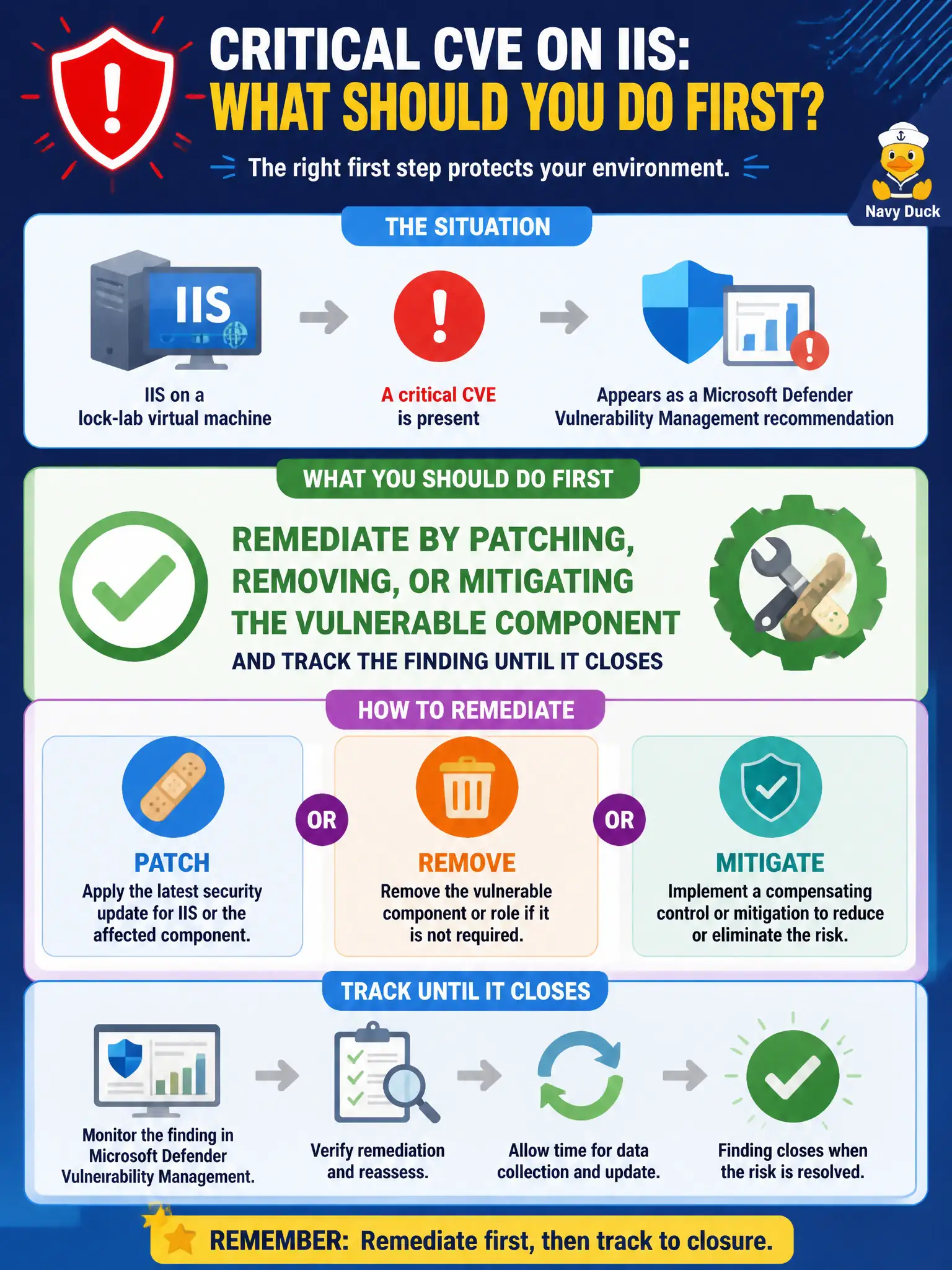
A critical CVE sits on IIS on a lock-lab virtual machine and appears as a Microsoft Defender Vulnerability Management recommendation. What should the Azure security engineer do first?
Select an answer to reveal the explanation.
Short Explanation
Critical IIS CVE on the lock box? Patch it, remove it, or mitigate it—and watch the MDVM finding close. A shiny Sentinel rule is not the first bandage for a known hole.
Full Explanation
When a critical CVE sits on IIS on a lock-lab virtual machine and appears as a Microsoft Defender Vulnerability Management recommendation, remediate first by patching, removing, or mitigating the vulnerable component and track the finding until it closes in Defender for Cloud. Implementation of MDVM means driving vulnerable software to a closed state—not merely observing it in a dashboard.
Writing a Microsoft Sentinel analytics rule as the first response while leaving the CVE unpatched monitors symptoms instead of fixing the known hole on the civic web tier. Dismissing every MDVM finding permanently so Secure Score ignores IIS hides risk and breaks the remediation loop auditors expect. Redesigning WSUS and ConfigMgr hierarchy before addressing the single critical CVE may be valuable later but delays urgent remediation of an already identified critical exposure.
Exam caveat: tracking to closure matters; civic auditors expect evidence that critical IIS findings were patched or mitigated, not only that an incident detection rule exists in Sentinel.
Operational check: apply the IIS patch or mitigation on the affected lock-lab VM, allow assessment to refresh, and verify the MDVM finding status moves to remediated/closed in Defender for Cloud.