
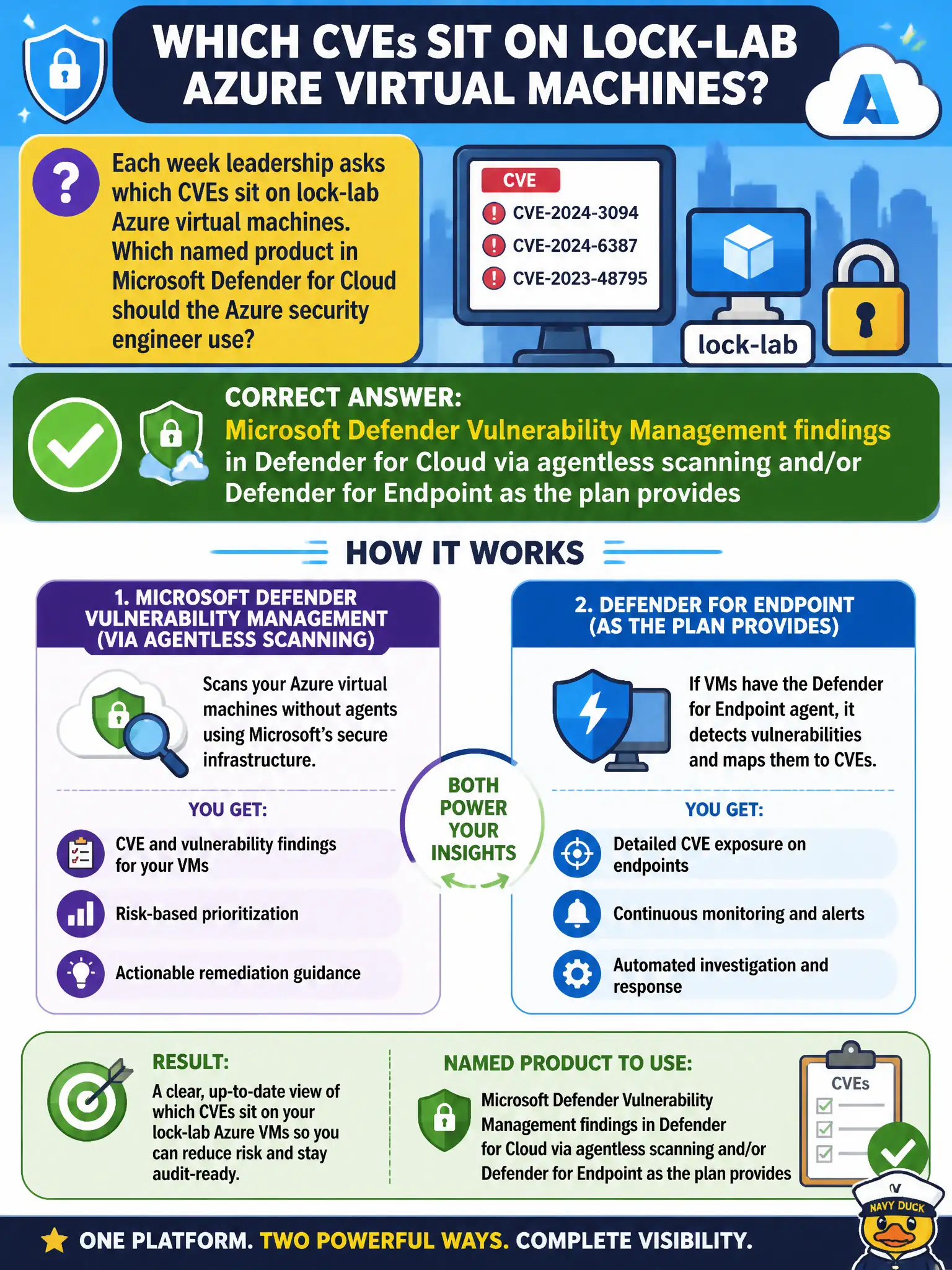
Each week leadership asks which CVEs sit on lock-lab Azure virtual machines. Which named product in Microsoft Defender for Cloud should the Azure security engineer use?
Select an answer to reveal the explanation.
Short Explanation
Weekly CVE roll call on the lock-lab VMs? That’s Microsoft Defender Vulnerability Management inside Defender for Cloud. Skip the random third-party box and the Cloud Apps file-policy detour—MDVM is the named inventory.
Full Explanation
Each week leadership asks which CVEs sit on lock-lab Azure virtual machines, so use Microsoft Defender Vulnerability Management findings in Microsoft Defender for Cloud via agentless scanning and/or Microsoft Defender for Endpoint as the Servers plan provides. MDVM is the named vulnerability product path on the January 22, 2026 AZ-500 outline for this scenario.
Mandating a third-party scanner appliance as the only AZ-500 vulnerability product ignores the named Microsoft Defender Vulnerability Management integration. Using Microsoft Defender for Cloud Apps file policies as the VM CVE inventory confuses SaaS file controls with machine vulnerability findings. Relying on Security Copilot chat without MDVM findings produces narrative guesses instead of the authoritative CVE inventory in Defender for Cloud.
Exam caveat: assessment path (agentless versus Defender for Endpoint) depends on plan and onboarding; leadership reports should cite MDVM findings, not chat summaries alone.
Operational check: open Vulnerability Management or related recommendations in Defender for Cloud for lock-lab VMs, export or filter critical/high CVEs for the weekly leadership packet, and confirm findings originate from agentless scanning and/or Defender for Endpoint as configured.