
Lock-lab virtual machines are deallocated overnight and agentless findings look stale. What limitation should the Azure security engineer account for?
Select an answer to reveal the explanation.
Short Explanation
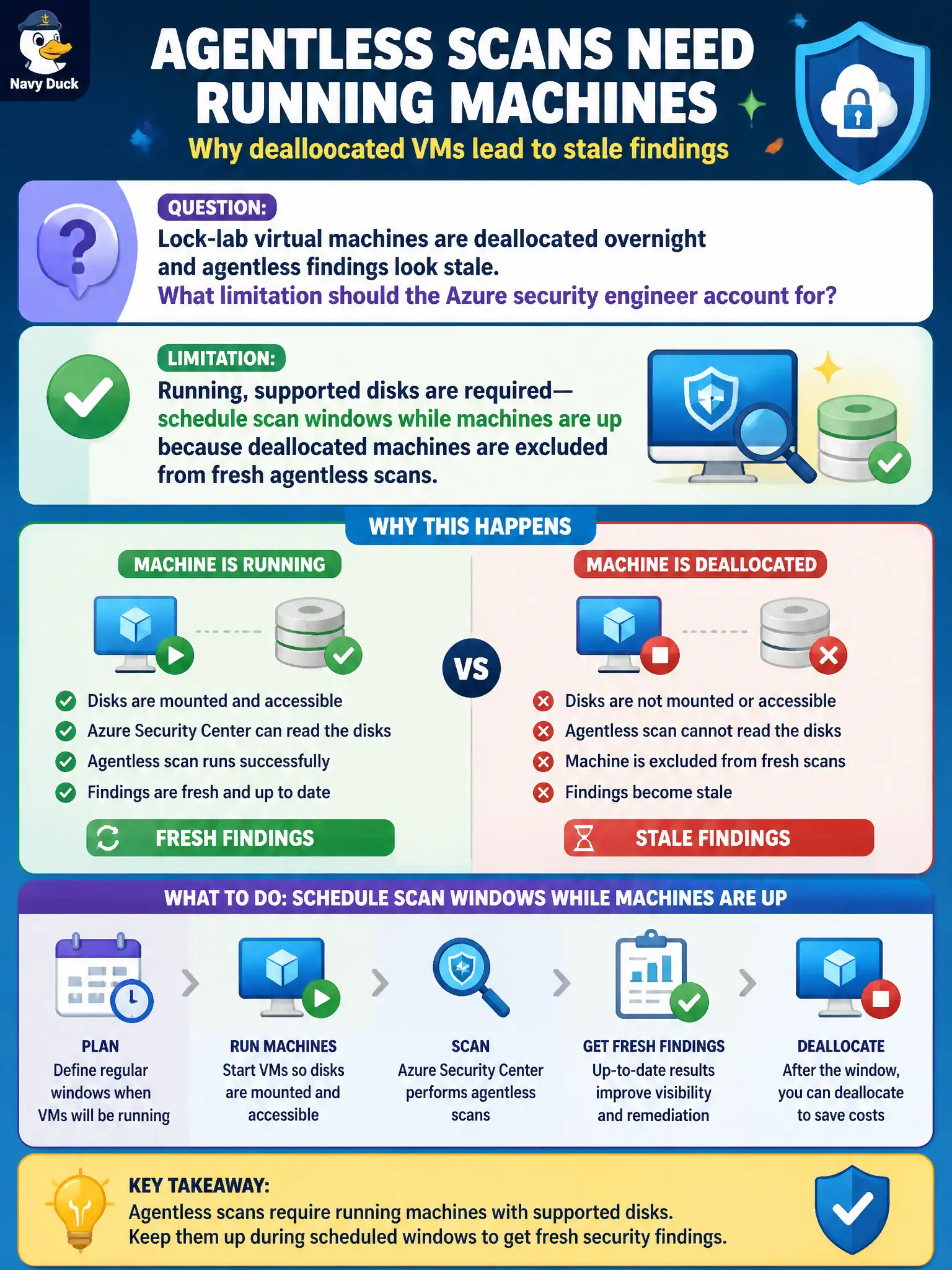
Parked (deallocated) lab VMs don’t get a fresh agentless pass—the disks need to be on supported, running machines. Schedule the scan window while the lab is awake.
Full Explanation
When lock-lab virtual machines are deallocated overnight and agentless findings look stale, account for the limitation that running, supported disks are required for fresh agentless scans. Deallocated machines are excluded from fresh agentless scanning, so schedule scan windows while machines are allocated and running if auditors expect current secrets and vulnerability results.
Claiming agentless scanning only works on deallocated machines reverses the real prerequisite and would strand daytime running fleets without scans. Requiring Security Copilot to refresh findings on stopped disks invents a dependency that does not replace running-machine scan eligibility. Assuming deallocated machines always produce the freshest agentless secrets results by design contradicts official exclusions for deallocated VMs.
Exam caveat: civic lab cost savings from nightly deallocation conflict with agentless freshness; either keep a scan-window uptime schedule or explicitly accept stale findings for parked machines in the audit narrative.
Operational check: schedule a maintenance window where lock-lab VMs are running, trigger or wait for agentless scan cycles, and confirm findings timestamps update only for machines that were allocated with supported disks during the window.