
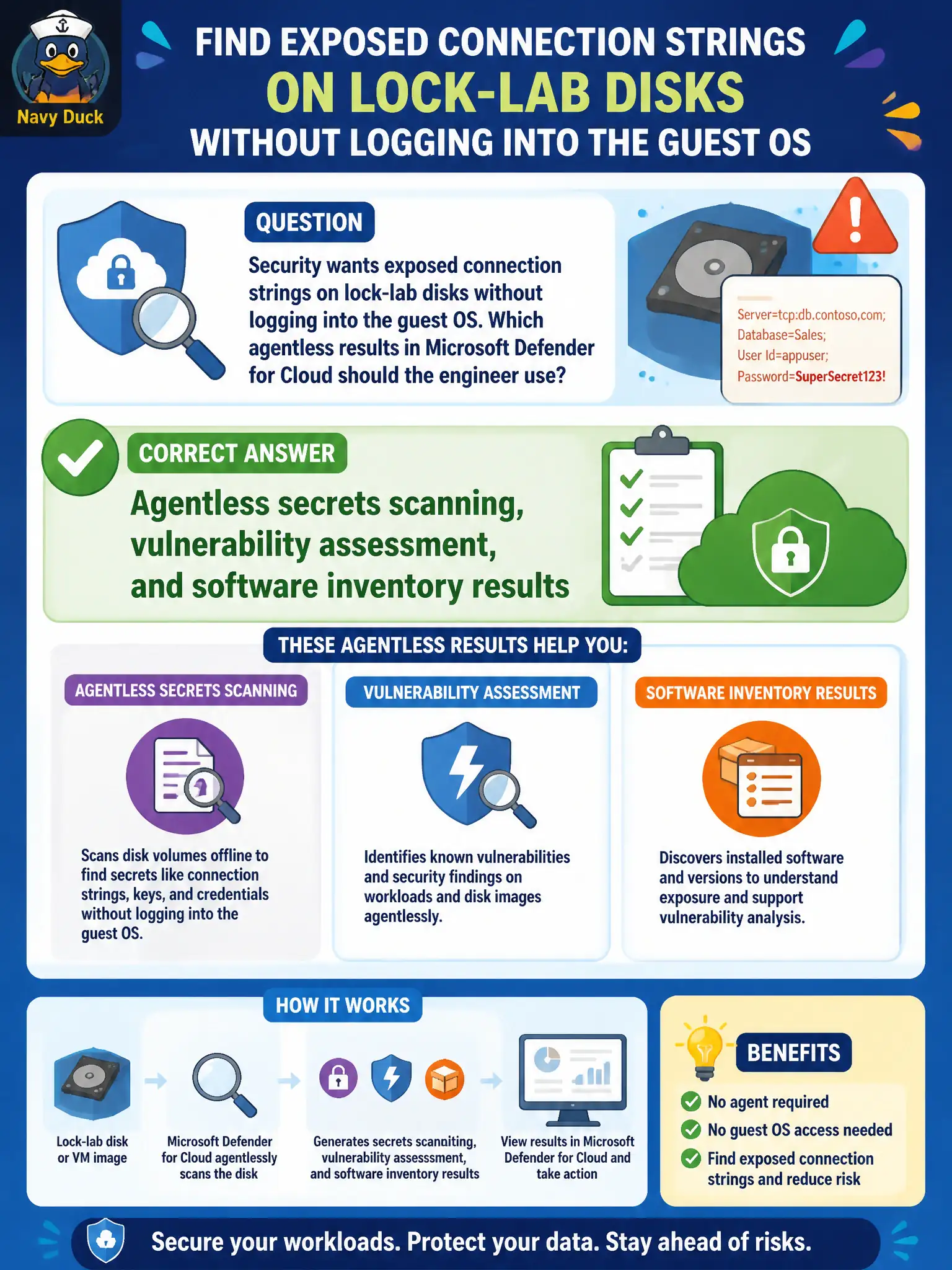
Security wants exposed connection strings on lock-lab disks without logging into the guest OS. Which agentless results in Microsoft Defender for Cloud should the engineer use?
Select an answer to reveal the explanation.
Short Explanation
Want the leaked connection string without RDP’ing in? Agentless secrets scanning—plus vuln assessment and software inventory—reads the disk snapshot. No guest login required.
Full Explanation
To find exposed connection strings on lock-lab disks without logging into the guest OS, use agentless secrets scanning, vulnerability assessment, and software inventory results from Microsoft Defender for Servers agentless scanning in Microsoft Defender for Cloud. Those results come from snapshot-based analysis rather than an interactive admin session.
Network Watcher packet captures of SQL TDS traffic may show network flows but do not replace disk secrets scanning for connection strings at rest on the guest disk. Azure Bastion clipboard logs prove nothing reliable about secrets stored on disk. Microsoft Sentinel UEBA anomalies without any Servers agentless findings address identity behavior, not disk-resident secrets inventory.
Exam caveat: agentless secrets results depend on Plan 2 agentless scanning being enabled and on supported, eligible machines; absence of findings can mean misconfiguration, not a clean disk.
Operational check: ensure Plan 2 agentless scanning is enabled, open Defender for Cloud machine findings for a lock-lab VM, and locate secrets scanning (and related VA/software inventory) results that surface connection-string-like secrets without an RDP or SSH login.