
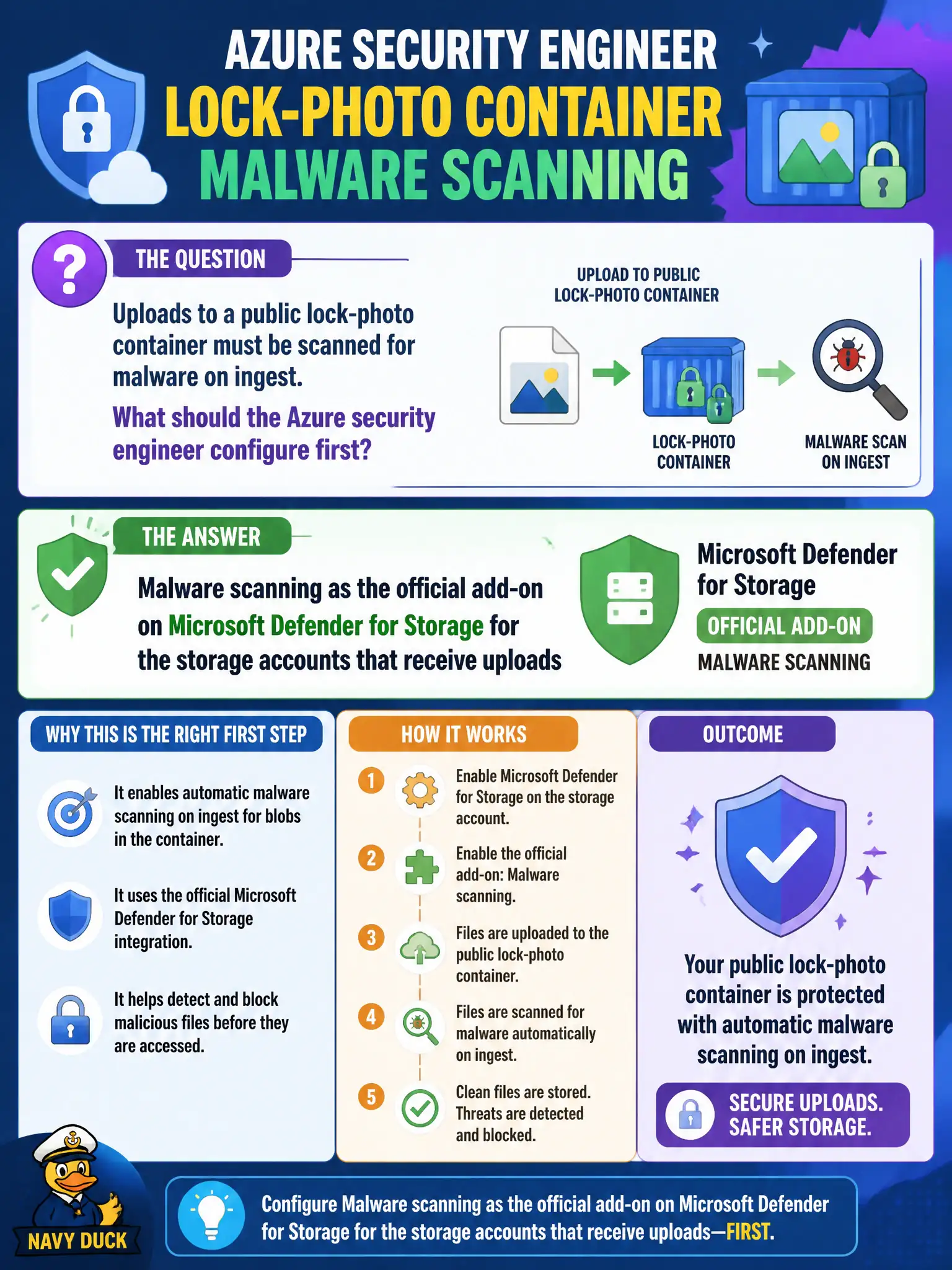
Uploads to a public lock-photo container must be scanned for malware on ingest. What should the Azure security engineer configure first?
Select an answer to reveal the explanation.
Short Explanation
Public photo drops need the Storage malware-scan add-on on ingest—not a random AV VM chewing blob mounts. Flip the Defender for Storage malware scanning option on the accounts that take uploads.
Full Explanation
Uploads to a public lock-photo container must be scanned for malware on ingest, so configure malware scanning as the official add-on on Microsoft Defender for Storage for the storage accounts that receive those uploads. The Storage plan’s malware scanning option is the supported on-ingest path in Defender for Cloud.
A third-party antivirus virtual machine that periodically mounts every blob container as a file share is an unsupported operational detour compared with the official Storage malware-scanning add-on. Enabling only Microsoft Defender for Servers antimalware on unrelated jump boxes skips Storage configuration entirely. Disabling public container access may reduce exposure but incorrectly assumes no malware scanning capability exists in Defender for Cloud and does not configure on-ingest scanning for accounts that still accept uploads.
Exam caveat: malware scanning is an add-on capability associated with Defender for Storage configuration—not something Servers antimalware on a jump box provides for blob ingest.
Operational check: enable Defender for Storage on the upload accounts, turn on the malware scanning option per official documentation, upload a benign test file to the public lock-photo container path used in production, and confirm scan disposition is recorded for that ingest path.