
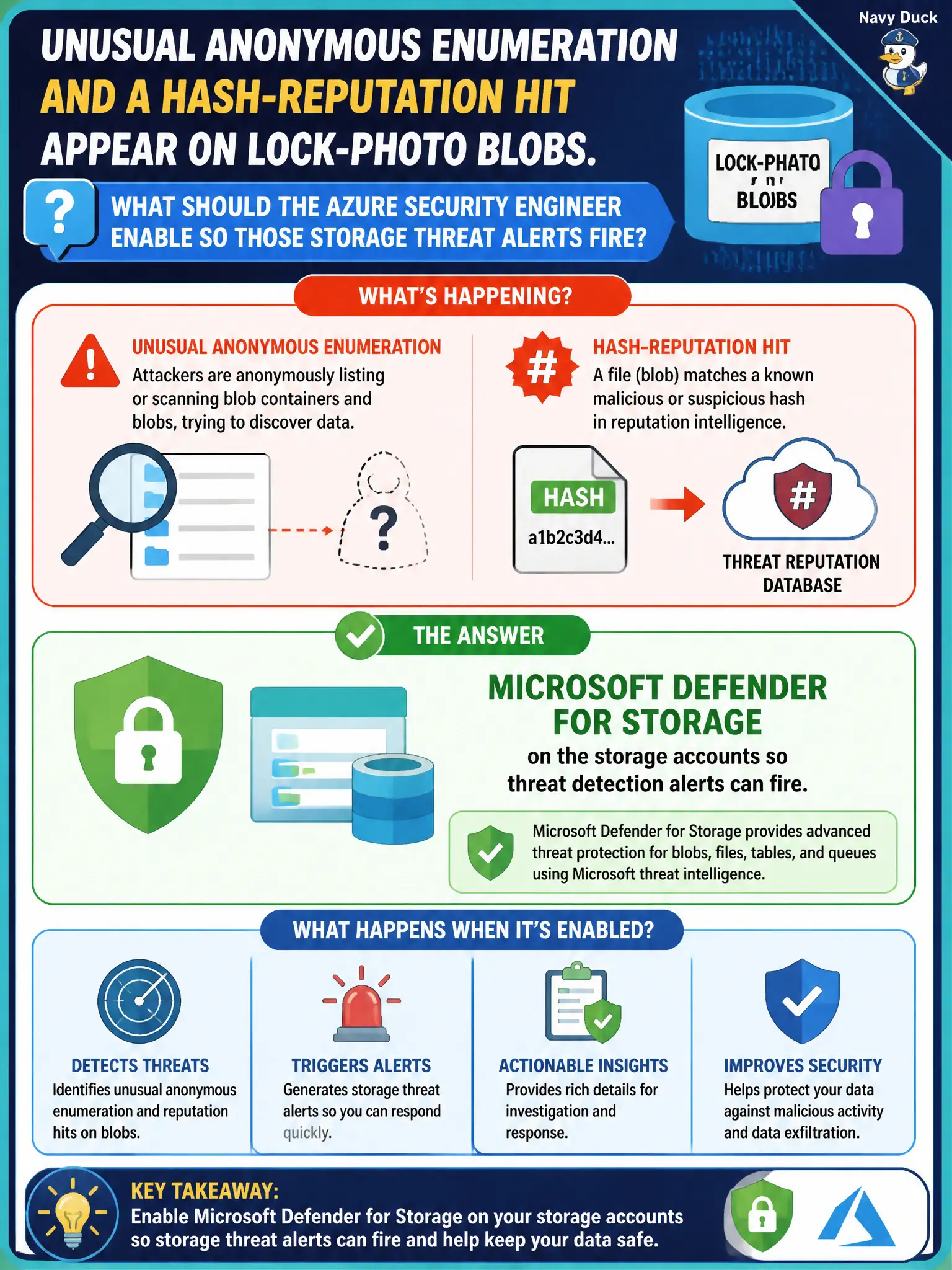
Unusual anonymous enumeration and a hash-reputation hit appear on lock-photo blobs. What should the Azure security engineer enable so those storage threat alerts fire?
Select an answer to reveal the explanation.
Short Explanation
Weird anonymous poking and bad-hash blobs need Defender for Storage watching the account. Rotating keys or redesigning SAS is access hygiene—it does not light up those threat alerts by itself.
Full Explanation
Unusual anonymous enumeration and a hash-reputation hit on lock-photo blobs are storage threat signals. Enable Microsoft Defender for Storage on the storage accounts so those threat detection alerts can fire for the canal photo estate and operators receive actionable workload alerts instead of silent exposure.
Only rotating storage account access keys on a thirty-day timer improves key hygiene; it does not generate Defender for Storage threat alerts for anonymous probing or malicious hashes. Redesigning SAS tokens as a Domain 3 access control is valuable least-privilege work but is not a substitute for the Storage threat-protection plan. Relying on Microsoft Sentinel alone with no Defender for Storage plan leaves the account without the native storage threat detections that typically feed such investigations.
Exam caveat: access hygiene and threat protection are complementary; civic teams still need Defender for Storage enabled on accounts that should raise malware and anomalous-access alerts even when key rotation and SAS redesign are already mature.
Operational check: enable Microsoft Defender for Storage on the lock-photo storage accounts in Defender for Cloud, confirm the plan shows enabled, and validate that threat detection alert types for anomalous access and suspicious hash activity are available for those accounts.