
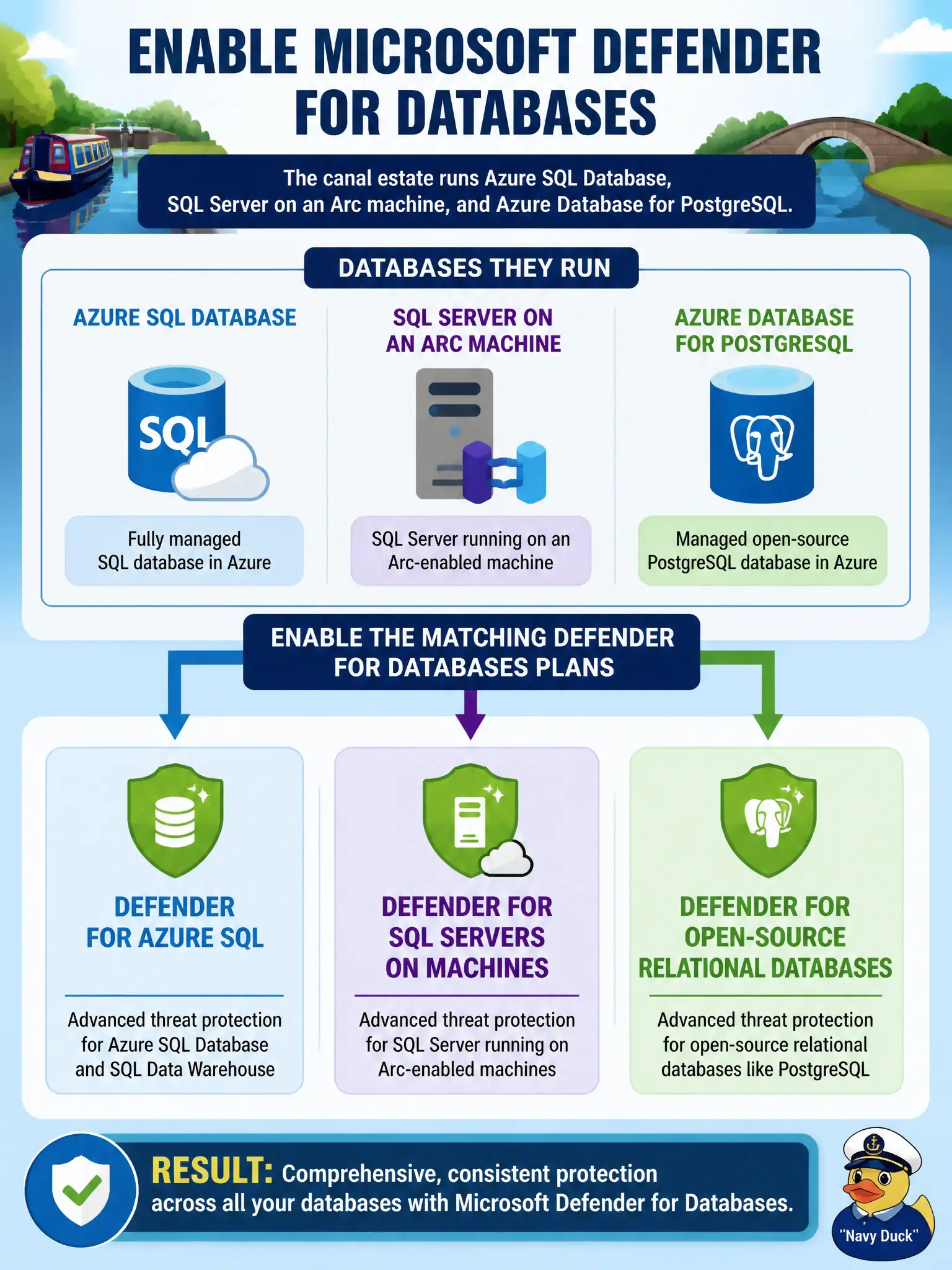
The canal estate runs Azure SQL Database, SQL Server on an Arc machine, and Azure Database for PostgreSQL. How should the Azure security engineer enable Microsoft Defender for Databases?
Select an answer to reveal the explanation.
Short Explanation
Three engines, three matching Defender for Databases plans—Azure SQL, SQL on machines, and open-source relational. Don’t pretend Servers or Storage secretly wrapped the water-quality databases.
Full Explanation
The canal estate runs Azure SQL Database, SQL Server on an Arc machine, and Azure Database for PostgreSQL, so enable the matching Microsoft Defender for Databases plans: Defender for Azure SQL, Defender for SQL servers on machines, and Defender for open-source relational databases. Each engine family maps to a distinct Databases plan path.
Enabling only Transparent Data Encryption on each engine addresses encryption posture, not Defender for Databases threat detection and vulnerability assessment. Enabling a single Defender for Servers plan does not automatically cover every database engine. Enabling only Microsoft Defender for Storage on SQL data and log files protects storage accounts, not database service threat plans.
Exam caveat: “Defender for Databases” is an umbrella; AZ-500 expects recognition that Azure SQL, SQL on machines, and open-source relational databases are configured as matching plans—not one magic toggle for every engine.
Operational check: in Defender for Cloud plans, enable Defender for Azure SQL, Defender for SQL on machines (including Arc where applicable), and Defender for open-source relational databases; then verify each water-quality database resource type shows the expected plan status.