
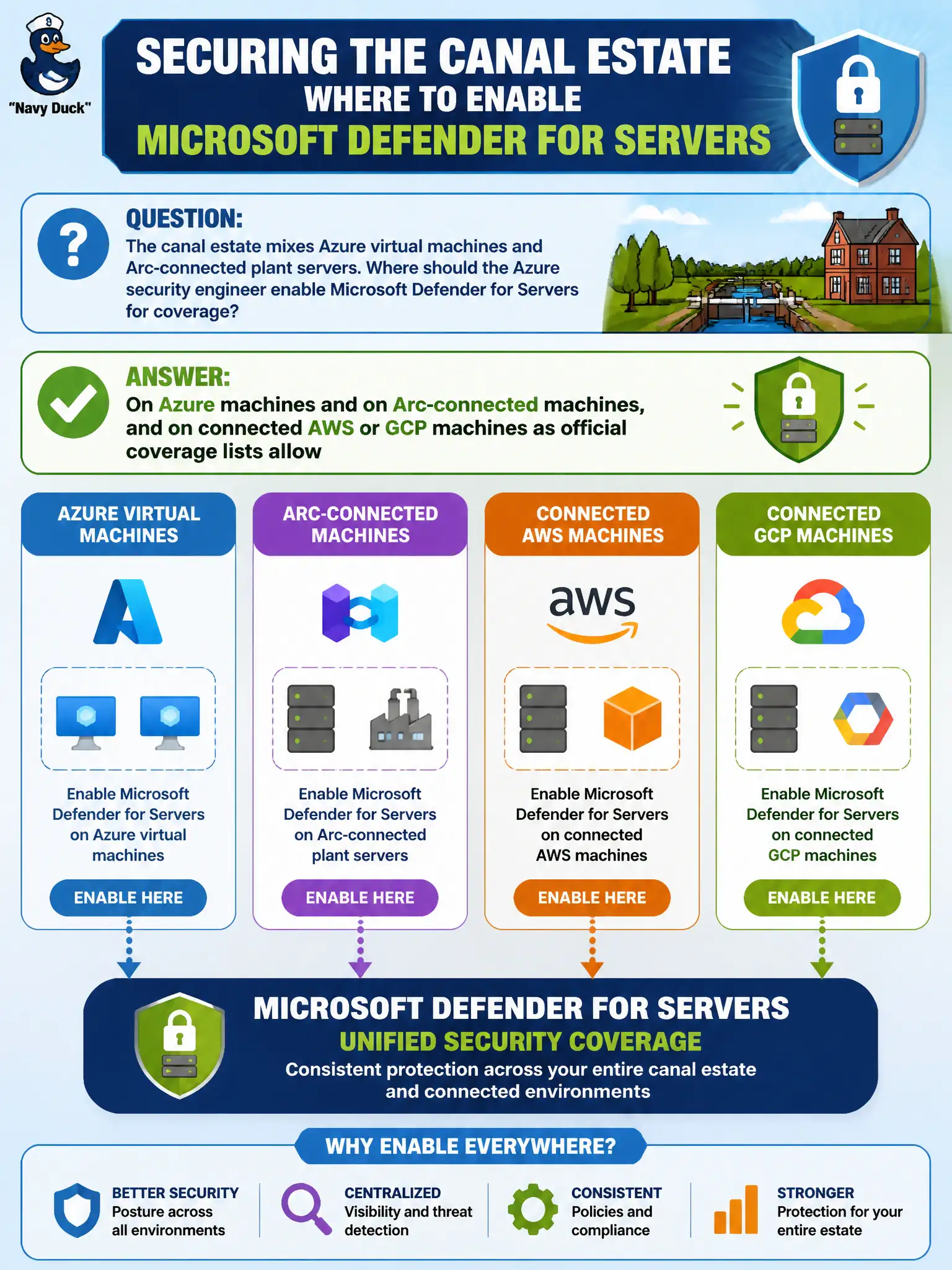
The canal estate mixes Azure virtual machines and Arc-connected plant servers. Where should the Azure security engineer enable Microsoft Defender for Servers for coverage?
Select an answer to reveal the explanation.
Short Explanation
Hybrid does not mean “Azure only.” After the connectors are in, Defender for Servers covers Azure VMs and Arc plant boxes—and AWS/GCP machines when the coverage list says so.
Full Explanation
For a canal estate that mixes Azure virtual machines and Arc-connected plant servers, enable Microsoft Defender for Servers on Azure machines and on Arc-connected machines, and on connected AWS or GCP machines as official coverage lists allow. Hybrid coverage is a first-class Servers plan scenario after connectors are healthy.
Covering only Azure VMs in one resource group and declaring Arc-connected machines forever uncovered contradicts Arc integration with Defender for Servers. Enabling coverage only inside Microsoft Defender for Cloud Apps does not protect hybrid operating systems as a Servers plan substitute. Installing a third-party antimalware extension while disabling Defender for Servers abandons the named AZ-500 CWPP path for hybrid machine protection.
Exam caveat: actual feature parity can differ by machine type and cloud; always check official coverage lists for Arc, AWS, and GCP rather than assuming identical controls everywhere.
Operational check: confirm Arc machines appear in Defender for Cloud Inventory, enable Defender for Servers at the appropriate subscription or connected-scope settings, and verify both Azure lock-lab VMs and Arc plant servers show as protected under the Servers plan.