
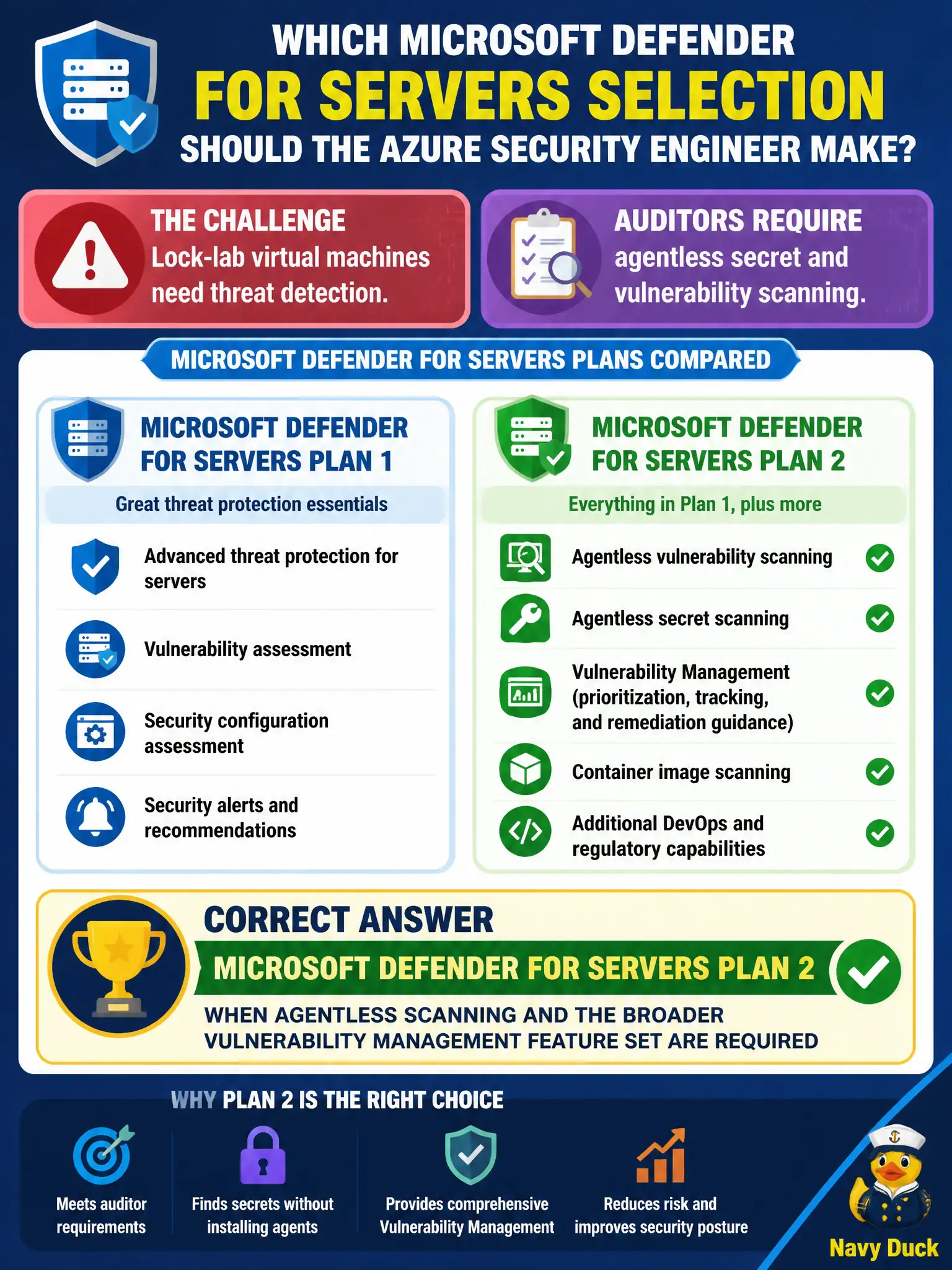
Lock-lab virtual machines need threat detection, and auditors also require agentless secret and vulnerability scanning. Which Microsoft Defender for Servers selection should the Azure security engineer make?
Select an answer to reveal the explanation.
Short Explanation
Need agentless secret and vuln scans plus the fuller MDVM toolkit? That’s Plan 2. Plan 1 is the leaner Endpoint-centered path—don’t expect the whole agentless toolbox there.
Full Explanation
When lock-lab virtual machines need threat detection and auditors also require agentless secret and vulnerability scanning, select Microsoft Defender for Servers Plan 2. Plan 2 is the tier associated with agentless scanning and the broader Microsoft Defender Vulnerability Management feature set required for that audit narrative.
Choosing Plan 1 only is incorrect when the requirement explicitly includes agentless Vulnerability Management capabilities that Plan 1 does not fully provide. Skipping Defender for Servers and enabling just-in-time VM access alone answers a Domain 3 remote-access control, not the Domain 4 plan selection for threat detection and agentless scanning. Enabling only foundational CSPM and claiming agentless secret scanning is included at no plan tier invents coverage CSPM does not deliver.
Exam caveat: Plan 1 versus Plan 2 differences matter on AZ-500; agentless secrets and the fuller MDVM toolkit are Plan 2-oriented expectations in this stem.
Operational check: in Defender for Cloud, set Defender for Servers to Plan 2 for the lock-lab subscription, confirm agentless scanning features show as available, and validate that secret and vulnerability scanning results can populate for in-scope running VMs.