
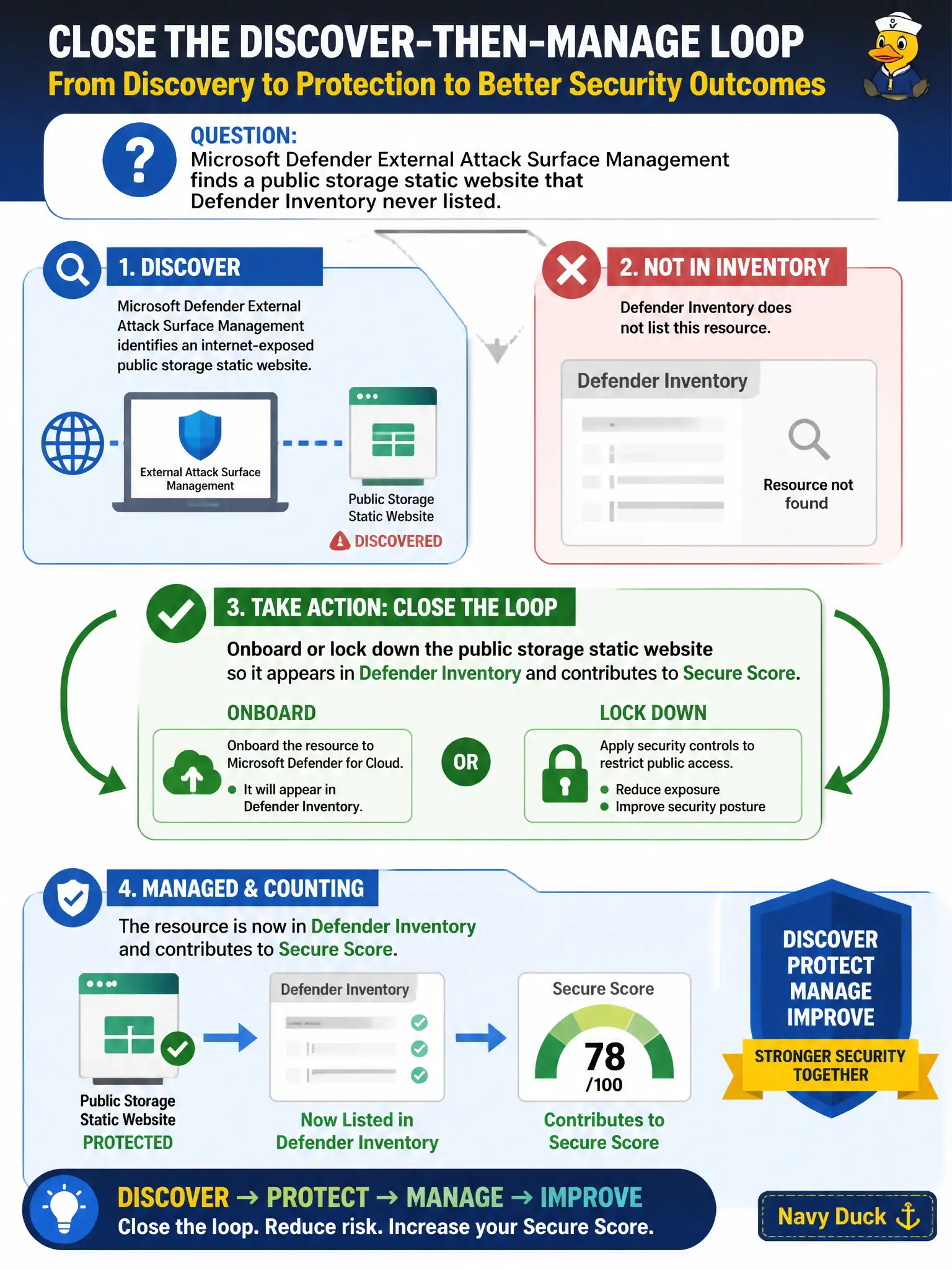
Microsoft Defender External Attack Surface Management finds a public storage static website that Defender Inventory never listed. What should the Azure security engineer do to close the discover-then-manage loop?
Select an answer to reveal the explanation.
Short Explanation
Finding the rogue static site is half the job. Bring it under management—or lock it down—so Inventory and Secure Score finally see it. Discovery without ownership is just a fancy bookmark.
Full Explanation
When Microsoft Defender External Attack Surface Management finds a public storage static website that Defender Inventory never listed, close the discover-then-manage loop by onboarding or locking down that site so it appears in Defender Inventory and contributes to Secure Score—or so the unintended exposure is removed. Discovery without ownership leaves the canal authority with a bookmark instead of managed posture.
Leaving the site unmanaged and only archiving an EASM screenshot for auditors documents risk without reducing it. Deleting Microsoft Defender for Cloud so Inventory stops disagreeing with EASM destroys the posture platform instead of reconciling assets. Creating a Sentinel analytics rule that pages whenever any static website exists, without onboarding the asset, generates noise and still leaves the public site outside Inventory and Secure Score.
Exam caveat: not every EASM candidate belongs in Azure Inventory—some may be third-party or decommissioned—but intentional civic assets must be owned, connected, or explicitly retired. Secure Score only reflects managed posture.
Operational check: identify the storage account hosting the static website, either disable anonymous public website hosting or onboard the account into Defender for Cloud management, then verify the asset appears in Inventory and that Secure Score recommendations begin to apply.