
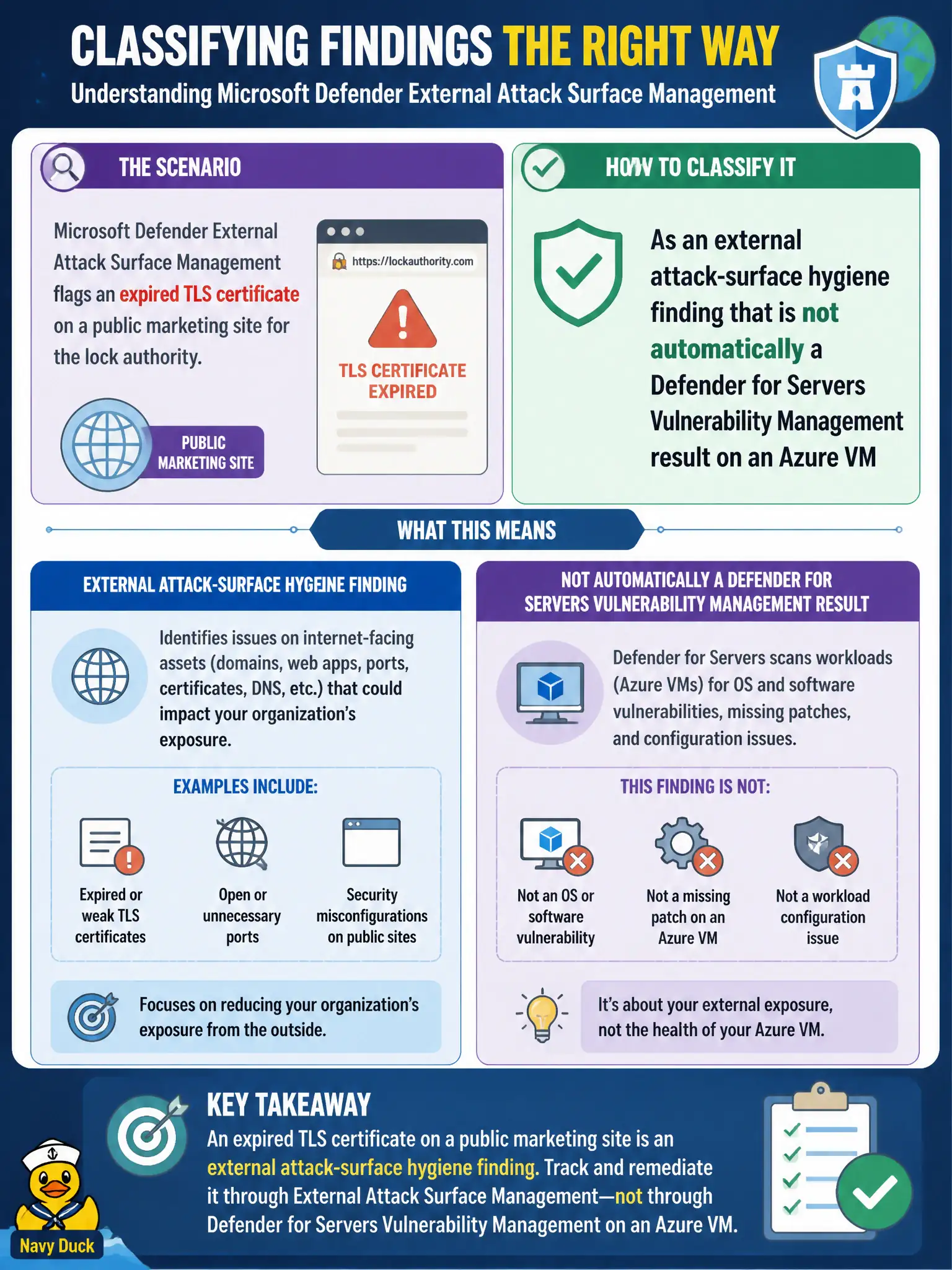
Microsoft Defender External Attack Surface Management flags an expired TLS certificate on a public marketing site for the lock authority. How should the Azure security engineer classify that finding?
Select an answer to reveal the explanation.
Short Explanation
Expired cert on the public brochure site is Internet surface dirt—not a guest OS CVE on some Azure VM. Fix the external hygiene; don’t pretend EASM just invented a Servers Vulnerability Management ticket.
Full Explanation
An expired TLS certificate on a public marketing site flagged by Microsoft Defender External Attack Surface Management is an external attack-surface hygiene finding. It describes Internet-facing exposure for the lock authority’s public presence and is not automatically a Microsoft Defender for Servers Vulnerability Management result on an Azure virtual machine guest.
Treating the finding as an automatic Defender for Servers Vulnerability Management CVE on an Azure VM conflates external surface hygiene with guest OS vulnerability assessment. Labeling it a Domain 3 disk-encryption recommendation that must enable ADE on every marketing VM invents a disk-encryption control where none was signaled. Calling it proof that Microsoft Defender for Storage malware scanning failed on the certificate file confuses TLS certificate lifecycle with blob malware scanning.
Exam caveat: EASM and Defender Vulnerability Management can both matter for civic estates, but their finding types and remediation owners differ. Do not auto-create Servers MDVM tickets from every EASM hygiene item.
Operational check: open the EASM finding for the expired marketing-site certificate, assign it to the team that owns the public site’s certificate lifecycle, renew or replace the certificate, and confirm the external finding clears without inventing a guest CVE on an unrelated Azure VM.