
The first Microsoft Defender External Attack Surface Management run for the canal authority is noisy with candidate assets. What should the Azure security engineer configure next at security-engineer depth?
Select an answer to reveal the explanation.
Short Explanation
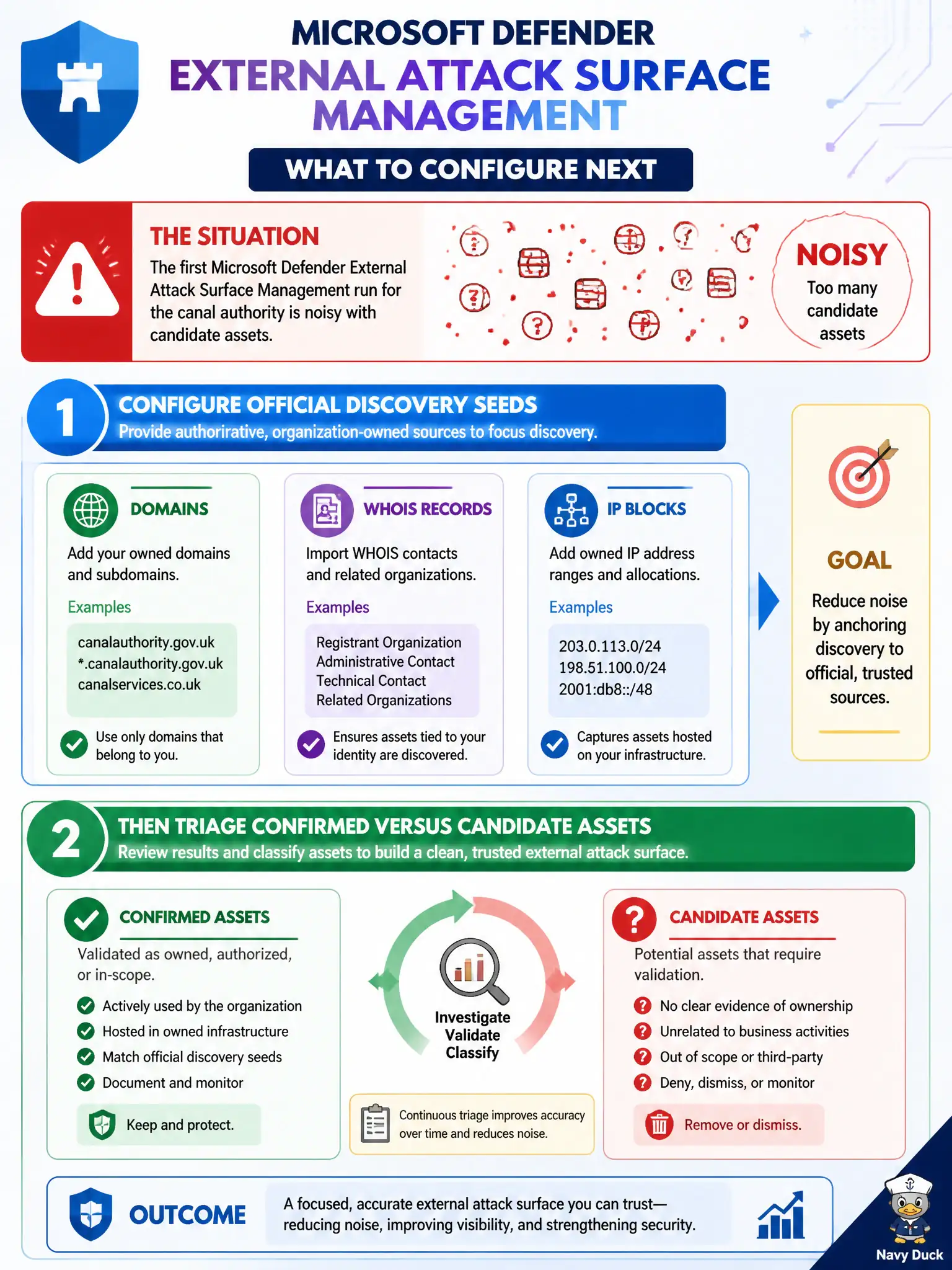
First EASM sweep always looks like a junk drawer. Plant the official seeds—domains, WHOIS, IP blocks—then separate confirmed assets from the maybe pile so ops is not chasing ghosts.
Full Explanation
When the first Microsoft Defender External Attack Surface Management run for the canal authority is noisy, configure official discovery seeds—domains, WHOIS records, and IP blocks recognized as authoritative—then triage confirmed versus candidate assets. Seed quality and disciplined triage are the security-engineer depth controls that turn a junk drawer of candidates into an actionable external inventory.
Disabling EASM permanently and relying only on subscription Inventory tags abandons Internet-facing discovery for assets Inventory never saw. Pasting every discovered hostname into a Security Copilot prompt skips seed configuration and produces no durable, auditable inventory classification. Exporting the noisy list into Azure Policy and marking every candidate compliant misuses compliance tooling to rubber-stamp unverified Internet findings.
Exam caveat: seeds define the discovery boundary; overly broad seeds increase noise, while missing official domains leave real civic marketing and API surfaces undiscovered. Confirmed versus candidate classification is part of the operating model, not optional cleanup.
Operational check: in EASM settings, register the canal authority’s primary domains, WHOIS-linked records, and public IP blocks; re-run discovery; then classify a sample of assets as confirmed or candidate and verify operators stop chasing unconfirmed ghosts.